•
Full wake mode: Raising your wrist activates the watch, making it ready to use.
CAUTION: Prolonged use of the high brightness display reduces battery life and may
cause screen burn-in. Avoid using high brightness for extended period to lengthen display
lifetime.
NOTE: For dive display brightness information, see 5.3. Dive settings.
3.3. Tones and vibration
Tones and vibration alerts are used for
notifications, for non-dive alarms and for other key
events and actions. Both tones and vibration alerts can be adjusted from the settings under
General » Tones.
Under Tones, you can select from the following options:
•
All on: all events trigger an alert
•
All o: no events trigger alerts
•
Buttons o: all events other than pushing buttons trigger alerts.
By toggling Vibration, you can switch vibrations on and o.
Under Alarm, you can select from the following options:
•
Vibration: vibration alert
•
Tones: sound alert
•
Both: both vibration and sound alerts.
NOTE: These tone and vibration settings do not aect scuba and freediving activities.
See 5.4. Dive alarms for dive alarm settings.
3.4. Bluetooth connectivity
Suunto Ocean uses Bluetooth technology to send and receive information from your mobile
device when you have paired your watch with the Suunto app. Same technology is also used
when pairing PODs and sensors.
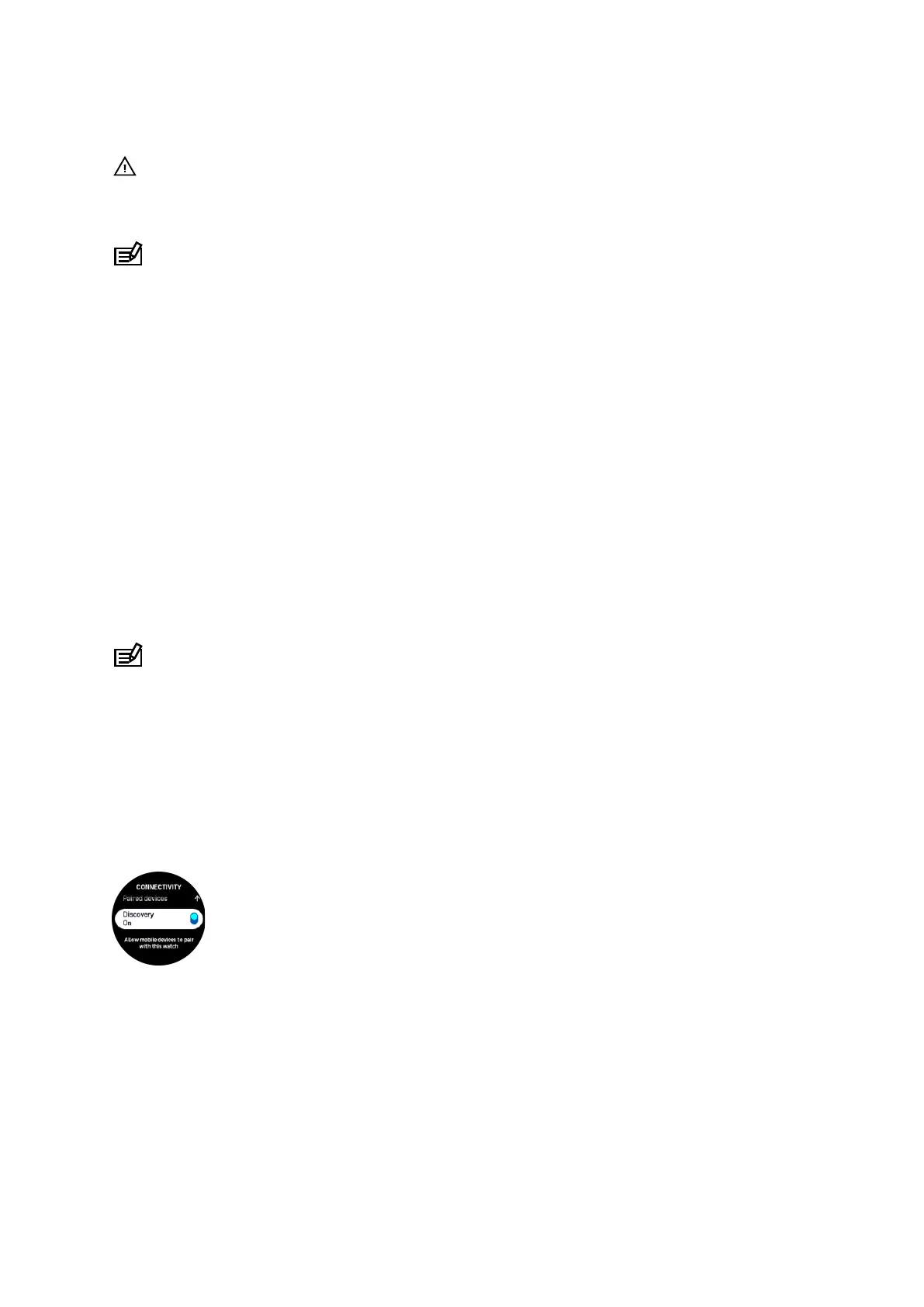
However, if you do not want your watch to be visible for Bluetooth scanners, you can activate
or deactivate the discovery setting from the settings under Connectivity » Discovery.
The Bluetooth can also be completely turned o by activating airplane mode, see 3.5.
Airplane mode.
3.5. Airplane mode
Activate airplane mode when needed to turn o wireless transmissions. You can activate or
deactivate airplane mode from the settings under Connectivity or in the Control panel.
Suunto Ocean
13















 To Next Page