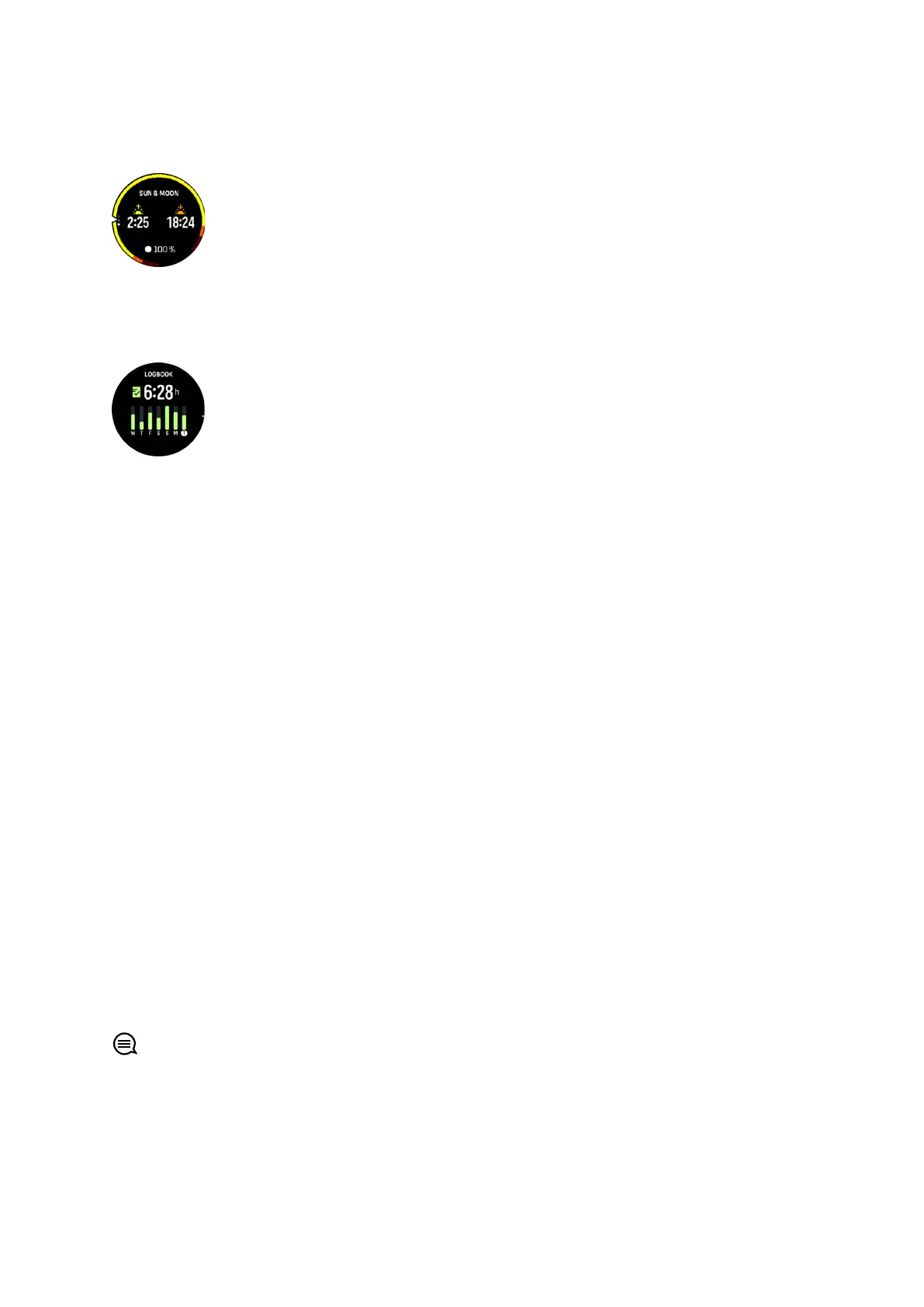
If you select the widget, you get more details such as the time when the sun rises and sets,
and also the current moon phase.
9.13. Logbook
Your watch provides an overview of your training activity via a logbook.
In the logbook you can see a summary of your current training week. The summary includes
the total duration and an overview of which days you have exercised.
Swiping up gives you information on which activities you have performed and when. Selecting
one of the activities, by pressing the middle button, provides you with even more details and
also the possibility to delete the activity from your logbook.
9.14. Resources
Your resources are a good indication of your body's energy levels and translate into your
ability to handle stress and cope with the day's challenges.
Stress and physical activity deplete your resources, while rest and recovery restore them.
Good sleep is an essential part of ensuring your body has the resources it needs.
When your resource levels are high, you will likely feel fresh and energetic. Going for a run
when your resources are high means you'll probably have a great run, because your body has
the energy it needs to adapt and improve as a result.
Being able to track your resources can help you manage and use them wisely. You can also
use your resource levels as a guide to identify stress factors, personally
eective recovery
boosting strategies, and the impact of good nutrition.
Stress and recovery uses optical heart sensor readings and to get those during the day, daily
HR must be enabled, see 9.4. Heart rate.
It is important that your Max HR and Rest HR are set to match your heart rate to ensure that
you get the most accurate readings. By default, the Rest HR is set to 60 bpm and the Max HR
is based on your age.
These HR values can easily be changed in the settings under General » Personal.
TIP: Use the lowest heart rate reading measured during your sleep as your Rest HR.
From the watch face, press the lower button to scroll to the resources widget.
Suunto Ocean
94















 To Next Page