•
Tank pressure (Tank POD) (see 5.6.1. How to install and link a Suunto Tank POD)
•
Heart rate
•
Bike
•
Power
•
Foot
NOTE: You cannot pair anything if airplane mode is on. Turn o airplane mode before
pairing. See 3.5. Airplane mode.
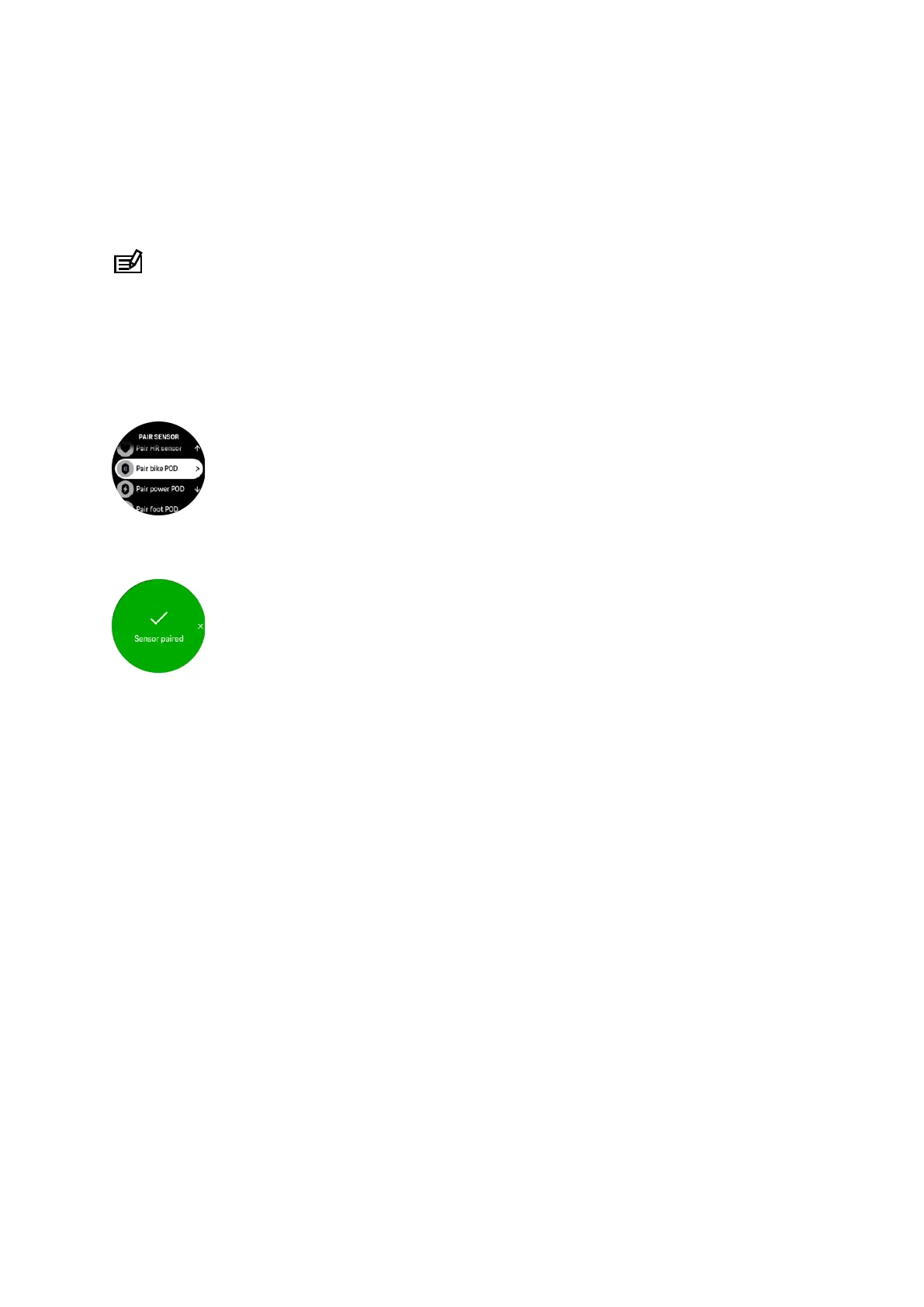
To pair a sports pod or sensor:
1. Go to your watch settings and select Connectivity.
2. Select Pair sensor to get the list of sensor types.
3. Swipe down to see the whole list and tap on the sensor type you want to pair.
4. Follow the instructions in the watch to complete pairing (refer to sensor or pod manual if
needed), press the middle button to advance to the next step.
If the pod has required settings, such as crank length for a power pod, you are prompted to
enter a value during the pairing process.
Once the pod or sensor is paired, your watch searches for it as soon as you select a sport
mode that uses that sensor type.
You can see the full list of paired devices in your watch from the settings under Connectivity »
Paired devices.
From this list, you can remove (unpair) the device if needed. Select the device you want to
remove, and tap Forget.
For information on how to pair your Suunto Ocean with the Suunto Tank POD, see 5.6.1. How
to install and link a Suunto Tank POD.
3.13.1. Calibrating bike pod
For bike pods, you need to set the wheel circumference in your watch. The circumference
shall be in millimeters and it is done as a step in the calibration. If you change the wheels (with
new circumference) of your bike, the wheel circumference setting in the watch must also be
changed.
To change the wheel circumference:
1. In settings, go to Connectivity » Paired devices.
2. Select Bike POD.
3. Select the new wheel circumference.
Suunto Ocean
17















 To Next Page