8. Navigation
You can use your watch to navigate in various ways. You can, for example, use it to orient
yourself in relation to magnetic north, navigate a route or to a point of interest (POI).
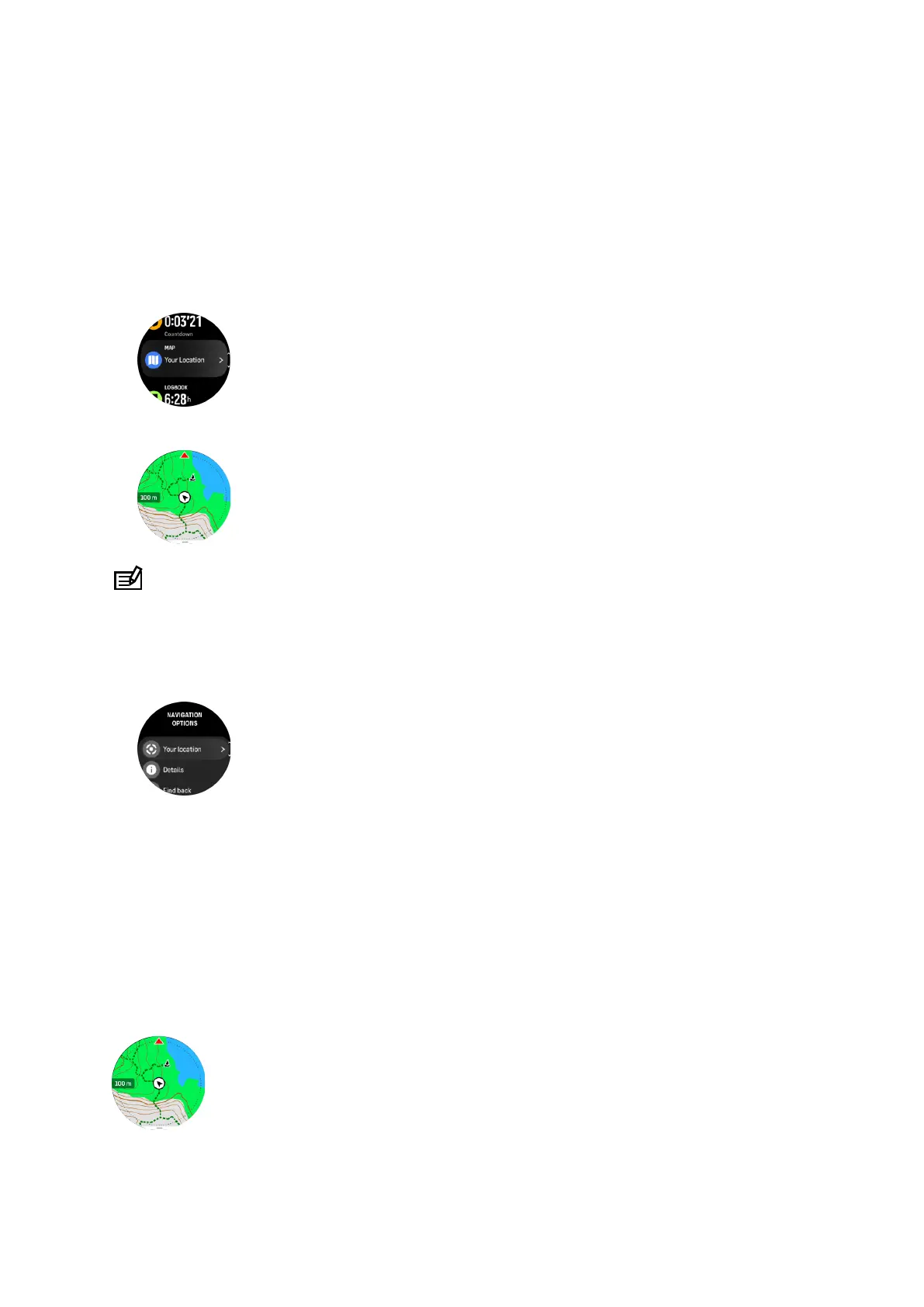
To use the navigation feature:
1. Swipe up from watch face or press the lower button.
2. Scroll down to Map and select it.
3. The map display shows your current location and the surroundings.
NOTE: If the compass is not calibrated, you are prompted to calibrate the compass
when you enter the map.
4. Press the lower button to open a list of shortcuts. The shortcuts give you quick access to
navigation actions such as checking the coordinates of your current location or selecting a
route to navigate.
8.1. Oine maps
With Suunto Ocean, you can have oine maps downloaded on your watch, and leave your
phone behind and find your way just by using your watch.
Before you can use oine maps in your watch, you need to set up a wireless network
connection in Suunto app and download the selected map area to your watch. You will get a
notification on your watch when the map download is complete.
A more detailed instruction on how to setup a wireless network and download oine maps in
Suunto app is available here.
Select oine maps before exercise:
Suunto Ocean
78















 To Next Page