WARNING: Only perform decompression diving if you have received proper training to
do so.
5.8.3. Surface and no-fly time
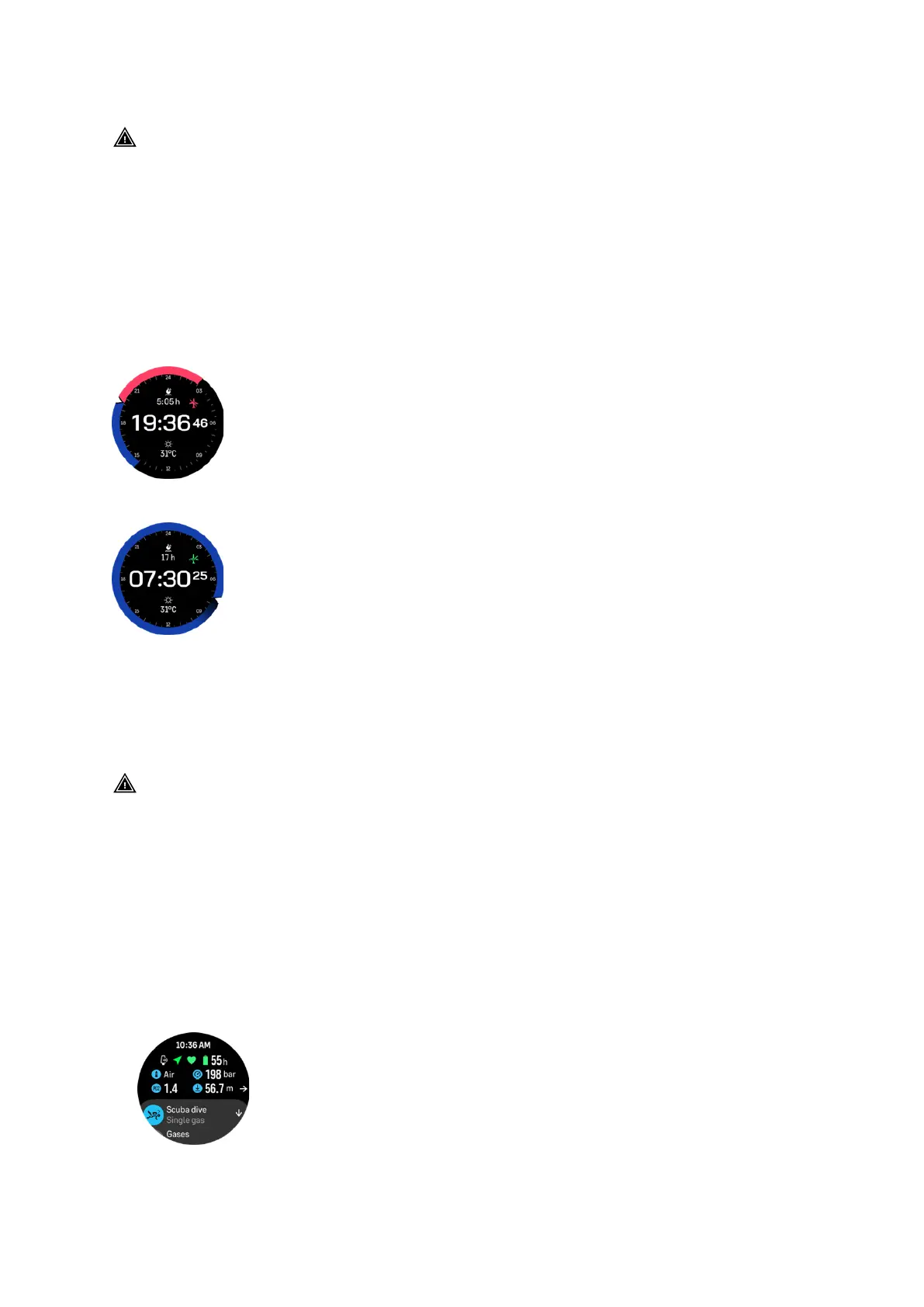
After a dive, Suunto Ocean displays surface time since the previous dive and a countdown
time for recommended no-fly time in the watch face and in the dive stats widgets. You will see
a red airplane icon and a red arch on the watch face as long as the
no-fly time is present. The
arch shows the estimated time for when the no-fly time will end.
The following screen shows that 5 hours and 5 minutes have passed since the last scuba
dive, and the no-fly time will end at 2.30:
The following screen shows that the no-fly time has ended.
No-fly time is the minimum surface time after a dive which is recommended to wait before
entering and flying with an airplane. It is always at least 12 hours and equals desaturation time
when it is more than 12 hours. For desaturation times shorter than 75 minutes, no-fly time is
not displayed.
If an algorithm deviation has occurred during the dive, the no-fly time is always 48 hours.
WARNING: YOU ARE ADVISED TO AVOID FLYING ANY TIME THE COMPUTER COUNTS
DOWN THE NO-FLY TIME. ALWAYS ACTIVATE THE COMPUTER TO CHECK THE REMAINING
NO-FLY TIME PRIOR TO FLYING! Flying or traveling to a higher altitude within the no-fly time
can greatly increase the risk of DCS. Review the recommendations given by Divers Alert
Network (DAN). There can never be a
flying-after-diving rule that is guaranteed to completely
prevent decompression sickness!
5.8.4. Example - Single gas mode
The following example shows a no-decompression dive in Single gas mode with Air and a
Suunto Tank POD.
1. Pre-dive screen:
Suunto Ocean
68















 To Next Page