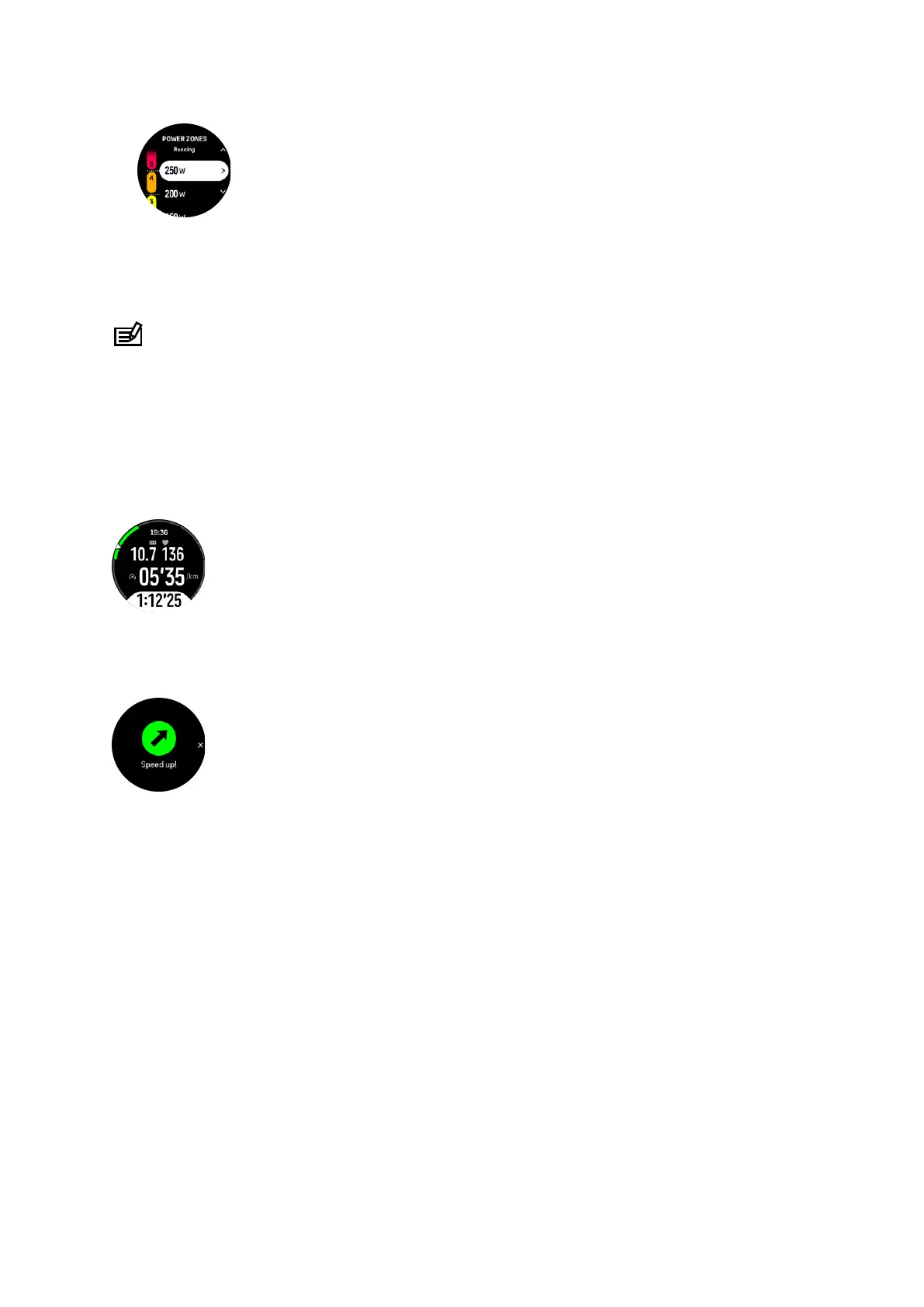
5. Press the middle button to select the new power value.
6. Swipe right or press and hold the middle button to exit the power zones view.
4.11.4. Using HR, pace or power zones when exercising
NOTE: You need to have a power pod paired with your watch to be able to use power
zones when exercising, see 3.13. Pairing pods and sensors.
When you record an exercise (see 4. Recording an exercise), and have selected HR, pace or
power as an intensity target (see 4.3. Using targets when exercising) a zone gauge, divided
into
five sections, is viewed. These five sections are shown around the outer edge of the
sport mode display. The gauge indicates the zone you have chosen as an intensity target by
lighting up the corresponding section. The small arrow in the gauge indicates where you are
within the zone range.
Your watch alerts you when you hit your selected target zone. During your exercise the watch
will prompt you to speed up or slow down, if your current HR, pace or power is outside the
selected target zone.
In addition, a dedicated display for intensity zones can be added if you customize the current
sport mode you are using. The zone display shows your current zone in the middle field, how
long you have been in that zone, and how far away you are to the next zones up or down. The
middle bar also lights up, indicating that you are training in the correct zone.
In the exercise summary, you get a breakdown of how much time you have spent in each
zone.
Suunto Ocean
35















 To Next Page