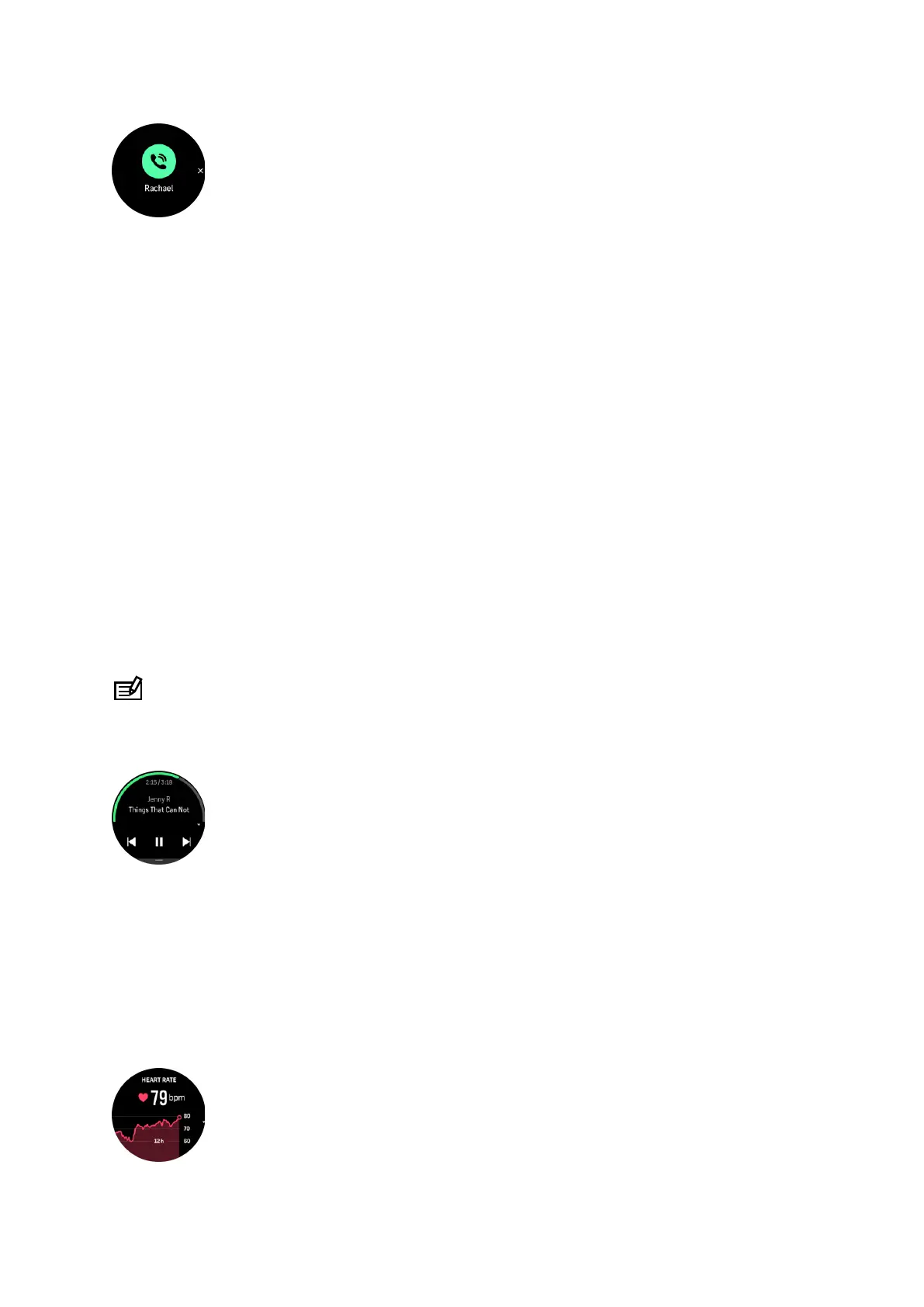
Press the middle button to remove the popup. If the message doesn't fit on the screen, press
the lower button or swipe up to scroll through the full text.
Below Actions, you can interact with the notification (the available options vary depending on
your phone and which of your mobile apps sent the
notification).
For apps used for communications, you can use your watch to send a Quick reply. You can
select and modify the predefined messages in Suunto app.
Notification history
If you have unread notifications or missed calls on your mobile device, you can view them on
your watch.
From the watch face, swipe up and select the notification widget and then press the lower
button to scroll through the notification history.
The notification history is cleared when you check the messages on your mobile device or if
you select Clear all messages in the
notification widget.
9.3. Media controls
Your Suunto Ocean can be used to control the music, podcast, and other media played on
your phone or being cast from your phone to another device.
NOTE: You need to pair your watch with your phone before you can use Media controls.
To access the media controls widget, press the lower button from watch face or, during an
exercise, press the middle button until the media control widget is shown.
In the media control widget, tap play, next track or previous track to control your media.
Swipe up or press the lower button to enter the complete setup of the media controls.
Press the middle button to exit the media control widget.
9.4. Heart rate
From the watch face view, swipe up or press the lower button to scroll to the heart rate (HR)
widget.
Suunto Ocean
88















 To Next Page