3.10. Language and unit system
You can change your watch language and unit system from the settings under General »
Language.
3.11. Watch faces
Suunto Ocean comes with several watch faces to choose from, both digital and analog styles.
To change the watch face:
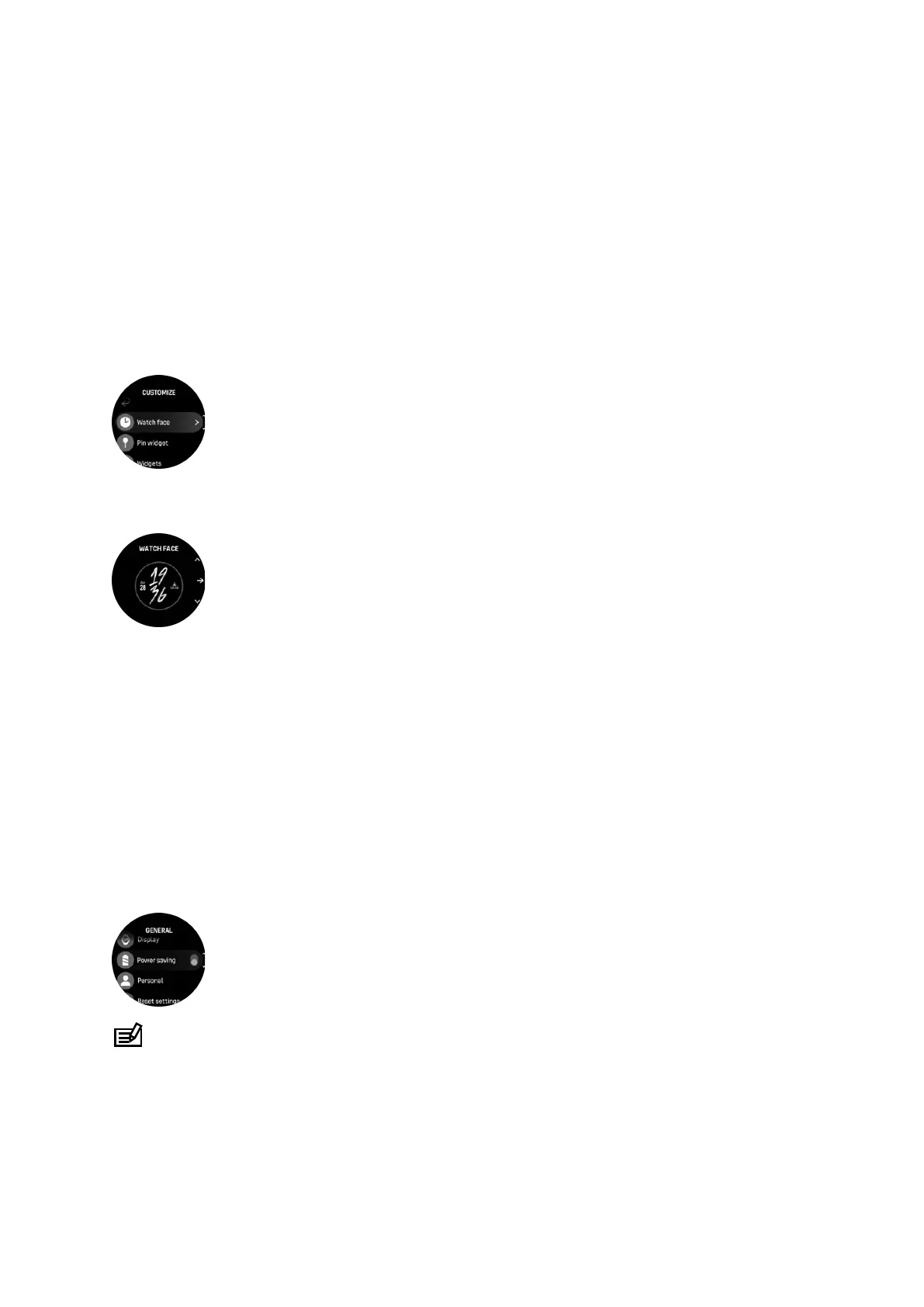
1. Select Customize from the Settings or in the Control panel.
2. Scroll to Watch face and tap or press the middle button to enter.
3. Swipe up and down to scroll through the watch face previews and tap on the one you
want to use.
4. Swipe up and down to scroll through the color options and tap on the one you want to
use.
Each watch face has additional information, such as date or dual time. Tap the display to
switch between views.
3.12. Power saving
Your watch includes a power saving option that turns o all vibration, daily HR and Bluetooth
notifications to extend battery life during normal daily use. For power saving options while
recording activities, see 4.4. Battery power management.
Enable/disable power saving from the settings under General » Power saving or in the
Control panel.
NOTE: Power saving is automatically enabled when the battery level reaches 10%.
3.13. Pairing pods and sensors
Pair your watch with Bluetooth Smart pods and sensors to collect additional information, such
as cycling power, when recording an exercise.
Suunto Ocean supports the following types of dive and other sports pods and sensors:
Suunto Ocean
16















 To Next Page