TIP: Please refer to www.suunto.com or Suunto app to learn more about Suunto's training
load analysis concept.
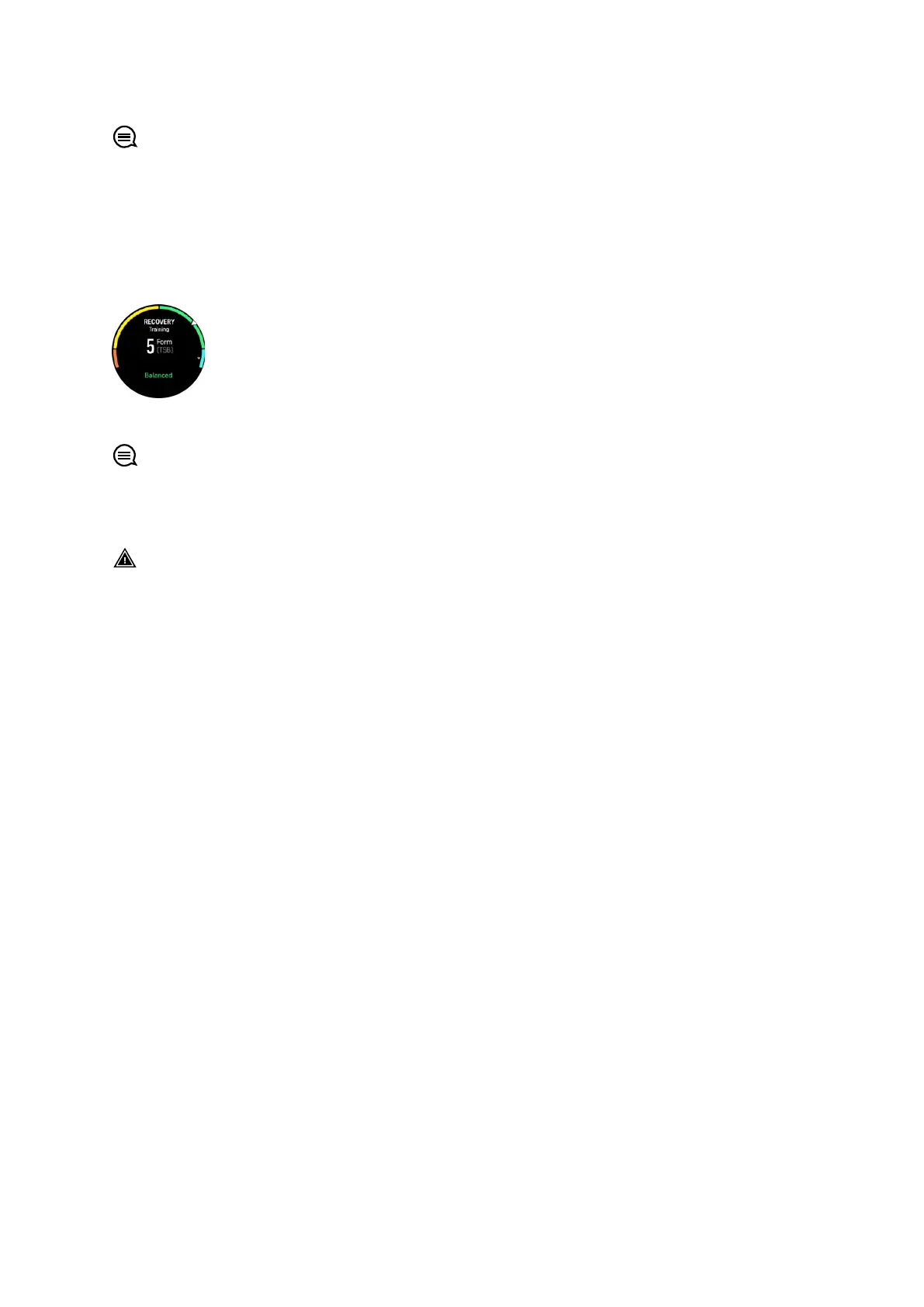
9.8. Recovery, training
The recovery training widget shows your current form and your workout feelings the last
week as well as your last 6 weeks. Please note that you need to register you feeling after
each workout to get this data, see 4.10. Feeling.
This widget will also tell you how your recovery matches your current training load.
TIP: Please refer to www.suunto.com or Suunto app to learn more about Suunto's training
load analysis concept.
9.9. Blood oxygen
WARNING: Suunto Ocean is not a medical device and the blood oxygen level indicated
by Suunto Ocean is not intended for diagnosing or monitoring medical conditions.
You can measure your blood oxygen levels with Suunto Ocean. From the watch face view,
swipe up or press the lower button to scroll to the Blood oxygen widget.
Blood oxygen level can provide an indication of overtraining or fatigue and the measurement
can also be a helpful indicator of high altitude acclimation progress.
Normal blood oxygen levels are between 96% and 99% at sea level. At high altitudes, healthy
values can be slightly lower. Successful acclimation to high altitude makes the value increase
again.
How to measure your blood oxygen level:
1. From the watch face, swipe up or press the lower button to scroll to the Blood oxygen
widget.
2. Select Measure now.
3. Hold your hand still while the watch is measuring.
4. If the measuring failed, please follow the in-watch instructions.
5. When the measuring is complete, your blood oxygen value is displayed.
You can also measure your blood oxygen level during your 9.10. Sleep.
9.10. Sleep
A good night's sleep is important for a healthy mind and body. You can use your watch to
track your sleep and follow how much sleep you get on average.
When you wear your watch while sleeping, Suunto Ocean tracks your sleep based on
accelerometer data.
To track sleep:
1. From watch face, scroll down and select Sleep .
Suunto Ocean
91















 To Next Page