Paper maps point to true north. Compasses, however, point to magnetic north – a region
above the Earth where the Earth’s magnetic fields pull. Because magnetic North and true
North are not at the same location, you must set the declination on your compass. The angle
in between magnetic and true north is your declination.
The declination value appears on most maps. The location of magnetic north changes yearly,
so the most accurate and up-to-date declination value can be found from websites such as
www.magnetic-declination.com.
Orienteering maps, however, are drawn in relation to magnetic north. If you are using an
orienteering map, you need to turn the declination correction
o by setting the declination
value to 0 degrees.
You can set your declination value from the Settings under Navigation » Declination.
9.17. Timer
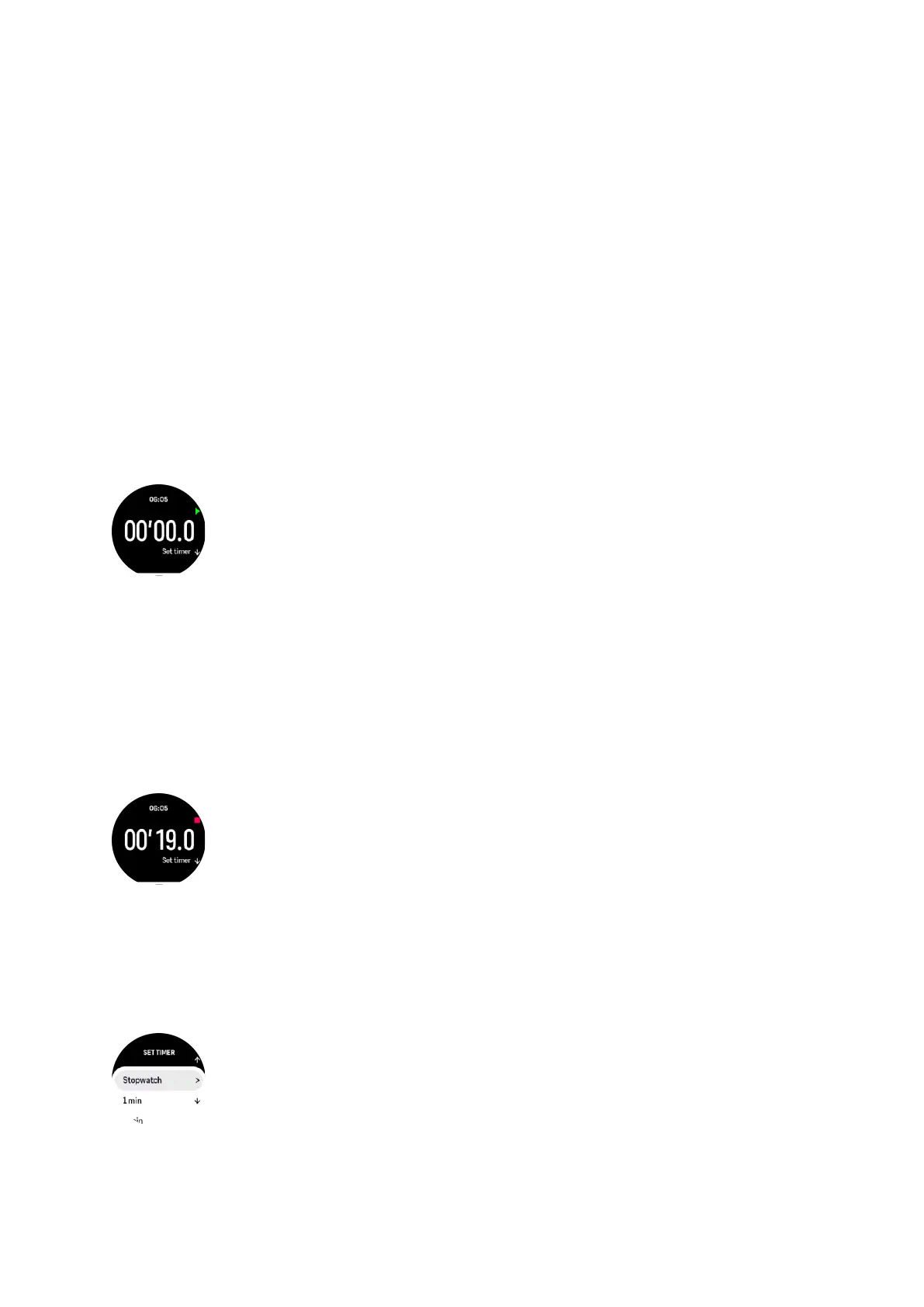
Your watch includes a stopwatch and countdown timer for basic time measurement. From the
watch face, swipe up or press the lower button until you reach the timer widget.
When you first enter the widget, it shows the stopwatch. After that, it remembers whatever
you used last, stopwatch or countdown timer.
Swipe up or press the lower button to open the SET TIMER shortcuts menu where you can
change the timer settings.
Stopwatch
Start and stop the stopwatch by pressing the upper button. You can resume by pressing the
upper button again. Reset by pressing the lower button.
Exit the timer by swiping right or use the middle button.
Countdown timer
In the timer widget, swipe up or press the lower button to open the shortcuts menu. From
there you can select a pre-defined countdown time or create custom countdown time.
Stop and reset as needed with the upper and lower buttons.
Suunto Ocean
97















 To Next Page