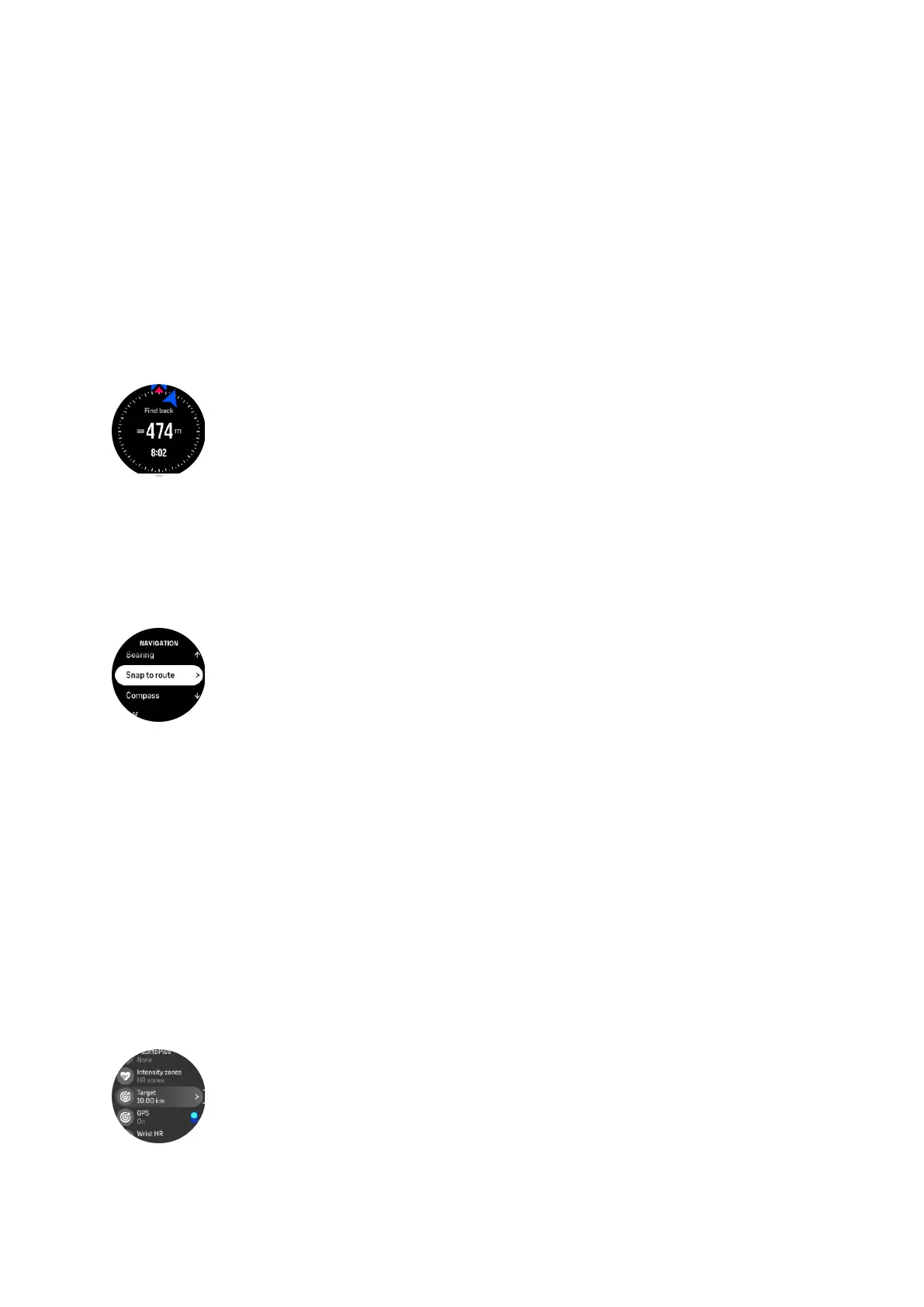
4.2.1. Find back
If you are using GPS when recording an activity, Suunto Ocean automatically saves the
starting point of your exercise. With Find back, Suunto Ocean can guide you directly back to
your starting point.
To start Find back:
1. Start an exercise with GPS.
2. Press the middle button until you reach the navigation display.
3. Press the lower button to open the shortcut menu.
4. Scroll to Find back and tap the screen or press the middle button to select.
The navigation guidance is shown in the navigation display.
4.2.2. Snap to route
In urban surroundings the GPS can struggle to follow you correctly. If you select one of your
predefined routes and follow that route, the watch GPS is used purely to locate where you are
on the predefined route, not actually creating a track from the run. The recorded track will be
identical to the route used for the run.
To use Snap to route during exercise:
1. Create a route in Suunto app and sync your watch if you haven't done so already.
2. Select a sport mode that uses GPS.
3. Scroll down and select Navigation.
4. Select Snap to route and press the middle button.
5. Select the route you want to use and press the middle button.
Start your exercise as normal and follow the selected route.
4.3. Using targets when exercising
It is possible to set
dierent targets with your Suunto Ocean when exercising.
If the sport mode you selected has targets as an option, you can adjust them before starting
the recording by swiping up or pressing the lower button.
To exercise with general target:
Suunto Ocean
26















 To Next Page