2. Getting started
Starting your Suunto Ocean for the first time is quick and simple.
1. Keep the upper button pressed to wake up the watch.
2. Tap the screen to begin the setup wizard.
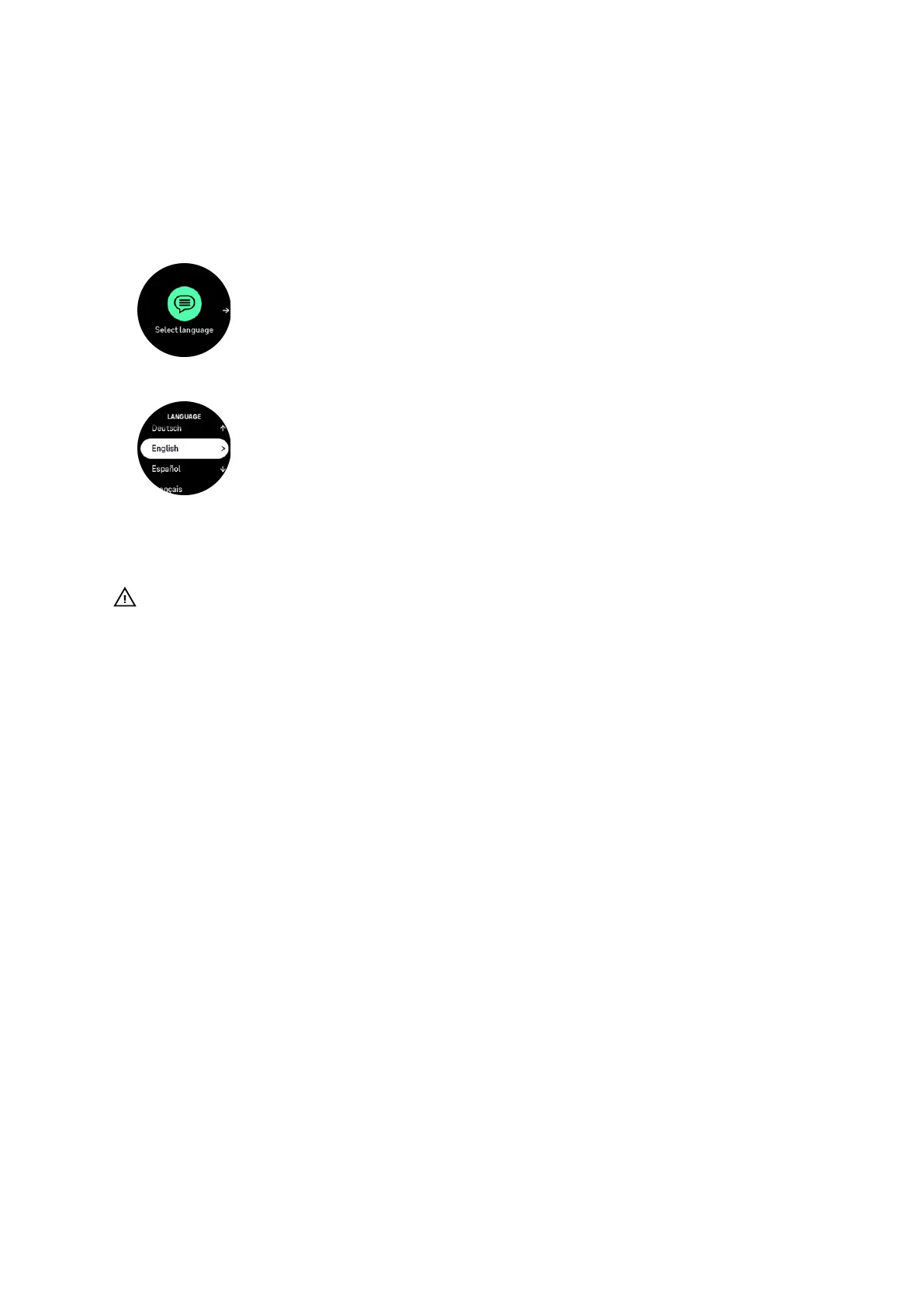
3. Select your language by swiping up or down and tapping on the language.
4. Carefully read the warning that pops up and confirm you understand it by tapping on OK.
5. Follow the wizard to complete initial settings. Swipe up or down to select values. Tap the
screen or press the middle button to accept a value and go to the next step.
CAUTION: Only use the provided charging cable when charging your Suunto Ocean.
2.1. Touch screen and buttons
Suunto Ocean has a touch screen and three buttons you can use to navigate through displays
and features.
Swipe and tap
•
swipe up or down to move in displays and menus
•
swipe right and left to move backwards and forwards in displays
•
tap to select an item
Upper button
•
from watch face, press to open the list of the most recently used sport modes
•
from watch face, long press to
define and open shortcuts
Middle button
•
press to select an item
•
from watch face, press to open the pinned widget
•
from watch face, long press to open settings menu
•
keep pressed to go back in settings menu
Lower button
•
press to move down in views and menus
•
from watch face, press to open the list of the widgets
•
from watch face, long press to enter the control panel
Suunto Ocean
8















 To Next Page