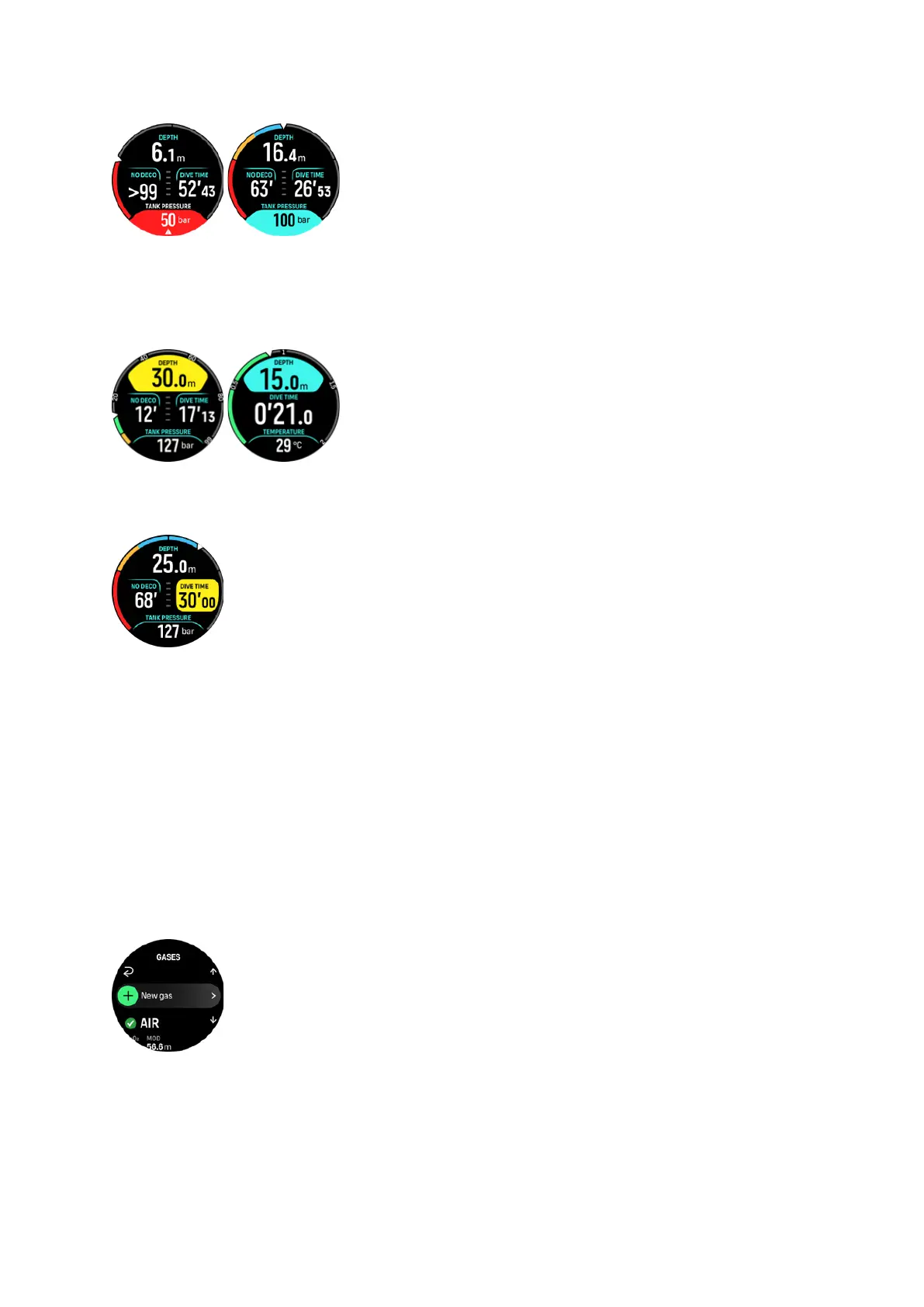
Depth
You can
define a depth alarm between 3.0 m and 59.0 m. Depth alarms are convenient to
have especially when freediving to notify you of dierent phases of the freedive. You can also
set a depth alarm to notify you when reaching your personal depth limit during diving.
Dive time
Dive time alarms can be defined in minutes and seconds to a maximum of 99 min.
5.4.3. System errors
All computers experience failures. It is possible that this device may suddenly fail to provide
accurate information during your dive. Always have a plan on how to handle failures, use a
backup dive device and only dive with a buddy. In the unlikely event that the dive computer
malfunctions during a dive, follow the emergency procedures provided by your
certified dive
training agency to immediately and safely ascend. Contact Suunto customer support if you
experience a system error.
5.5. Gases
In both Single gas and Multigas modes, the default active gas is Air. In the Gases menu you
can edit your active gas or create a new gas.
You cannot delete your active gas. If you want to change your active gas you need to either
modify the existing gas or create a new gas and set the gas state to active. If you change the
active gas, the previous gas will be disabled (Single gas mode) or enabled (Multigas mode).
Suunto Ocean
52















 To Next Page