NOTE: If you have not paired a Suunto Tank POD, the switch window tank pressure will
read No Tank Pod. If A Tank POD is paired but no data is being received, the field shows - -.
This may be because the POD is not in range, the tank is closed, or the POD battery is low.
NOTE: LED lights may interfere with the Tank pressure signal.
5.6.3. Gas consumption
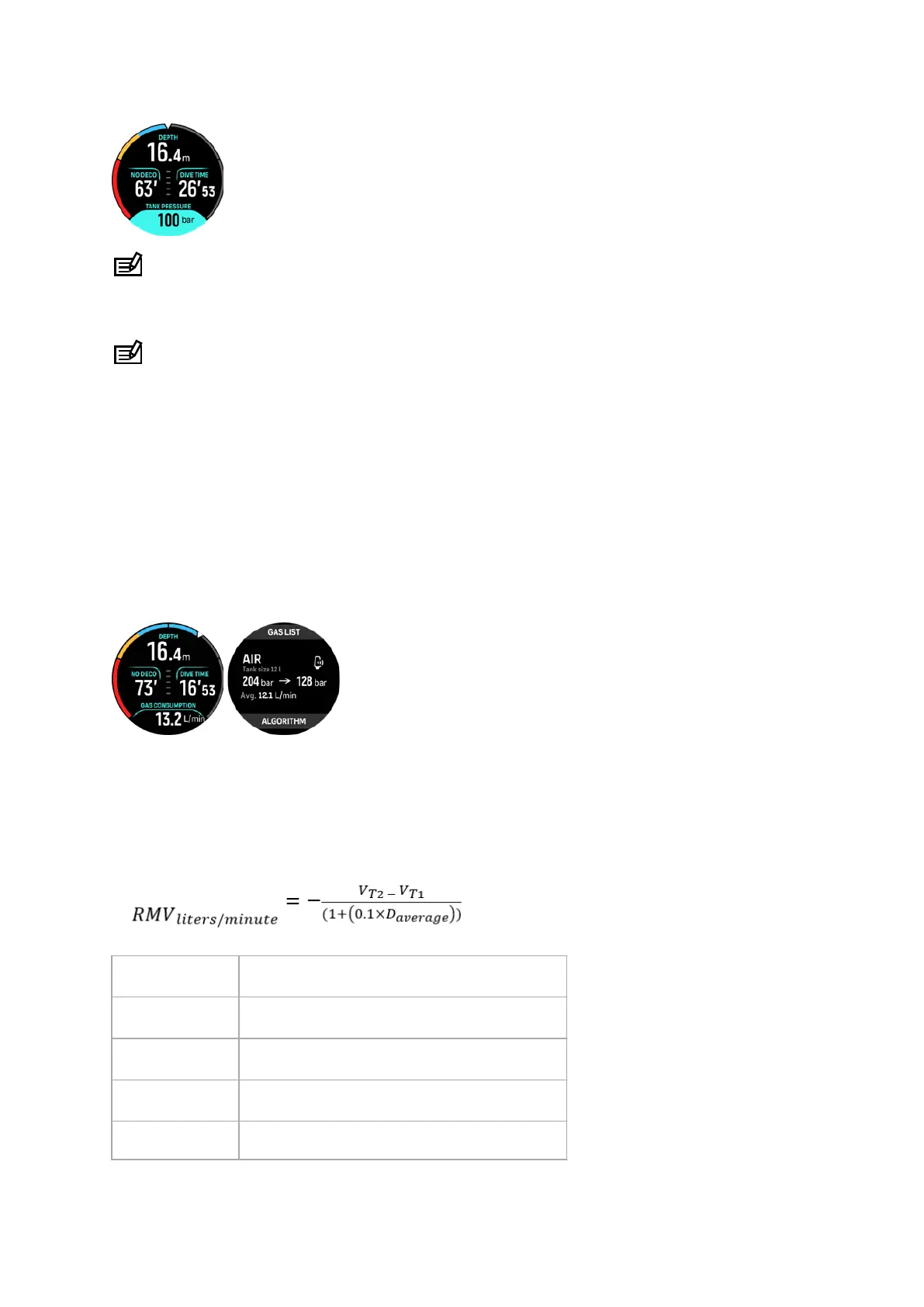
You can follow your actual gas pressure during your dive from the switch window on the
watch screen. You can also see the average gas consumption from the dive in the dive
summary in the device and in Suunto app.
The Gas consumption data on the screen refers to your real-time consumption rate of gas
during a dive at the depth you are at. To calculate your personal breathing rate, Suunto Ocean
uses respiratory minute volume (RMV) which is the volume of gas your lungs experience per
minute, measured in L/min or cu ft/min. For accurate gas consumption, you need to
define the
correct tank size for the gas in the Edit gas menu. See 5.5.1. Edit gas. The default tank size is
always 12 L (80 cu ft) .
The RMV formula used in Suunto Ocean to calculate the gas consumption during the dive is
the following:
The calculation is based on actual depth and the average used gas volume (in atmospheric
pressure) calculated within in a varying 50 – 170-second window.
V
gas (liters)
Gas volume in atmospheric pressure
SAC
liters/minute
Depth compensated SAC
T
1
Time at the beginning of the window
T
2
Time at the end of the window
Depth (T) Depth
Suunto Ocean
57















 To Next Page