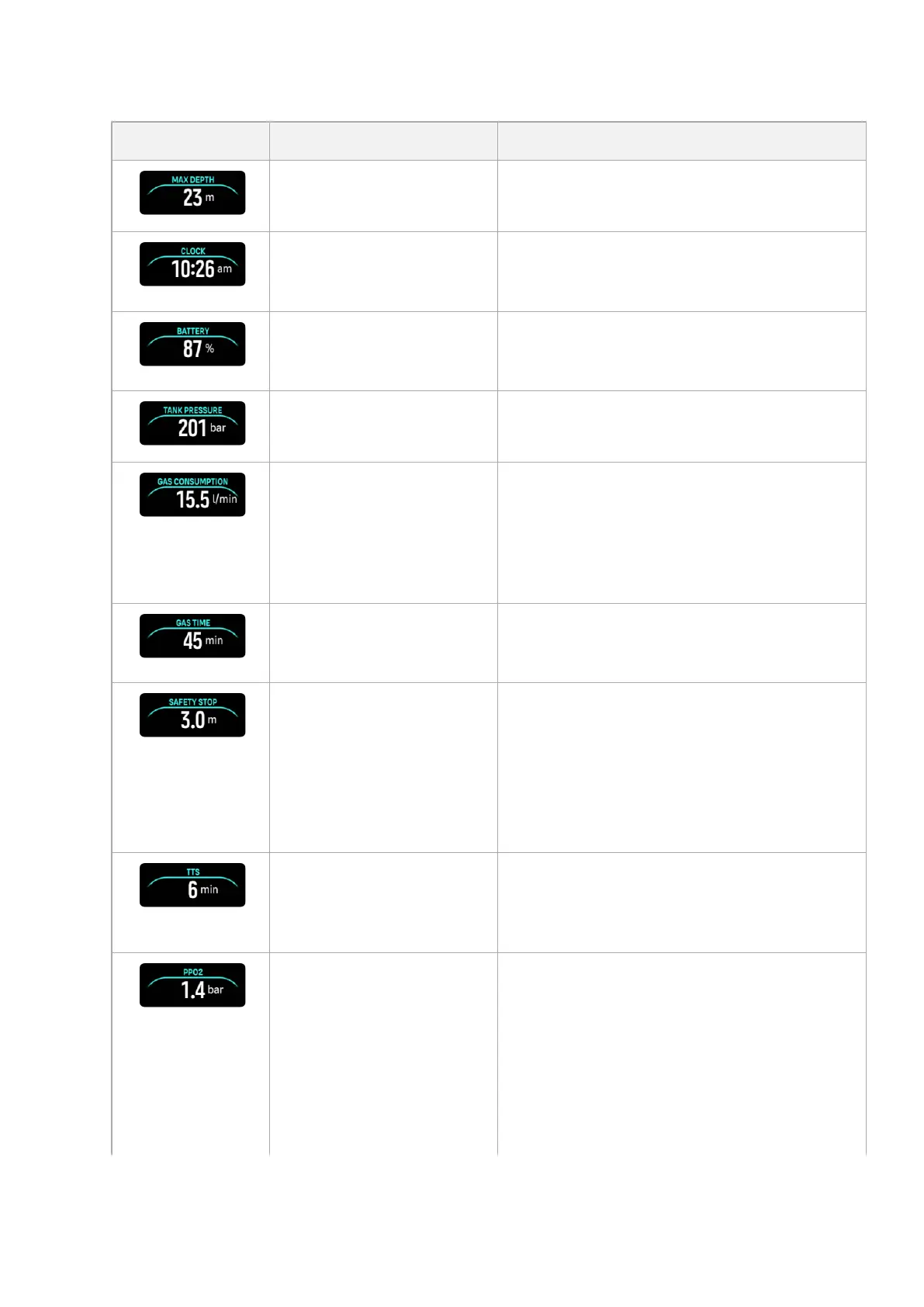
Switch window Switch window content Explanation
Max depth The maximum depth reached during the
current dive.
Clock The time in a 12- or 24-hour format, based on
the time format you set under Time/date
settings.
Battery The remaining battery level as percentage.
See 5.4.1. Mandatory dive alarms for battery
alarms.
Tank pressure The tank pressure in the set unit (bar or PSI)
for your active gas if linked to a Tank POD.
Gas consumption (L/min or
cu ft/min)
Gas consumption refers to your real-time
consumption rate of gas during a dive. The
actual gas consumption rate is measured in
liters per minute (cubic feet per minute) and
calculated for the current depth. See 5.6.3.
Gas consumption for more information.
Gas time Gas time refers to the time you can stay at the
current depth. See 5.6.4. Gas time for more
information.
Safety stop A three (3) minute safety stop is always
recommended for every dive over 10 meters
(33 ft). Once exceeding 10 m (33 ft), the 3 m
(9.8 ft) minimum depth of the safety stop is
displayed in the switch window.
Safety stops can be set to three (3), four (4), or
five (5) minutes in the 5.7. Algorithm settings.
Time to surface (TTS) The time to surface refers to the ascent time in
minutes to ascend to the surface with given
gases including all required decompression
stops.
Actual ppO2 The current partial pressure of the active gas.
Partial pressure is the fraction of oxygen in the
gas at the current depth. The value is always in
absolute atmospheres (ATA) of pressure. (1
ATA = 1.013 bar)
If the ppO2 exceeds the preset limit for the
gas, the switch window turns yellow and
triggers an alarm. If the ppO2 exceeds the
maximum partial pressure limit of 1.6, the
Suunto Ocean
45















 To Next Page