NOTE: The touch screen is not activated when the watch is underwater.
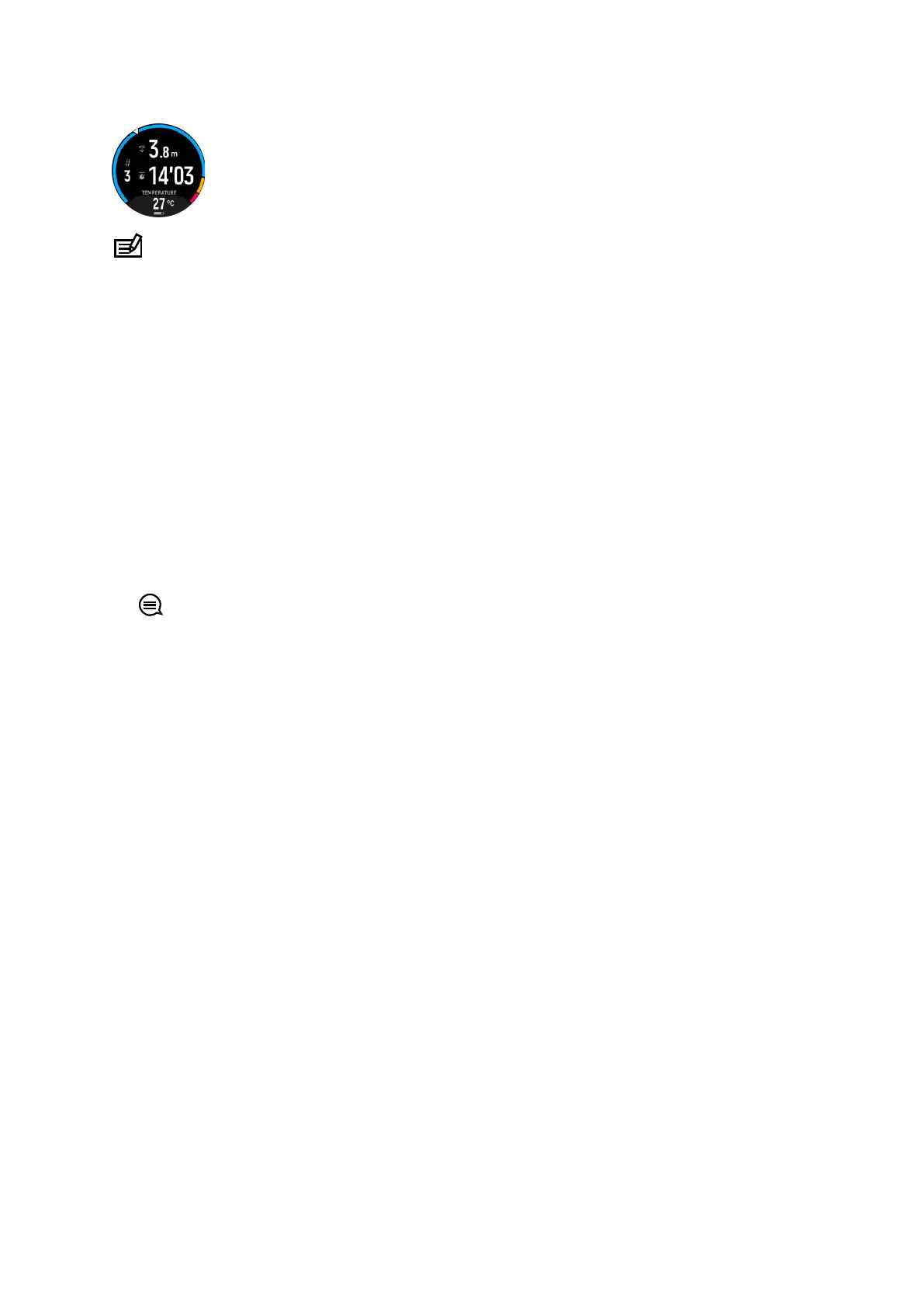
The default view for Snorkeling and Mermaiding is the Surface view. While recording the
exercise, you can browse between the
dierent views by pressing the middle button.
Suunto Ocean automatically switches between surface and dive state. If you are more than 1
m (3.2 ft) below the surface, the underwater view is activated.
When using the Snorkeling mode, the watch relies on GPS to calculate distance. Because
GPS signals do not travel under water, the watch needs to come out of the water periodically
to get a GPS
fix.
These are challenging conditions for GPS, so it is important that you have a strong GPS signal
before you jump in the water. To ensure good GPS, you should:
•
Sync your watch with Suunto app before you go snorkeling to optimize your GPS with the
latest satellite orbit data.
•
After you selected the Snorkeling mode, wait at least three minutes on land before starting
your activity. This gives the GPS time to establish strong positioning.
TIP: During snorkeling we recommend resting your hands on your lower back for
ecient water movement and optimal distance measurement.
Suunto Ocean
76















 To Next Page