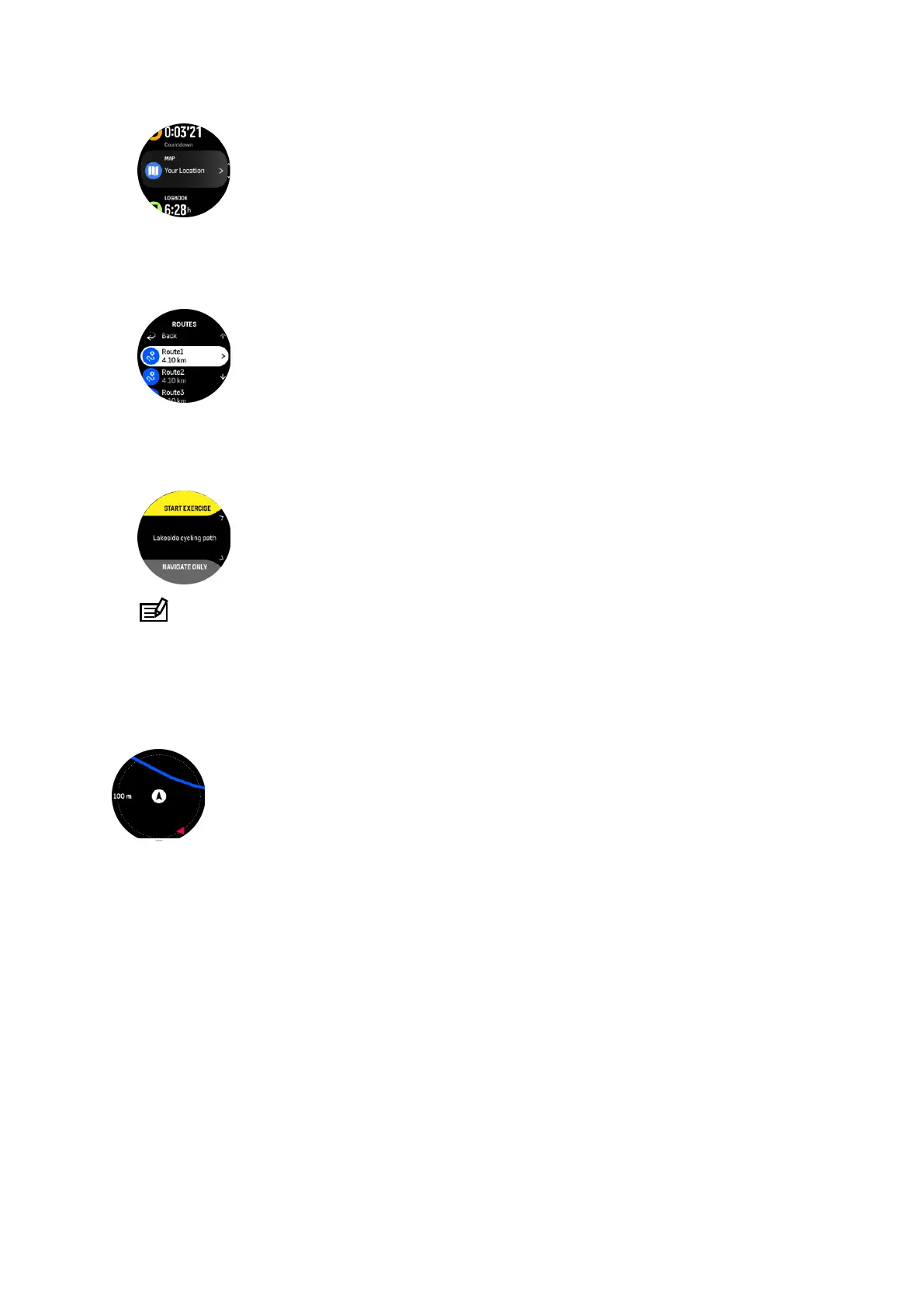
2. In the map display, press the lower button.
3. Scroll to Routes and press the middle button to open your list of routes.
4. Scroll to the route you want to navigate to and press the middle button.
5. Select the route by pressing the upper button.
6. Select Start exercise if you want to use the route for exercising or select Navigate only if
you only want to navigate the route.
NOTE: If you only navigate the route, nothing will be saved or logged in Suunto app.
7. Press the lower button and scroll to End navigation to stop navigating if you only navigate
the route.
If the
oine maps are o, only the route is shown. Keep the middle button pressed to
activate/deactivate the zoom in and zoom out functions. Adjust the zoom level with the upper
and lower buttons.
While you are in the route navigation display, you can press the lower button to open
navigation menu. The menu gives you quick access to navigation actions such as saving your
current location or selecting another route to navigate.
All sport modes with GPS also have a route selection option. See 4.2. Navigating during
exercise.
Navigation guidance
As you navigate a route, your watch helps you stay on the correct path by giving you
additional
notifications as you progress along the route.
For example, if you go more than 100 m (330 ft) o route, the watch notifies you that you are
not on the right track, as well as lets you know when you are back on route.
Once you reach a waypoint or POI on the route, you get an informative popup showing you
the distance and estimated time en route (ETE) to the next waypoint or POI.
Suunto Ocean
81















 To Next Page