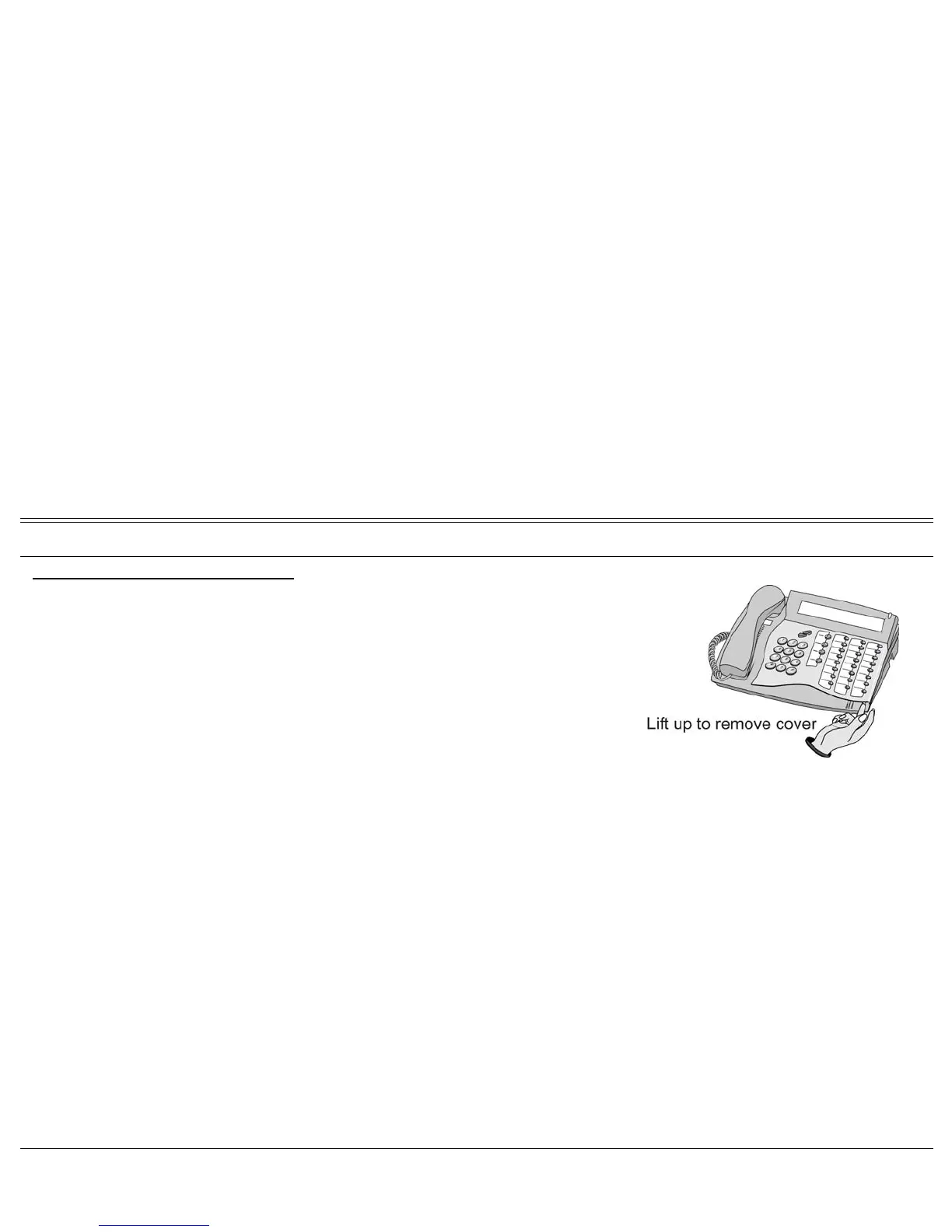
Programming: Button Labeling 142 FlexSet 120/280 User Guide
Display Message Key LED
To print the multi-designation label:
1. Use DESI software to create layout of your multi-designation label (see
previous page).
2. Enter the extensions assigned to the buttons on your FlexSet.
3. Feed your printer with the label sheet.
4. From the DESI Plus/DESI Lite menu, choose File > Print.
Note: The left column on the multi-designation label is intended for the four
system defined fixed keys. Other columns are intended for the
programmable speed dial keys.








 To Next Page