Programming: Button Labeling 143 FlexSet 120/280 User Guide
Display Message Key LED
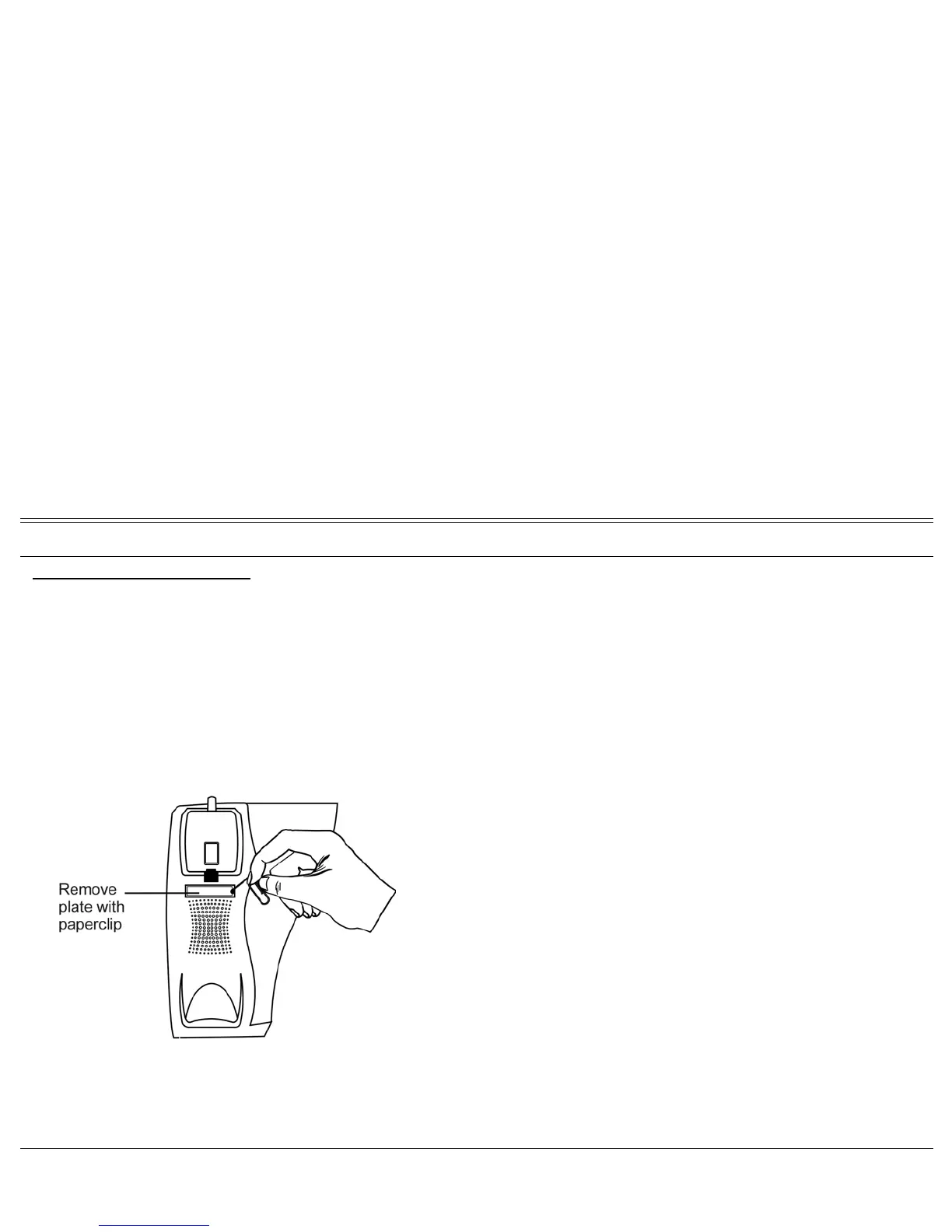
To place a telephone number:
1. Insert a pointed tool into the hole located on the plastic plate covering the
blank telephone number, as shown in the picture.
2. Lift upward to remove the plastic cover.
3. Peel off the printed label intended for the telephone number.
4. Insert the printed label.
5. Put the plastic cover back in place over the phone number.








 To Next Page