Directory 53 FlexSet 120/280 User Guide
Display Message Key LED
Keypad - Alphabetic Mode
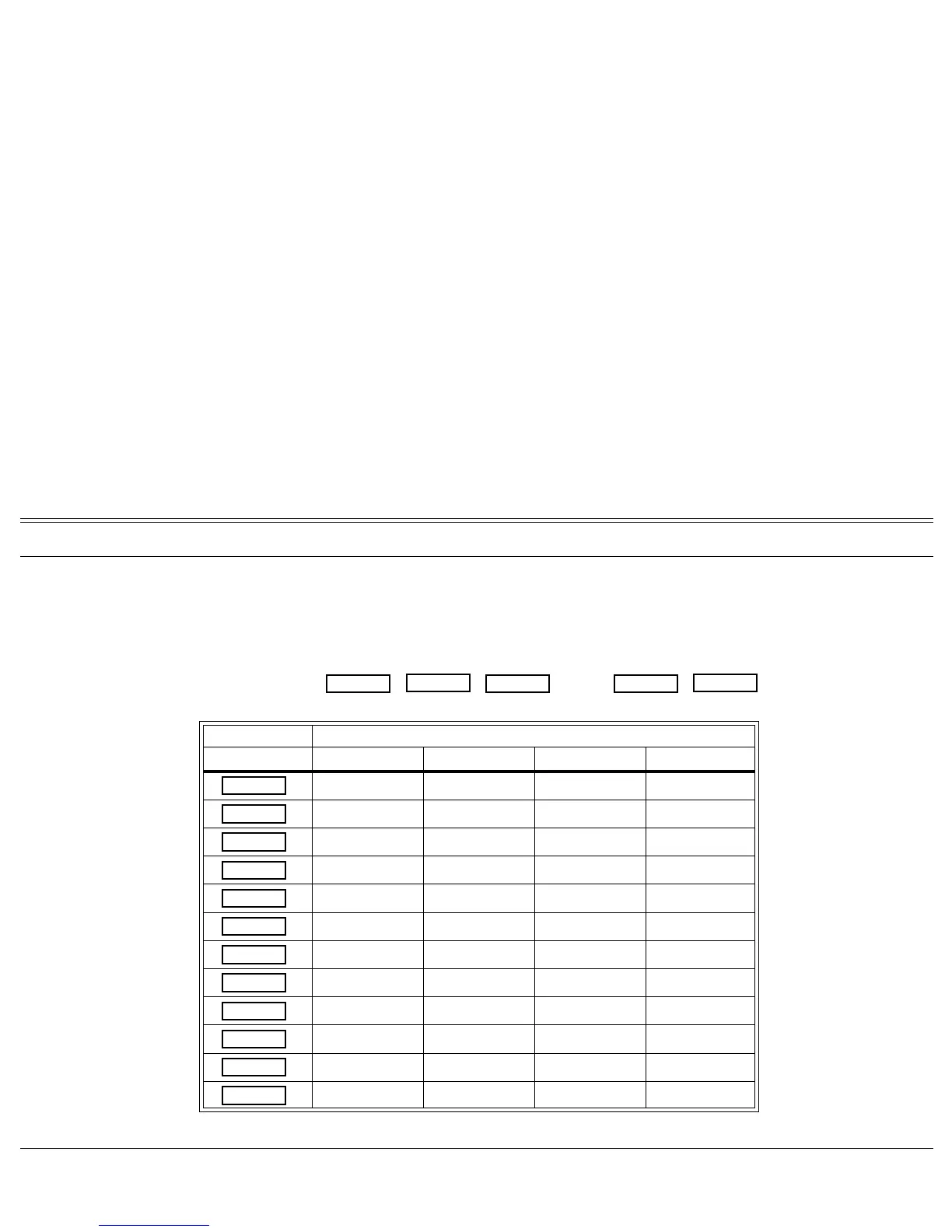
Use the keypad to make new entries or navigate through the directory to a specific entry. The cursor advances
automatically when the next key is pressed. If two consecutive letters are on the same key, wait for the cursor to disappear
before proceeding to the next key. The table below indicates the key presses used to input the required letters. This table
may override the designations on your keypad.
KEYS CHARACTERS
Press: 1 Time 2 Times 3 Times 4 Times
__ __ __ __
ABC
__
DEF
__
GH I
__
JKL
__
MNO
__
PQRS
TUV
__
WX Y Z
__ __ __ __
__ __ __ __
__ __ __ __
For example, to enter “ANN” press:
6 MNO
6 MNO
2 ABC
6 MNO
6 MNO
WAIT
A
N
N
1
2 ABC
3 DEF
4 GHI
5 JKL
6 MNO
7 PQRS
8 TUV
9 WXYZ
*
0
#








 To Next Page