50
Remote monitoring:
In this section you can configure the Contact ID event code for reporting to CMS and can select
one of the preconfigured notification templates for the given event. The Contact ID event code
should only be configured if reporting to CMS is used, otherwise select the notification template
named “EMPTY”.
Event code: in this section you can configure the 3-digit Contact ID event code, which you want
to assign to the given event (e.g., 130 = burglar alarm). The event code consists of hexadecimal
characters (0...9,A,B,C,D,E,F).
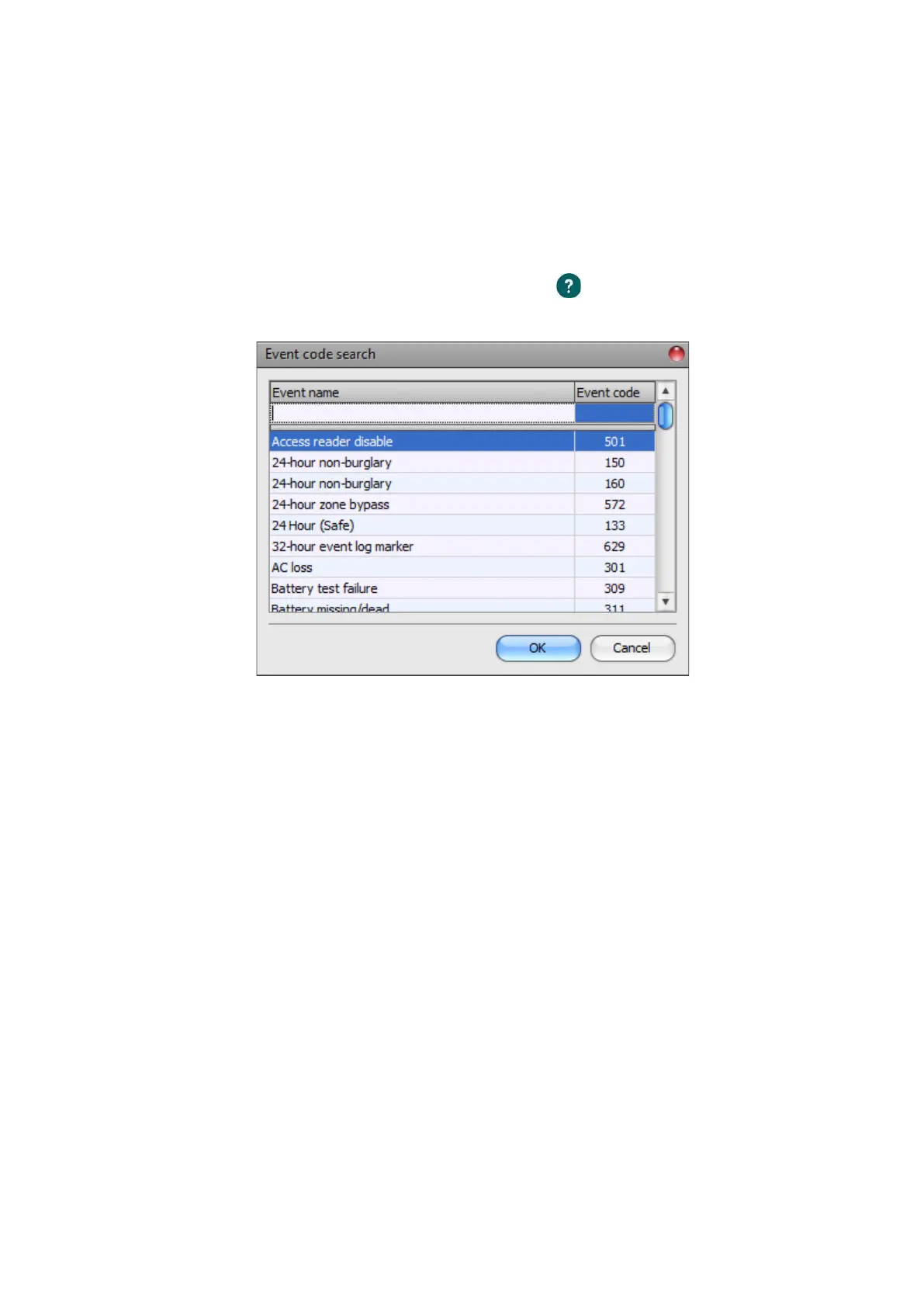
The software includes a built-in event code search tool which contains the list of standard
Contact ID codes. The search tool opens by clicking on the icon with the question mark symbol
placed in front of the event code input field.
In the event code search tool, you can search for events by name or by event code. For searching
by name, start typing the name of the searched event code in the field under the “Event name”
column header. For searching by event code, start typing the searched event code number in the
field under the “Event code” column header. The search tool will filter the list automatically
according to the hits. You can select an event code by clicking on it in the list, then the program
will paste this automatically into the event code input field after clicking on the “OK” button.
Partition: in this section you can configure the 2-digit partition number which you wish to assign
to the given event from 00 to 99.
Zone: in this section you can configure the 3-digit zone number which you wish to assign to the
given event from 000 to 999.
Notification template: in this section you can select a preconfigured notification template which
you want to use for the given event. If you want to use additional notification templates, these
should be added prior to configuring the events. If you do not want to send a report to CMS on the
given event, select the template named “EMPTY”.



 To Next Page