4-7
Calibration and Circuit Setup
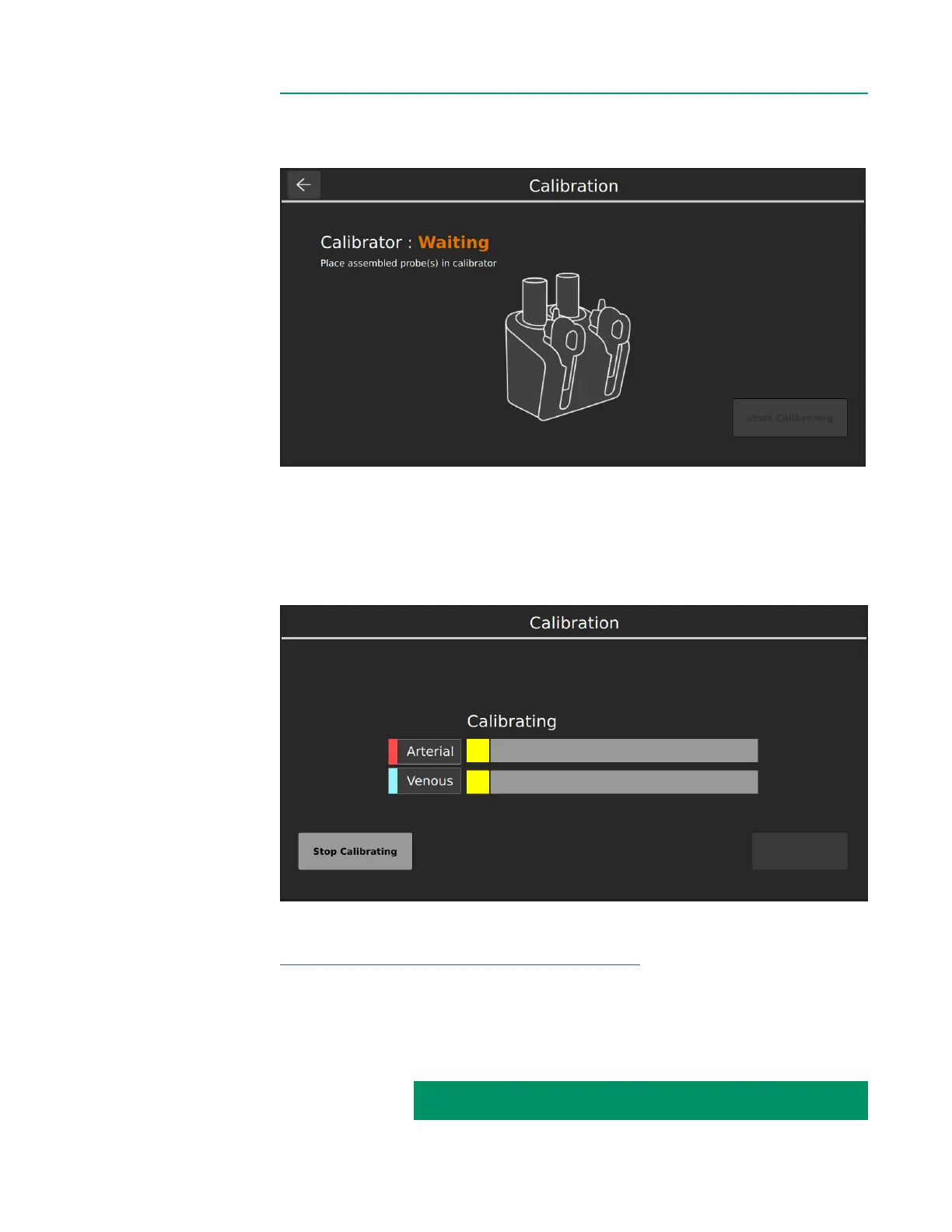
Note: If the BPM assembly is not properly seated, the following window will appear.
The Calibrator pockets will reect the BPM assignments in the case prole.
Note: When only one BPM needs to be calibrated again, the Start Calibration button can
be tapped despite appearing inactive.
The following window appears during calibration, which takes approximately ten
minutes The Stop Calibrating button can be pressed anytime if necessary.
If any error messages appear, follow the instructions on the screen, or consult the
Gas Calibration table in Chapter 6 “Troubleshooting” to resolve the problem.
Note: A small amount of calibration uid may be initially displaced from the sensor
through the top tting. This loss of uid is normal and does not affect accuracy.
Note: During calibration gas will audibly bubble through each sensor.
CALIBRATION INSTRUCTIONS CONTINUED ON NEXT PAGE:



 To Next Page