7 Parameterizing, adjusting and analyzing software (P2A software)
106
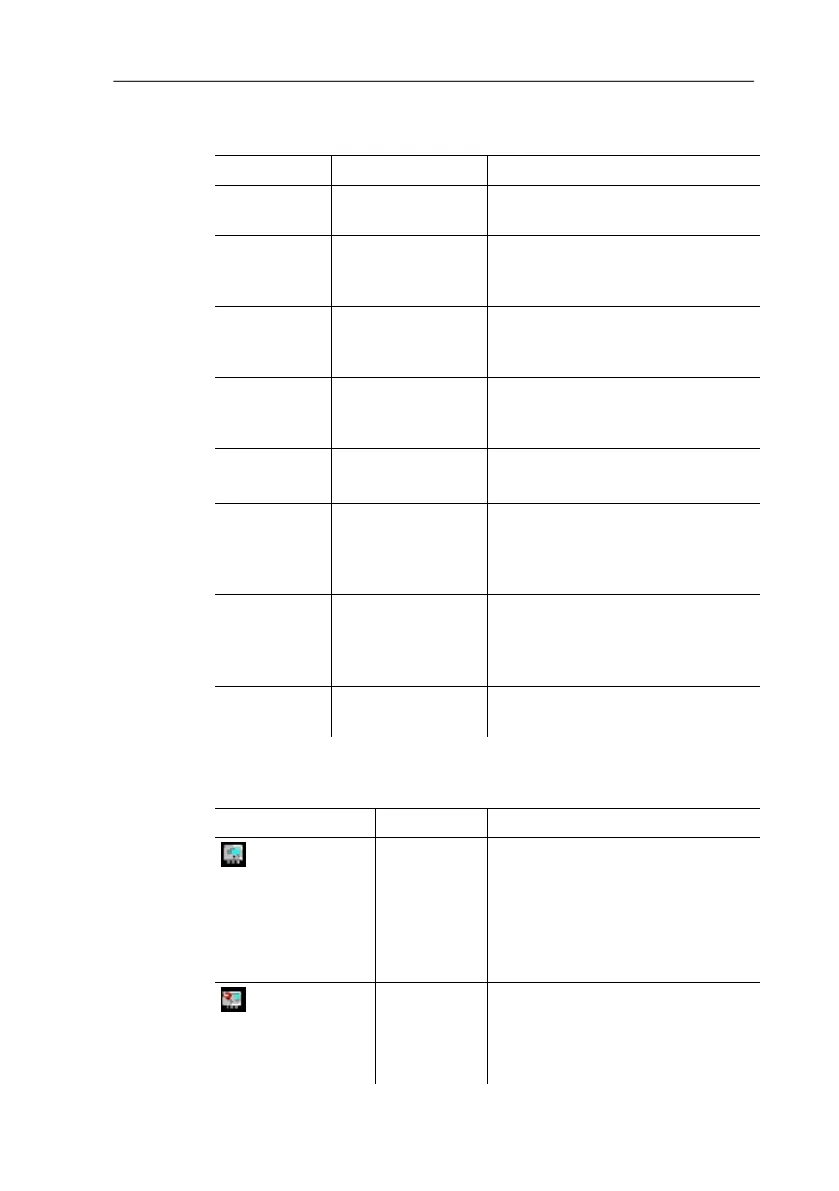
1 Menu bar:
File Open Shows the Windows dialogue for
searching and opening files.
Save as Saves the parameters of an
instrument or parameter file
under a new name.
Edit Copy Copies the parameters of the
marked instrument or parameter
file in the cache.
Paste Pastes the parameters from the
cache in the marked instrument
or parameter file.
View Toolbar
Status bar
Activates/deactivates the toolbar
or status bar.
? Check instrument
connections
Checks the connections to a
connected instrument without the
instrument having to be
activated.
Service A text file with the most importa
information on the computer and
the software is opened via
.
Information
Shows the version number of the
P2A software.
2 Toolbar: Shows the Windows-compliant icons for editing.
3 File:
Icon File Explanation
Symbol shows a
transmitter
Instrument
file
Instrument file
Connection to the instrument has
been established.
<Type> <Serial number>.cfm
File name should not be
changed.
Symbol shows a
transmitter with a red
minus sign in the upper
left corner
Instrument
file
Instrument file
Connection to the instrument has
not been established.



 To Next Page