7 Parameterizing, adjusting and analyzing software (P2A software)
114
Field Explanation
Display brightness
(0 to 9)
Setting the brightness between 0 and 9:
0 = dark
9 = light
Display contrast
(0 to 9)
Setting the contrast between 0 and 9:
0 = low contrast
9 = high contrast
Display of the error
messages
Selection of whether the error messages
should be shown in the display.
Display language Selection of the language.
New password The password consists of four numbers,
each of which must be between 1 and 9.
If the password protection is not to be used,
the numerical code "0000" must be entered.
[Adopt new
password]
Button for confirming the new password.
Valid password Display of the current password.
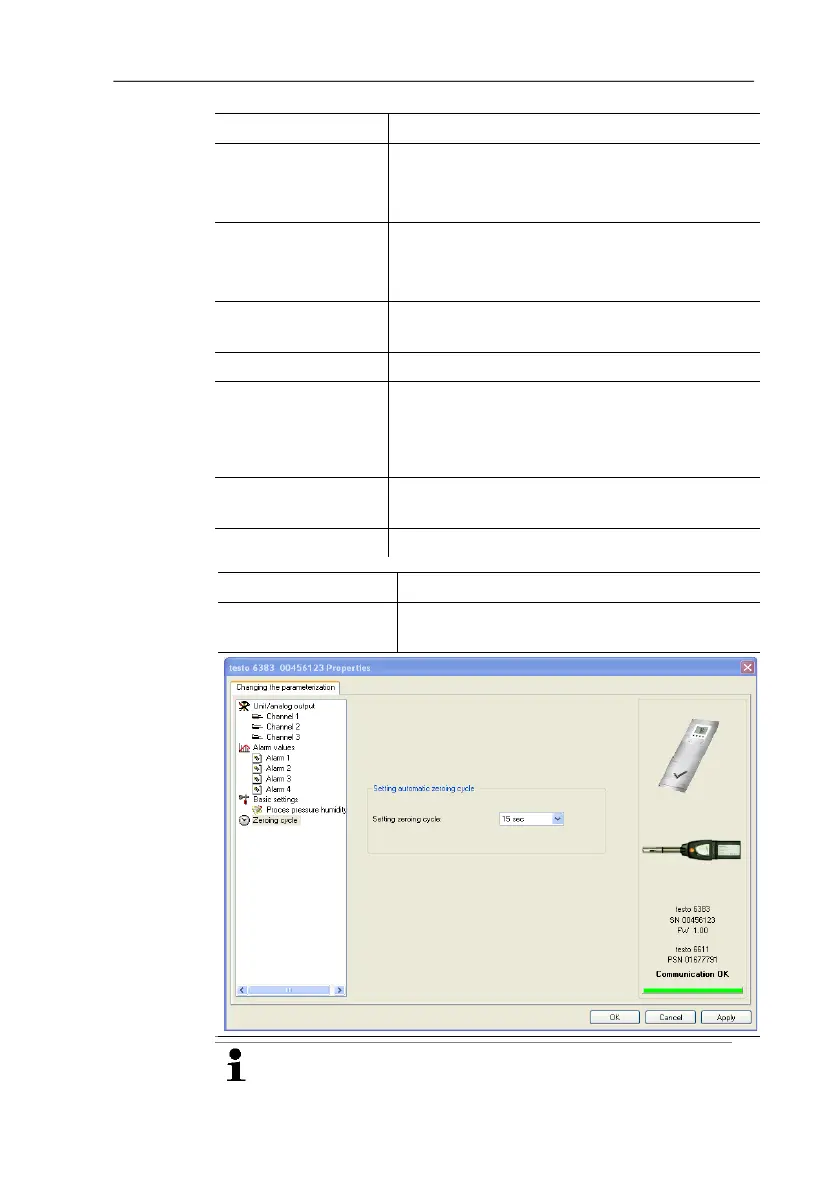
Zeroing cycle
Setting the interval of the automatic zeroing
with solenoid valve.
The accuracy specifications are only valid for the zeroing
cycle of 15 sec set by the factory.



 To Next Page