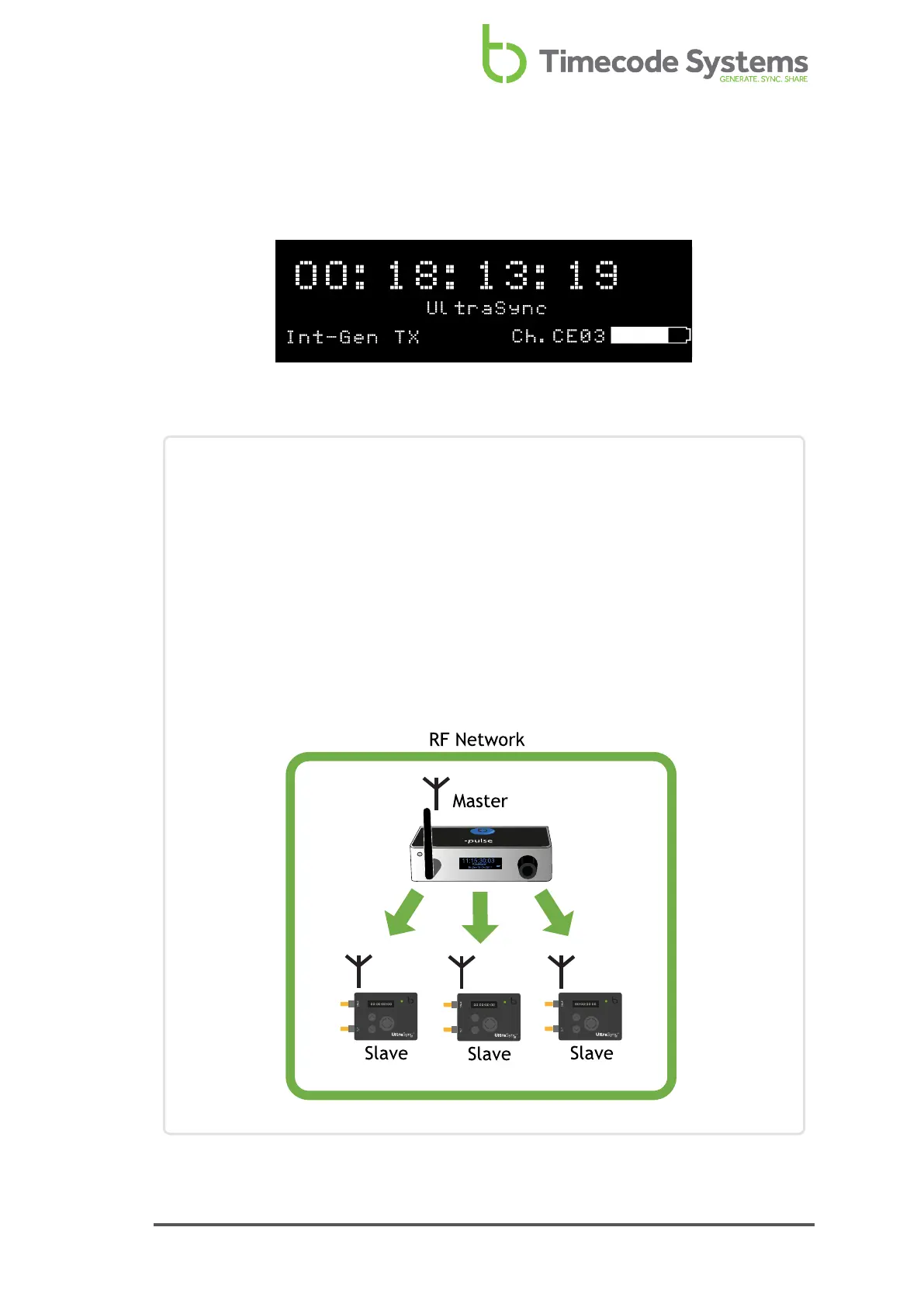
Look at the main screen to find out which channel a UltraSync ONE is set to use.
The channel is shown in the bottom-right corner, next to the battery indicator.
In the image above, Ch.CE03 indicates that the UltraSync ONE is set to run in the
Europe region (CE) and use RF Channel 03.
Example 1: Join an RF network
Let's say you have three UltraSync ONE units and a :pulse unit. The :pulse unit
is set to be the 'master' and uses RF Channel 4.
To get the UltraSync ONE units to synchronise with the :pulse unit, you need
to set all three of the UltraSync ONEs to use RF Channel 4. They also need to
be set to the correct country/area and to run in RF Slave mode.
With these settings in place, the master :pulse unit will connect to the slave
UltraSync ONEs and provide them with timecode (as long as the slave
UltraSync ONEs are within range of the master).
UltraSync ONE User Guide 69



 To Next Page