49
12. HEIGHT DIFFERENCE MEASUREMENT
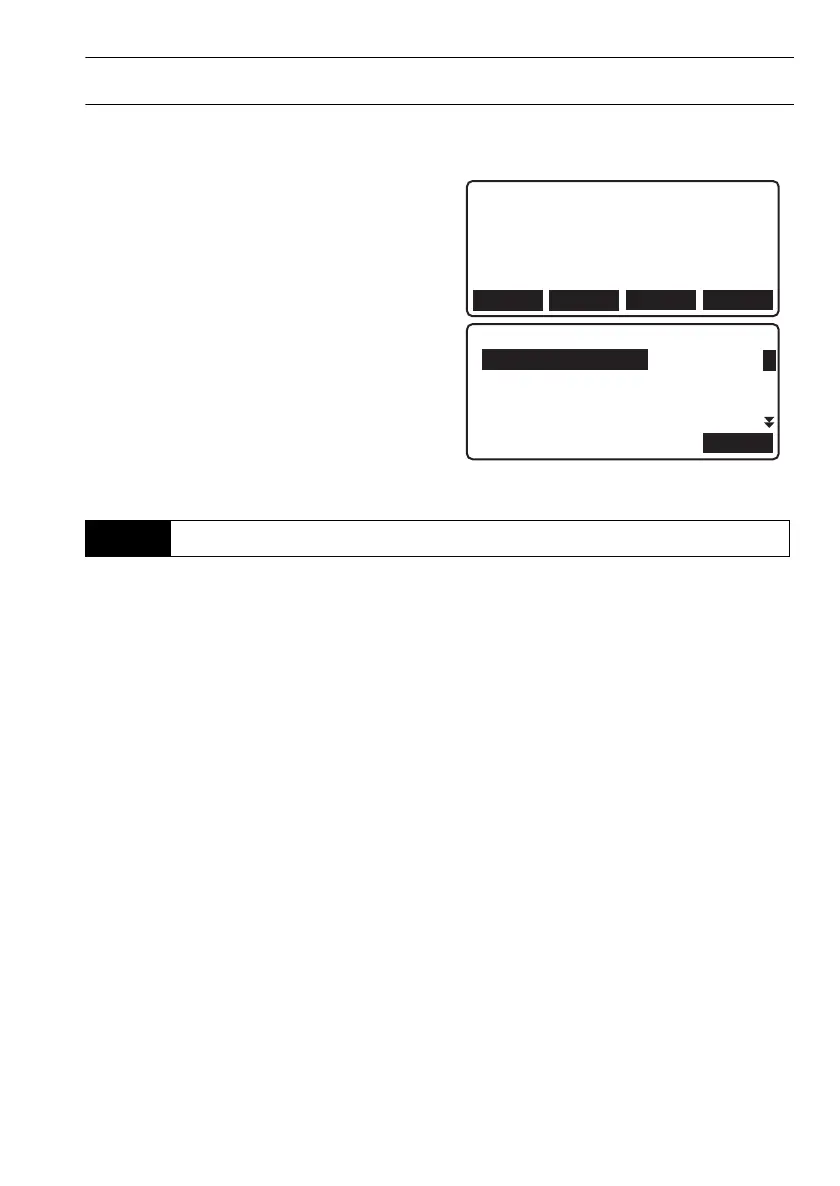
PROCEDURE Editing route ID
1. Select "Route" in <Height dif. menu>.
2. Press [LIST]. Align the cursor with the desired
route and press {}.
3. Press [DETAIL].
4. Edit the memo/route ID and press [OK] to
confirm.
• Data items other than memo/route ID for
routes/reobserved routes containing
measurement data cannot be edited.
Each section along the set route is measured using the backsight/foresight sequence selected in the
"Meas. Proc." data item in route settings. Fixed points can be established along the route while
measuring.
• Power to the instrument can be turned off while moving between sections. The Resume function
maintains measurement results obtained prior to shutdown.
• When "Rec cond." is set to "Yes", start conditions must be set when starting measurement of a new
route.
Fixed points
When checking the accuracy of measurement results, fixed points common to both the go and
return runs are set. Fixed points are also set when stopping measurement temporarily.
12.2
Height Difference Measurement
OK
Route setting
:R1
DETAIL
NEWLIST
DL-501_E.book 49 ページ 2015年9月17日 木曜日 午後1時21分



 To Next Page