89
18.OUTPUTTING DATA
It is possible to output JOB and route data to a host computer or external memory device.
Bluetooth communication: "9.4 Outputting data using Bluetooth communication"
Communication cables: "24. OPTIONAL ACCESSORIES"
Output format and command operations: “Communication Manual"
• Communication setup can also be performed in <JOB menu> and <Route menu>.
• Only 1 JOB can be output at a time.
• JOB information, observation conditions, route information, observation data, start conditions,
foresight information and memo data are output.
PROCEDURE Outputting JOB data to host computer
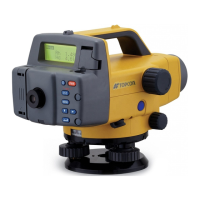
1. Connect the DL and host computer.
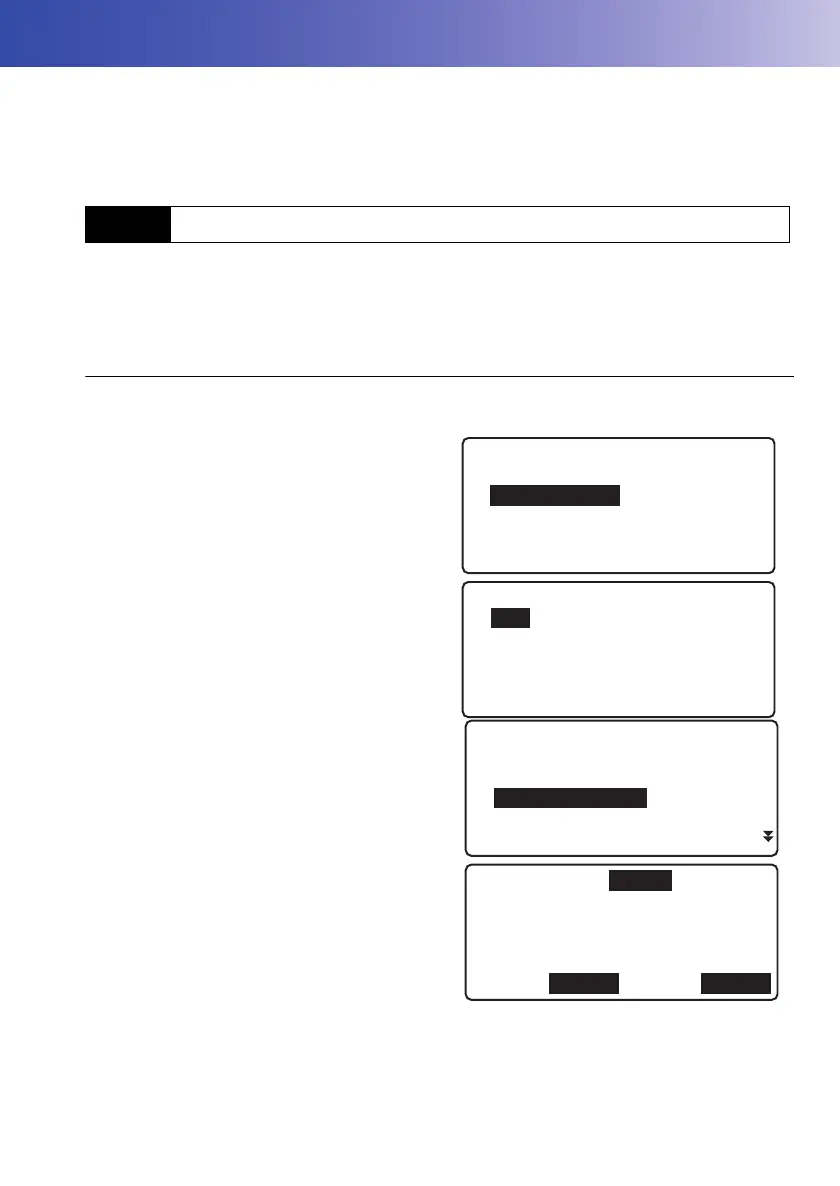
2. Select “Management” in <Menu>.
3. Select “JOB” in <Management menu>.
4. Select “Comms output”.
5. Select format from "CSV 1", "CSV 2" or
"SDR2X".
6. Check that "Com. locat." is set to "Com".
7. Press [OK].
• [COMM]: Press to display the communication
setup screen.
"19.3 Communication Setup"
18.1 Outputting JOB Data
Menu
1.Meas
2.Management
3.Config
4.Calculation
Management menu
1.JOB
2.Route
3.Known point data
4.Simple meas. data
JOB menu
1.JOB setting
2.JOB deletion
3.Comms output
4.JOB backup
5.JOB restore
Format :CSV_1
Com.locat.:Com
OK
COMM
DL-501_E.book 89 ページ 2015年9月17日 木曜日 午後1時21分



 To Next Page