8 CHECK AND ADJUSTMENT
8-10
7
Collimate target A.
Collimate
A
(Reverse)
8 Press [F6](SET)key.
Repeat the procedures in step
7 and 8 so
that the count of measured times matches to
the one in FACE(1).
* 2),3),4)
The title display will be shown automatically.
[F6]
9 Collimate target B (more than ±10° from the
level ) in reverse telescope setting (FACE(2)).
*5)
Collimate
B
(Reverse)
10 Press [F6](SET)key. *1)
[F6]
11 Turn the telescope in normal telescope
setting(FACE(1)).
Tur n
telescope
12 Collimate target B.
Collimate
B
(Normal)
13 Press [F6](SET) key. Repeat the procedures
in step
12 and 13 so that the count of
measured times matches to the one in
FACE(2).
Then the display returns to main menu.
[F6]
*1) It is able to get the average value from 1 to 10 measurements. To get the average, repeat the
procedures in steps
4, 5 or 9, 10. The measured times is counted in the second line of display.
*2) The compensation values of 1) Error of vertical axis (X,Y tilt sensor offset),
2) Collimation error, and 3) Error of vertical angle 0datum will be set and memorized internally.
*3) The operating procedure steps to set compensation value of 4) Error of horizontal axis.
*4) Pressing [F1](SKIP) key enables to set next step without changing the last compensated value.
*5) Pressing [F1](SKIP) key makes end of setting without changing compensation value.
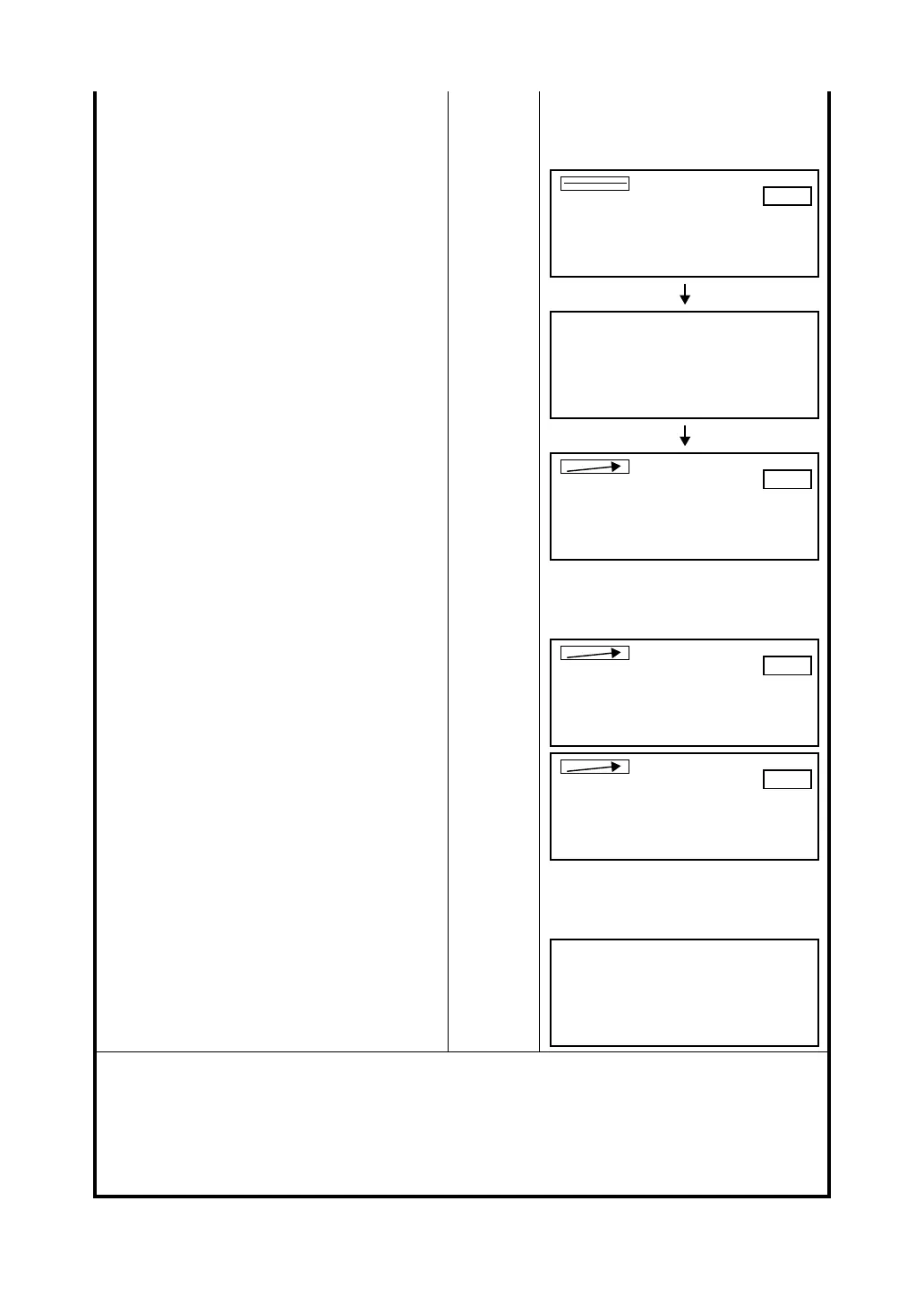
FACE 2
V:270°04'20"
SKIP SET
LEVEL±0
5/5
(B)HORIZONTAL Axis
FACE 2
V:270°04'20"
SKIP SET
LEVEL±10°
/0
FACE 2
V:270°04'20"
SKIP SET
LEVEL±10°
/5
FACE 1
V: 69°58'30"
SKIP SET
LEVEL±10°
5/5
Complete








 To Next Page