7-6
7 PARAMETERS SETTING MODE
7.2.3 Password option
Establishing a Password
A password can be set in the GTS-600 series to secure the use of the instrument. Once a password is
established the user can disable the option or change the password. Once a password established and
the option is turned off, the password will always remain in memory. When turning on the instrument
after a password-input screen appears before the self-testmode. Type in your password and press the
[ENTER] to continue.
A maximum of 10 numeric digits can be entered for a password. All zeros (0000000000) or 9`s
(9999999999) are invalid passwords. If 10 unsuccessful attempts are made to input a password, the
instrument will shut off automatically.
Establishing a Password for the first time.
The instructions below show how to establish a password for the first time.
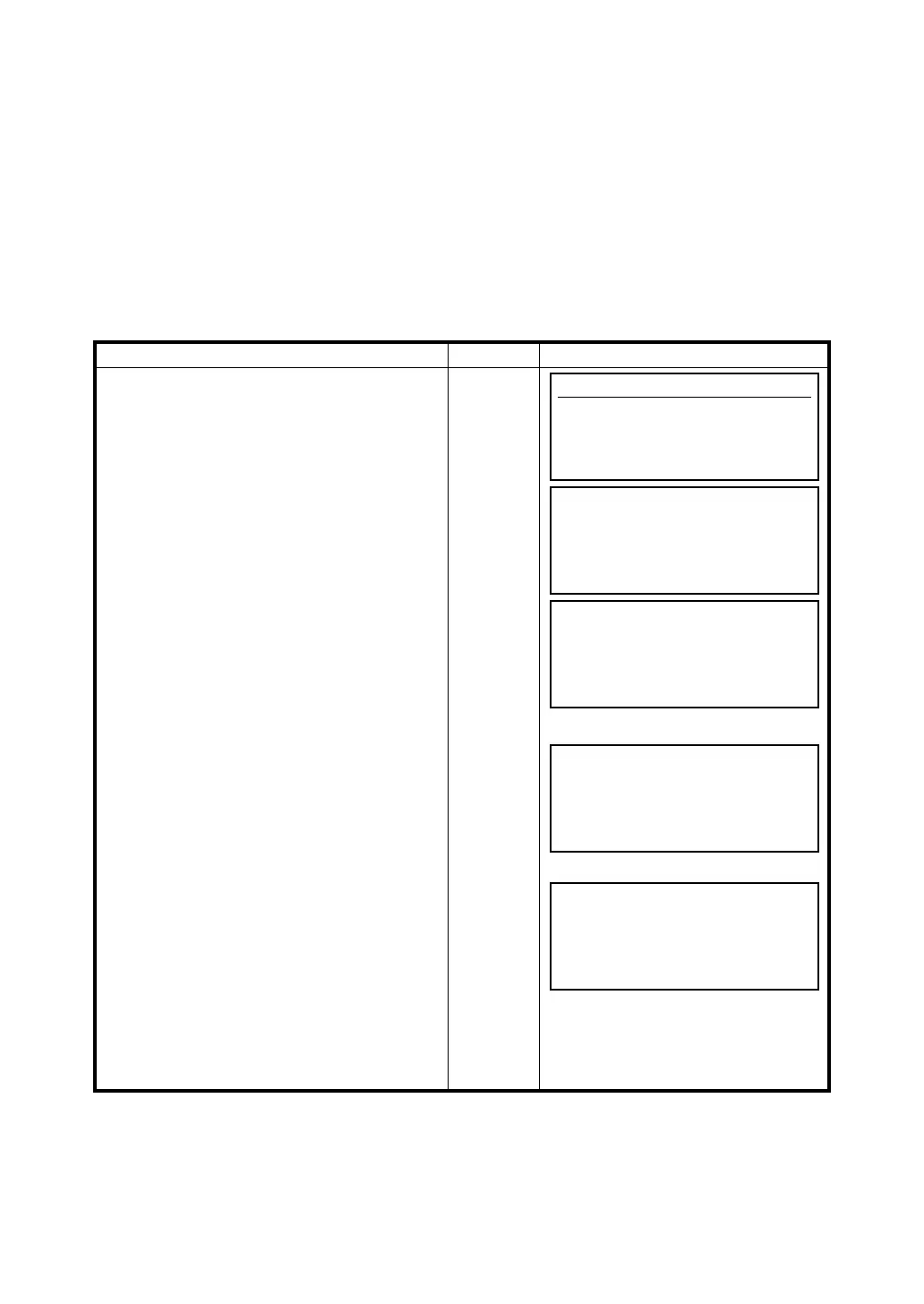
Operating procedure Operation Display
1 From the main menu icons, press [F6](Para)
to access the parameters option menu. To
access the password option, press
[F3](Password).
[F6]
2 The password option screen will appear.
When accessing the password option for the
first time, the [OFF] indicator will appear on
the upper left corner of the screen. To
establish a password you can press the
[F5](ON) key to turn on the option and
establish a password.
3 The password-input screen will appear. At the
blinking cursor type in your password and
press the [ENT] key.
IMPORTANT:
DON'T FORGET YOUR
PASSWORD.WRITE THE PASSWORD
DOWN ON A PIECE OF PAPER AND
PUT IN A SAFE PLACE. ONCE A
PASSWORD IS STORED YOU CAN
NOT ERASE IT FROM MEMORY.
[F3]
[F5]
Type
password
[ENT]
4 The confirmation screen will appear to
confirm your password.
Type the password in once again and press
[ENTER].
Type
password
[ENT]
5 The password option screen will appear once
again for 2 seconds and will automatically
change to the main menu icons. Notice the
[ON] indicator is now shown on the display.
Parameters
F1 Measurement
F2 Communication
F3 Password
Password
[OFF]
EXIT CHANGE ON OFF
Password
Input a password
[ ]
EXIT BS
Password
Input again (confirmation)
[ ]
EXIT BS
Password
[ON]
EXIT CHANGE ON OFF








 To Next Page