7-4
7 PARAMETERS SETTING MODE
7.2 Setting Parameters
7.2.1 Parameters for Measurement and Display
[Example setting] S/A BUZZER: OFF , Atmospheric pressure: hPa
Operating procedure Operation Display
1 From the main menu icons, press [F6](Para)
to access the parameters option menu.
[F6]
2 Press the [F1] (Measurement) key.
[F1]
3 Select the menu by pressing [F6](↓) key.
(Example:S/A buzz.))
[F6]
4 Press [F3](←) key, and select OFF .
[F3]
5 Select the atmospheric pressure menu by
pressing [F6](
↓) key.
[F6]
6 Press [F4](→) key, and select [hPa].
[F3]
7 Press [F1](SET) key.
[F1]
8 Press [F5](YES) key. *1)
The display returns main menu.
[F5]
*1) To cancel the setting, press [F6](NO) key.
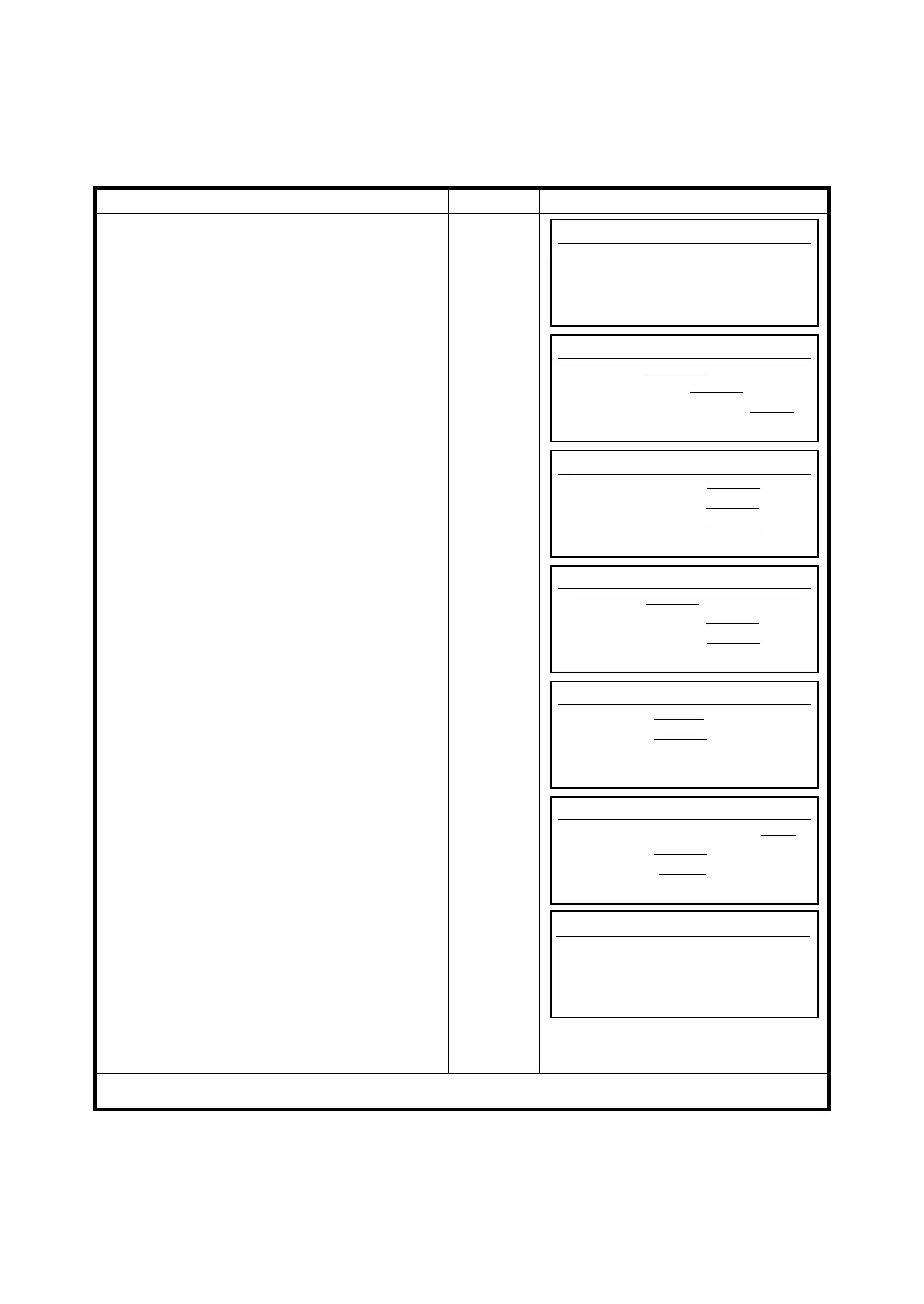
Parameters
F1 Measurement
F2 Communication
F3 Password
Parameters (Measurement)
Ang.Unit [ deg
] gon mil
Min.Angle OFF [ ON
]
Tilt OFF 1axis [2axis
]
SET EXIT <- -> ↑ ↓
Parameters (Measurement)
S/A buzz. OFF [ ON
]
W-corr. OFF [ 0.14
] 0.20
N/E/Z mem OFF [MEM.ON
]
SET EXIT <- -> ↑ ↓
Parameters (Measurement)
S/A buzz.[ OFF
] ON
W-corr. OFF [ 0.14
] 0.20
N/E/Z mem OFF [MEM.ON
]
SET EXIT <- -> ↑ ↓
Parameters (Measurement)
Pres.Unit [ mmHg
] inHg hPa
R/L Lock [ OFF
] ON
m/ftLock [ OFF
] ON
SET EXIT <- -> ↑ ↓
Parameters (Measurement)
Pres.Uni mmHg inHg [hPa
]
R/L Lock [ OFF
] ON
m/ftLock [ OFF
] ON
SET EXIT <- -> ↑ ↓
Parameters (Measurement)
> Set OK?
YES NO








 To Next Page