4-10
4 PROGRAM MODE
4.5 Repetition Angle Measurement (REP)
Repetitionn Angle Measurement program accumulates horizontal angles and shows the total angle (Ht)
and the mean (Hm) of all the angles measured. The progam also keeps track of the amount of complete
sets of horizontal angles measured.
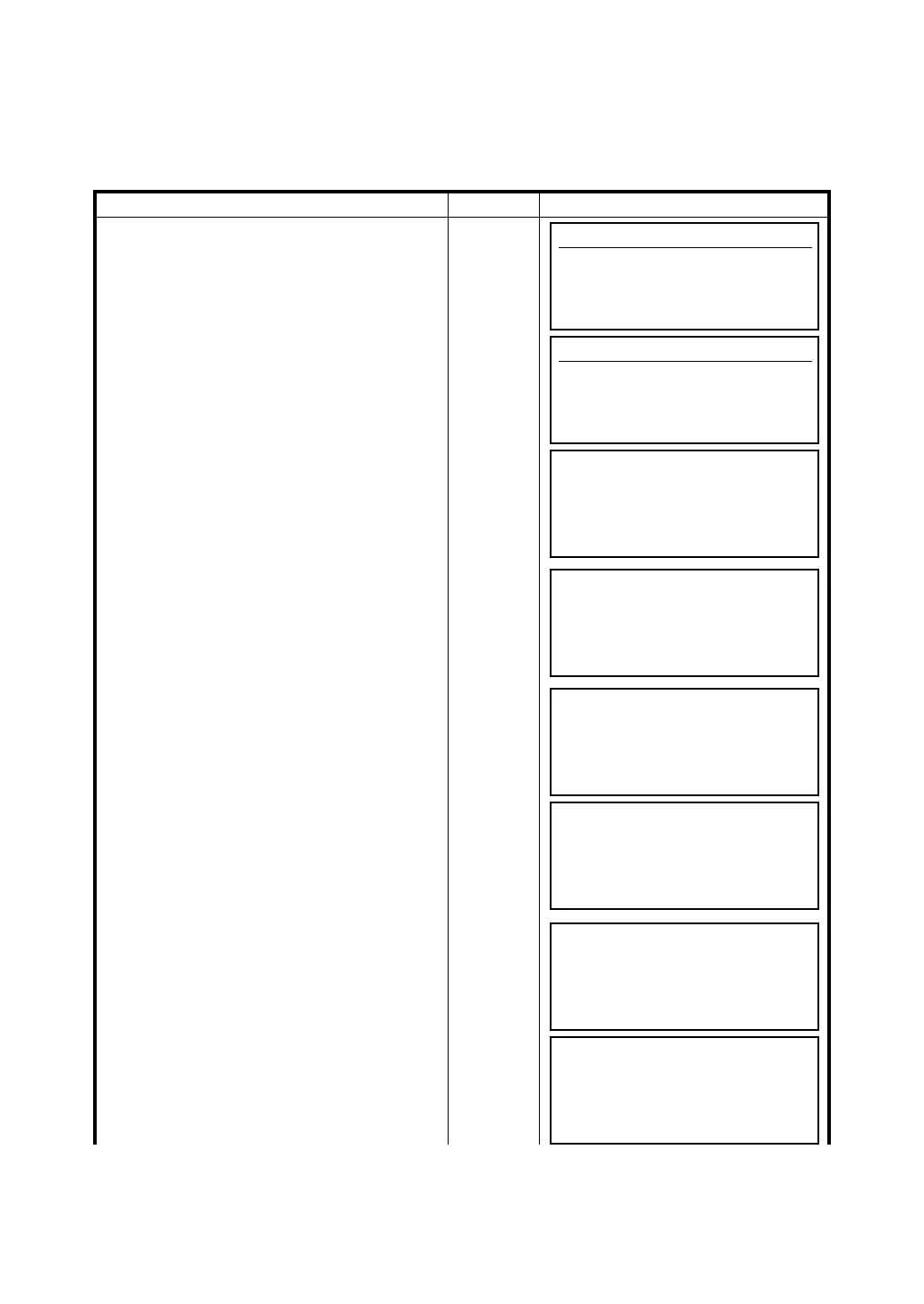
Operating procedure Operation Display
1 Press [F6](MORE) key from programs menu
to get to the next page of programs.
[F6]
2 Press [F1](REP) key.
[F1]
3 Collimate the first target A.
Collimate
A
4 Press [F2](0SET) and [F5](YES).
[F2]
[F5]
5 Collimate the second target B using the
horizontal motion clamp and the horizontal
tangent screw.
Collimate
B
6 Press [F6](HOLD) key.
[F6]
7 Recollimte the first target A using the
horizontal motion clamp and the horizontal
tangent screw.
8 Press [F5](REL) key.
Recolli-
mate A
[F5]
Programs
F1 BS p 4/8
F2 STORE p
F3 REM p
F4 MLM p MORE
Programs
F1 REP p 8/8
F2 LAYOUT p
F3 LINE p
F4 LOADER p MORE
Repetition Angle CNT[ 0]
Ht: 160°30'40"
Hm:
EXIT 0SET REL HOLD
Repetition Angle CNT[ 0]
Ht: 189°45'10"
Hm:
EXIT 0SET REL HOLD
Repetition Angle CNT[ 0]
Ht: 0°00'00"
Hm:
EXIT 0SET REL HOLD
Repetition Angle CNT[ 1]
Ht: 120°30'40"
Hm: 120°30'40"
EXIT 0SET REL HOLD
Repetition Angle CNT[ 1]
Ht: 120°30'40"
Hm: 120°30'40"
EXIT 0SET REL HOLD
Repetition Angle CNT[ 1]
Ht: 120°30'40"
Hm: 120°30'40"
EXIT 0SET REL HOLD








 To Next Page