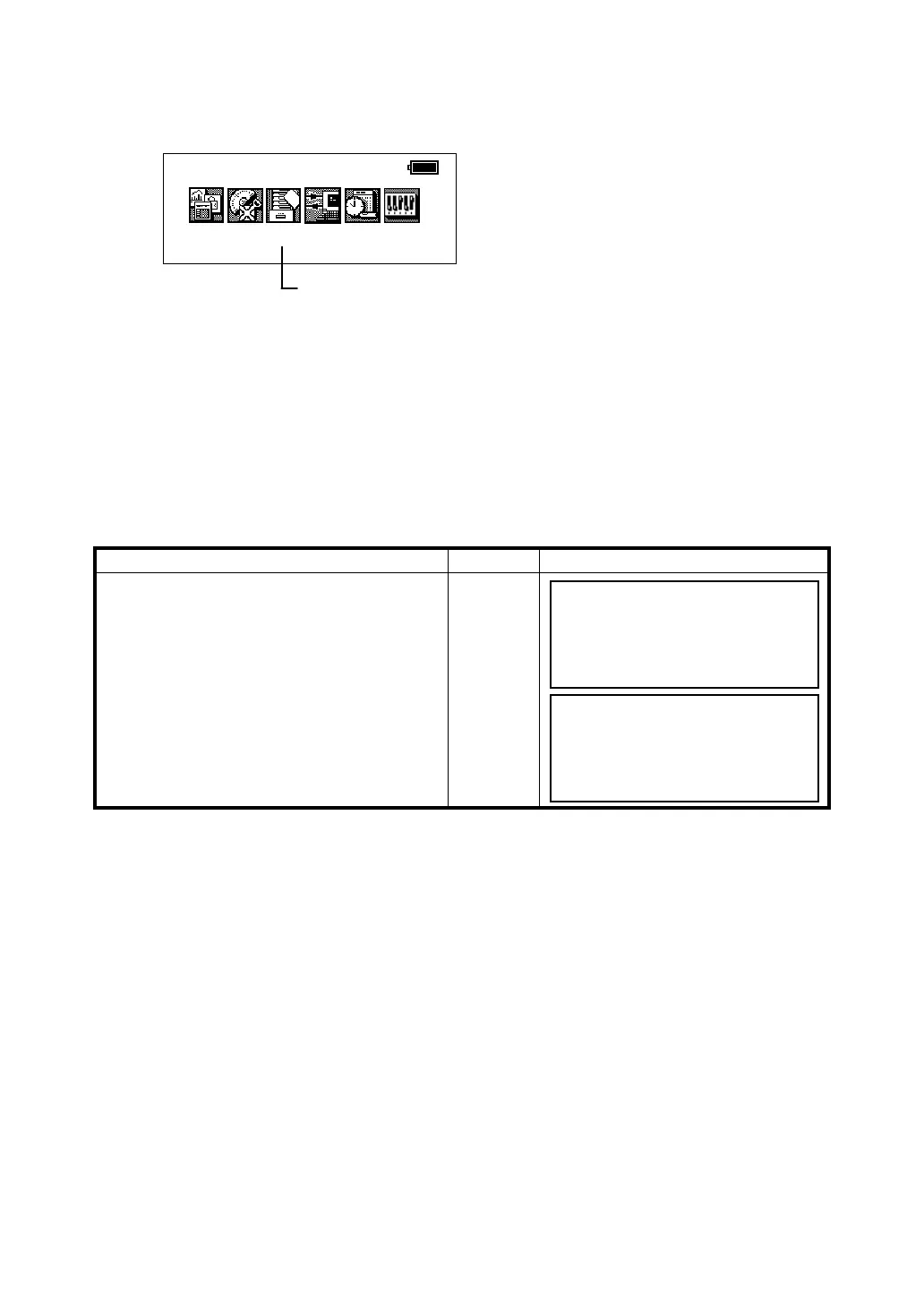
5-1
5 MEMORY MANAGE MODE
5 MEMORY MANAGE MODE
5.1 View Internal Memory Status
The GTS-600 series will display the memory size, the amount of free memory and the expiration date
for the internal lithium battery.
Operating procedure Operation Display
The memory capacity and the remaining
memory capacity are shown by pressing
[F3](Mem) from Main Menu Icons.
1 Press [F6](File) key.
Each File status (File name, File name
extension, Used memory capacity, Date) are
shown.
[F6]
Prog
Std
Mem
Com
Adj
Para
2001-07-10 15:30:40
MEMORY MANAGE MODE
The following items are available in this mode.
1.Display File Memory Status
2.Protecting a File
3.Erasing a File
4.Renaming a File Name
5.Initializing Memory.
[Press [F3] key.]
Memory size 314KByte
Memory free 236KByte
Battery expire 2004-11
Init. File
JIS .DAT 1597 12-25
TOPCON .DAT 1089 10-05
FC7 .TXT 2450 09-11
HILL .DAT 31777 08-19
Pro Ren Del ↑ ↓








 To Next Page