1-11
1 NOMENCLATURE AND FUNCTIONS
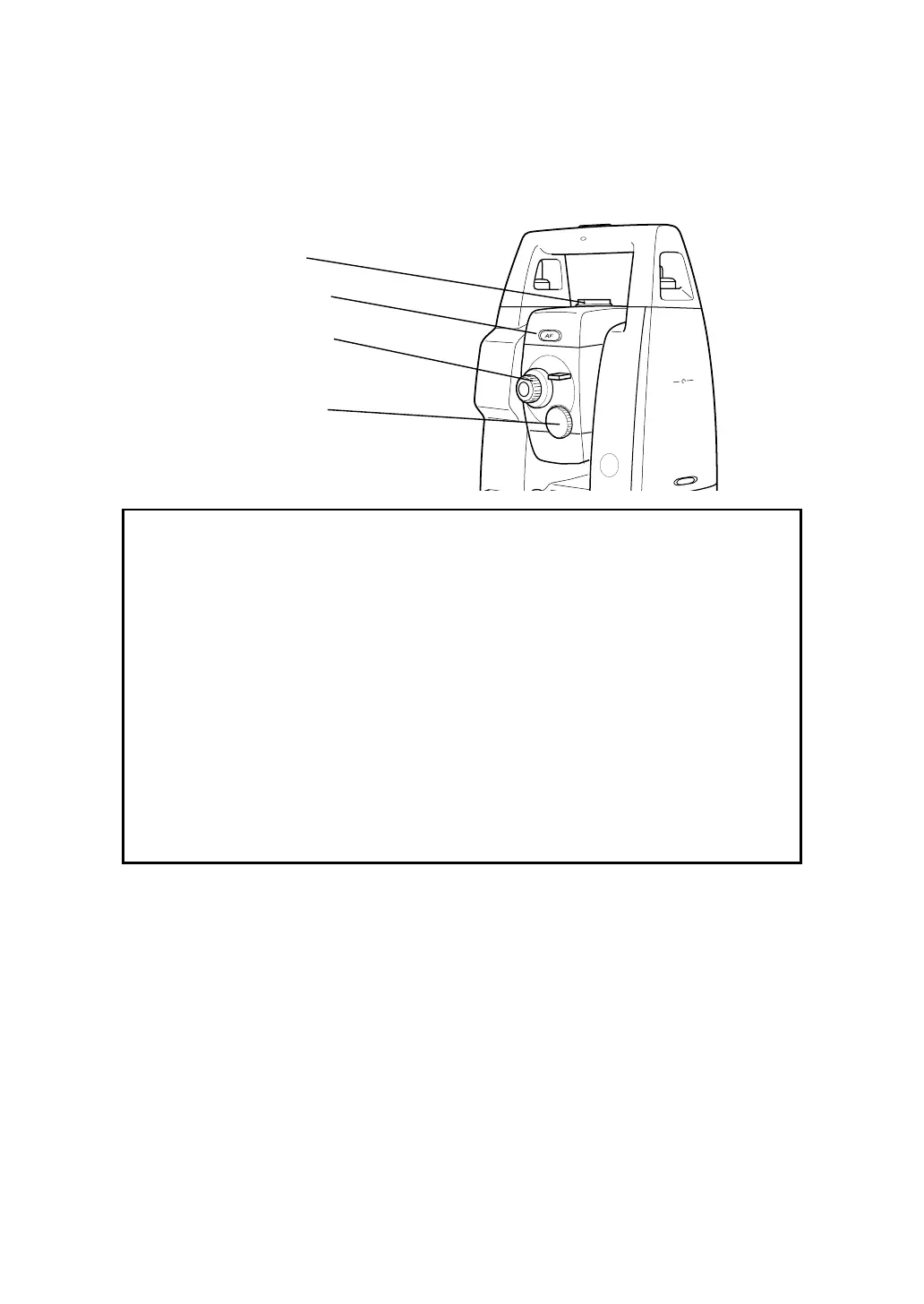
1.7 Automatic Focusing (For GTS-601AF/602AF/603AF/605AF)
The automatic focusing is useful for rapid surveying.
Press the automatic focusing key after sighting a target by using with the sighting collimator. The
automatic focusing will start with a “bip” sound.
The automatic function will be completed with two “bip” sounds. If the automatic focusing is not
accomplished, a beep will be heard.
Automatic focusing key
Focusing knob
(For manual focus)
Diopter ring
Sighting collimator
Note:
1) The focusing knob will turn automatically when the instrument is powered on or the automatic
focusing is working.
Do not touch the knob while it turns.
2) EDM, the reticle illumination and the point guide are turned off automatically while the
automatic focusing is working.
3) The auto focusing may be completed roughly when the contrast with the target and its
circumference is low. In this case, focus the target manually by turning the focusing knob.
4) If there is an object that has higher contrast than a prism or a target near the horizontal hair
line in the field of view, the instrument may focus to that object.
5) If a strong light comes into the eyepiece, the auto focusing may not be completed.
6) Before operating, the diopter adjustment should be done by turning the diopter ring so that
the cross hairs are clearly observed.
7) If parallax is created between the cross hairs and the target, focusing is incorrect. This
adversely affects precision in surveying. Eliminate the parallax by turning the focusing knob
or using the diopter adjustment.
8) The automatic focusing adjustment can be set up by software.
See next section to adjust the focus.








 To Next Page