4-3
4 PROGRAM MODE
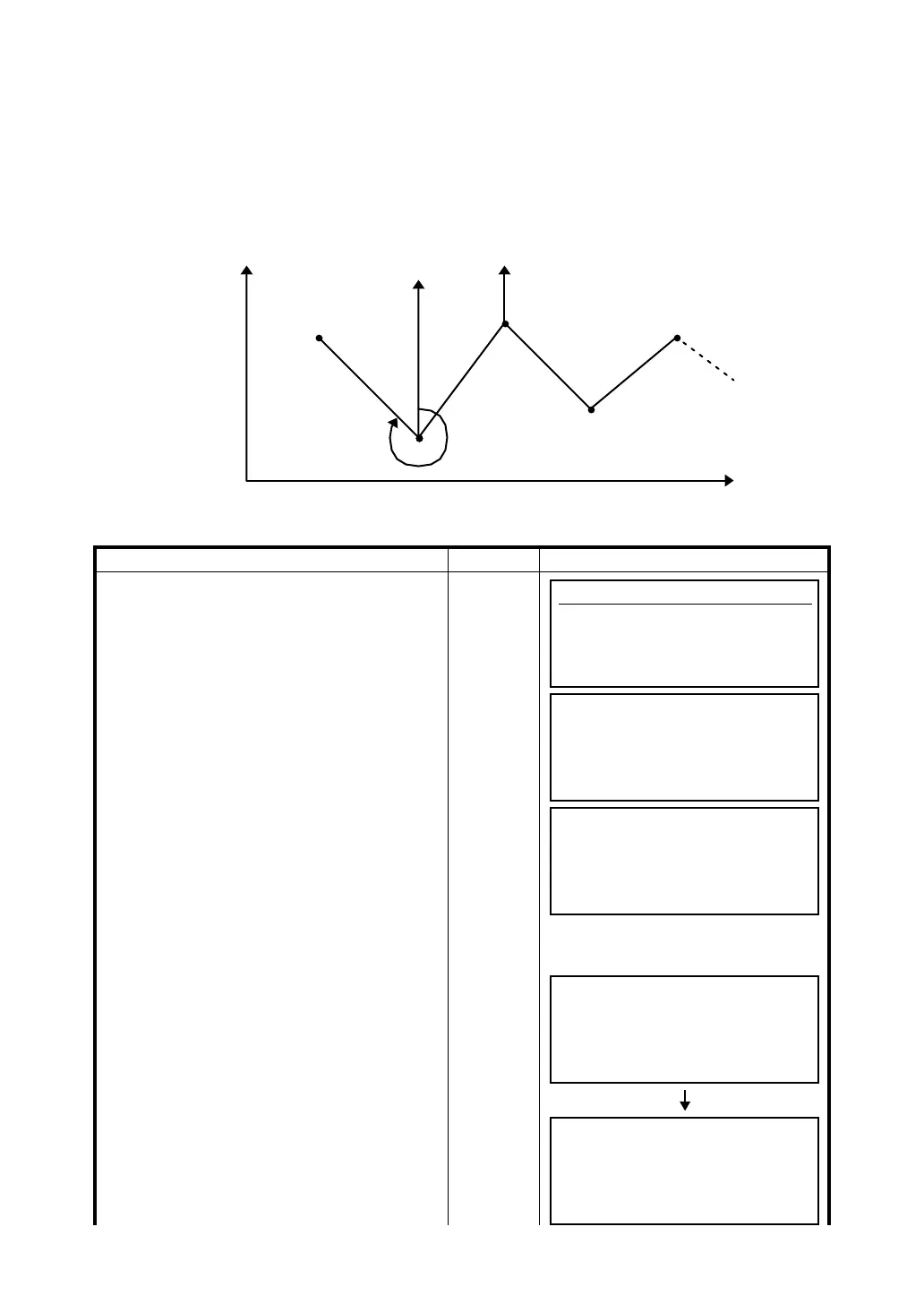
4.2 Retaining a Coordinate (STORE- NEZ)
In this program the coordinates for the next point are stored in memory after the measurement is
complete and accepted. This feature allows the user to occupy the next move up point and use the
previous occupied point for the backsight orientation.
When occupying the next point and backsighting the original occupied point, the instrument will display
the reciprocal angle for backsight orientation. If the occupied coordinates are not preset, zero (0,0,0) or
the previous preset coordinates will be used for this program.
● Set the the coordinate value of instrument point P
0 and set the direction angle from instrument point
P0 toward known point A
Operating procedure Operation Display
1 Press [F2](STORE) key.
[F2]
2 Press [F1](Store NEZ) key. *1)
[F1]
3 Collimate target P1 prism which the
instrument moves.
Collimate
P1
4 Press [F1](MEAS) key.
Measuring will start.
[F1]
Horizontal distance and horizontal angle are
shown.
Origin (0,0,0)
P
3
P
2
P
1
N
Direction angle
Known point A
E
Inst. point P
0
Programs
F1 BS p 4/8
F2 STORE p
F3 REM p
F4 MLM p MORE
Retaining Coordinate
1.Store NEZ
2.Recall NEZ
Store NEZ
HR : 120°30'40"
HD : m
MEAS HT SET
Store NEZ
HR : 100°10'20"
HD * < m
MEAS SET
Store NEZ
HR : 100°10'20"
HD * 123.456 m
MEAS SET








 To Next Page