4-5
4 PROGRAM MODE
4.3 Remote Elevation measurement (REM)
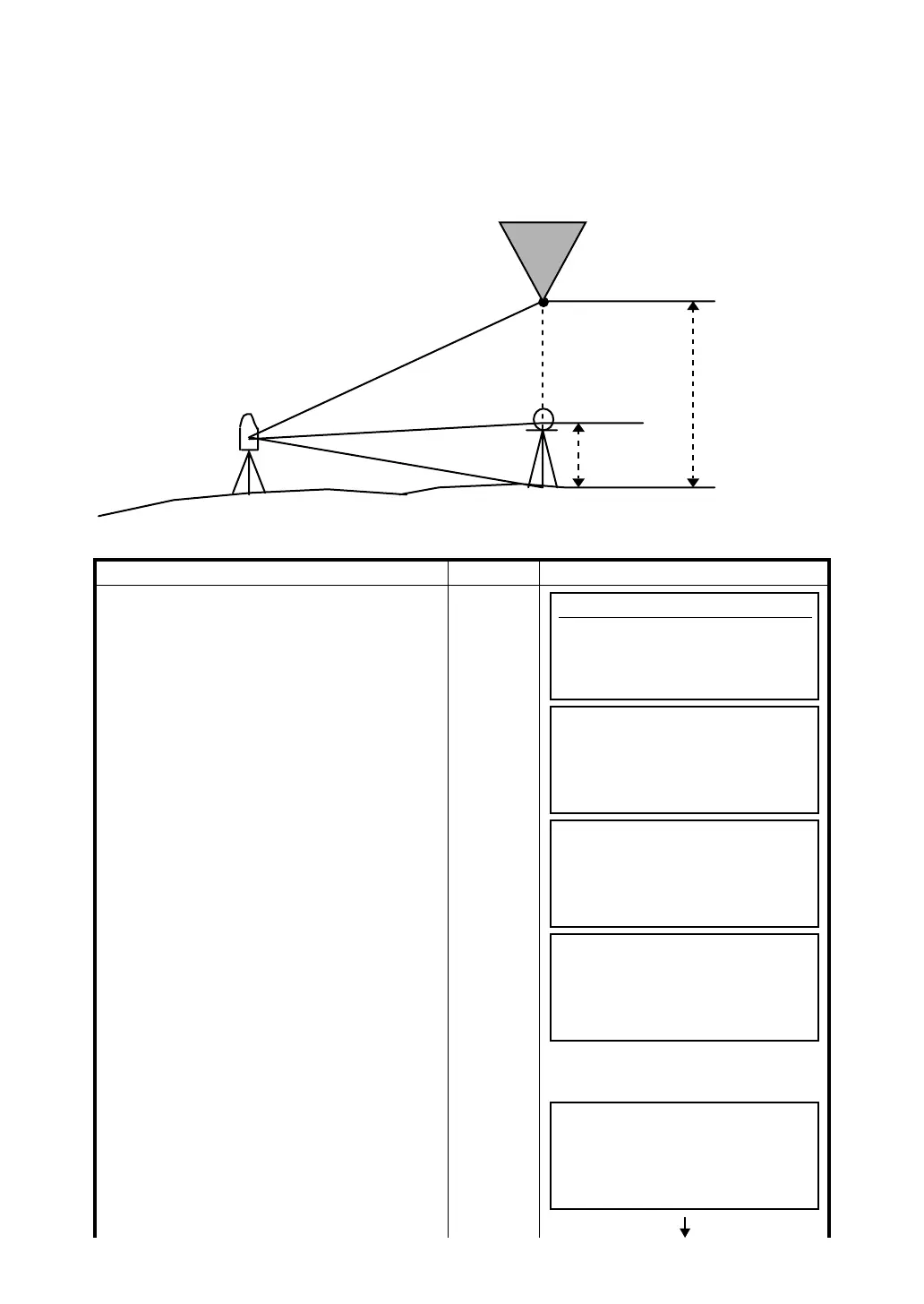
The Remote Elevation program calculates the vertical distance (height) of a remote object relative to a
prism and it's height from a ground point, (without a prism height). When using a prism height, the
remote elevation measurement will start from the prism (reference point). If no prism height is used, the
remote elevation will start from any reference point in which the vertical angle is established. In both
procedures, the reference point should be perpendicular to the remote object.
1) With prism height (h) input (Example :h=1.5m)
Operating procedure Operation Display
1 Press [F3](REM) key.
[F3]
2 Press [F1](YES) key.
[F1]
3 Enter prism height, press [ENT] key.
Enter
P.HT
[ENT]
4 Collimate prism .
Collimate
P
5 Press [F1](MEAS) key.
Measuring starts.
[F1]
Target K
Prism P
Prism height
G
Instrument
VD
Programs
F1 BS p 4/8
F2 STORE p
F3 REM p
F4 MLM p MORE
REM
Prism height
1.YES
2.NO
REM
(1)Prism Height
P.h : m
EXIT BS
REM
(2)Horizontal Distance
HD : m
MEAS SET
REM
(2)Horizontal Distance
HD * < m
MEAS SET








 To Next Page