2-5
2 PREPARATION FOR MEASUREMENT
2.5 Main Menu Contains
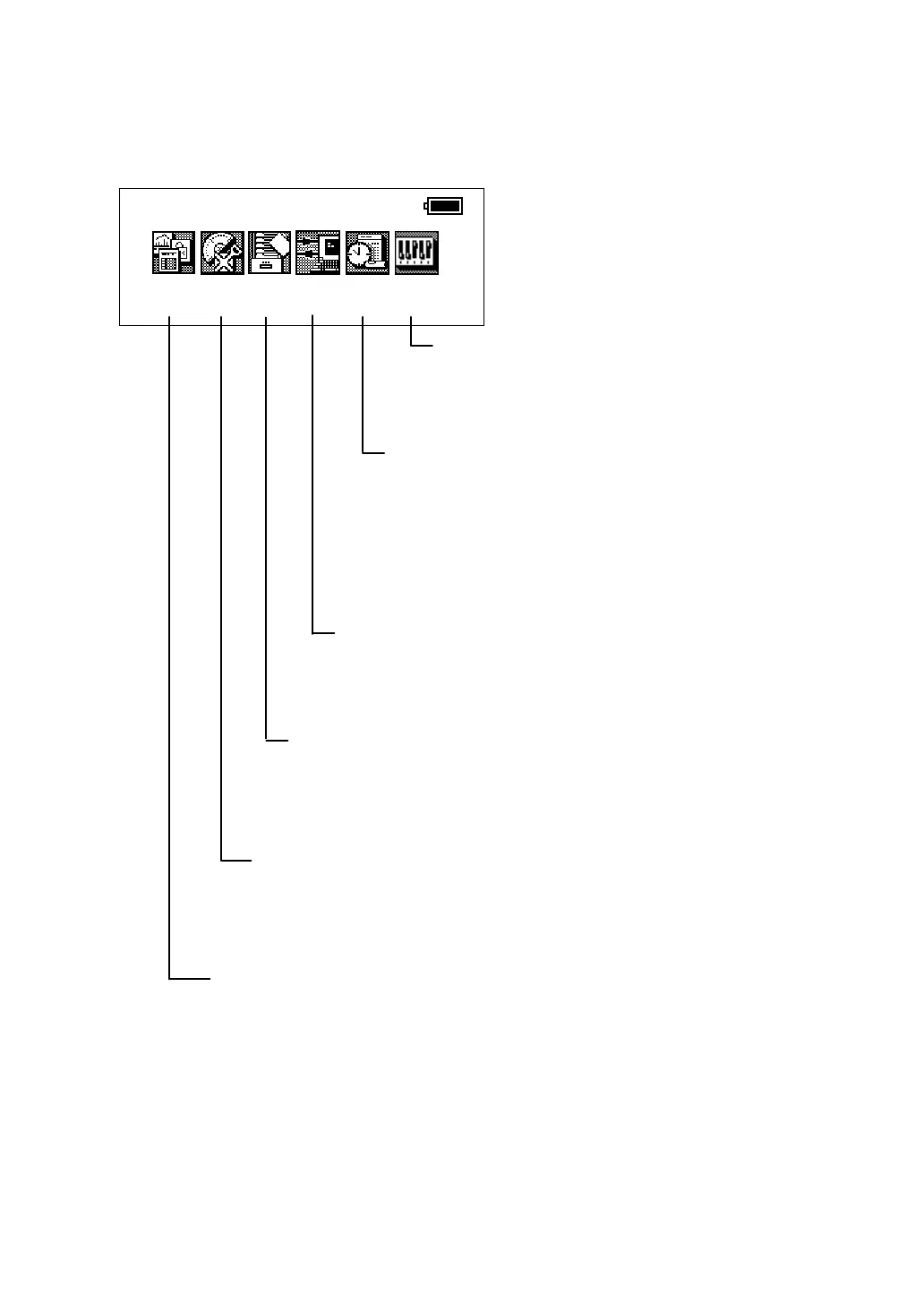
The main menu contains as following items.
Select the menu by pressing soft keys ([F1]~[F6]).
STANDARD MEASUREMENT MODE
This mode is used for follows
● Angle measurement
● Distance measurement
● Coordinate measurement
(see Chapter 3 “STANDARD MEASUREMENT MODE” .)
PROGRAM MODE ( APPLICATION MEASUREMENT)
This mode is used for follows.
1. Setting a direction angle for horizontal orientation (BS)
2. Retaining a Coordinate (STORE-NEZ)
3. Remote elevation measurement (REM)
4. Missing line measurement (MLM)
5. Repetition angle measurement (REP)
6. Layout (LAYOUT)
7. Line measurement (LINE)
8. Application software Loader option.(LOADER)
(see Chapter 4 “PROGRAM MODE” .)
COMMUNICATION MODE
This mode is used for follows
● Setting of PROTOCOL
● Data file in/out
(see Chapter 6 “COMMUNICATION MODE” .)
ADJUSTMENT MODE
This mode is used for checking and adjustment.
● Adjustment of compensation systematic errors of
instrument
● Showing compensation values of systematic errors of
instrument
● Setting Date & Time
● Setting instrument constant value
(see Chapter 8 “CHECK AND ADJUSTMENT” .)
Prog
Std
Mem
Com
Adj
Para
2001-07-10 15:30:40
PARAMETERS SETTING MODE
The PARAMETERS SETTING MODE settled
is memorized even power is off.
(see Chapter 7 “PARAMETERS SETTING
MODE” .)
MEMORY MANAGE MODE
This mode is used for follows
● Displaying file memory status
● Protecting/Erasing/Renaming
● Initializing a file.
(see Chapter 5 “MEMORY MANAGE MODE” .)








 To Next Page