6-1
6 COMMUNICATION MODE
6 COMMUNICATION MODE
The communication modes are used for setting the Baud rate (Protocol), receiving a file (Data file in)
and sending a file (Data file out). A data transfer program on your PC that supports (YMODEM) will be
necessary to send or receive data files.
6.1 Setting of PROTOCOL
To transfer data files to and from the GTS-600 Series and a PC, the Baud rates must be the same. The
Baud rate selections are 600, 1200, 2400, 4800, 9600, and 19200.
Operating procedure Operation Display
1 Press [F1](Protocol) key to set protocol.
[F1]
2 To select the Baud rate, use the arrow key`s
[F3-F6] to highlight your choice. When the
correct Baud rate is highlighted, press the
[ENT] key.
[F3] to[F6]
[ENT]
Prog
Std
Mem
Com
Adj
Para
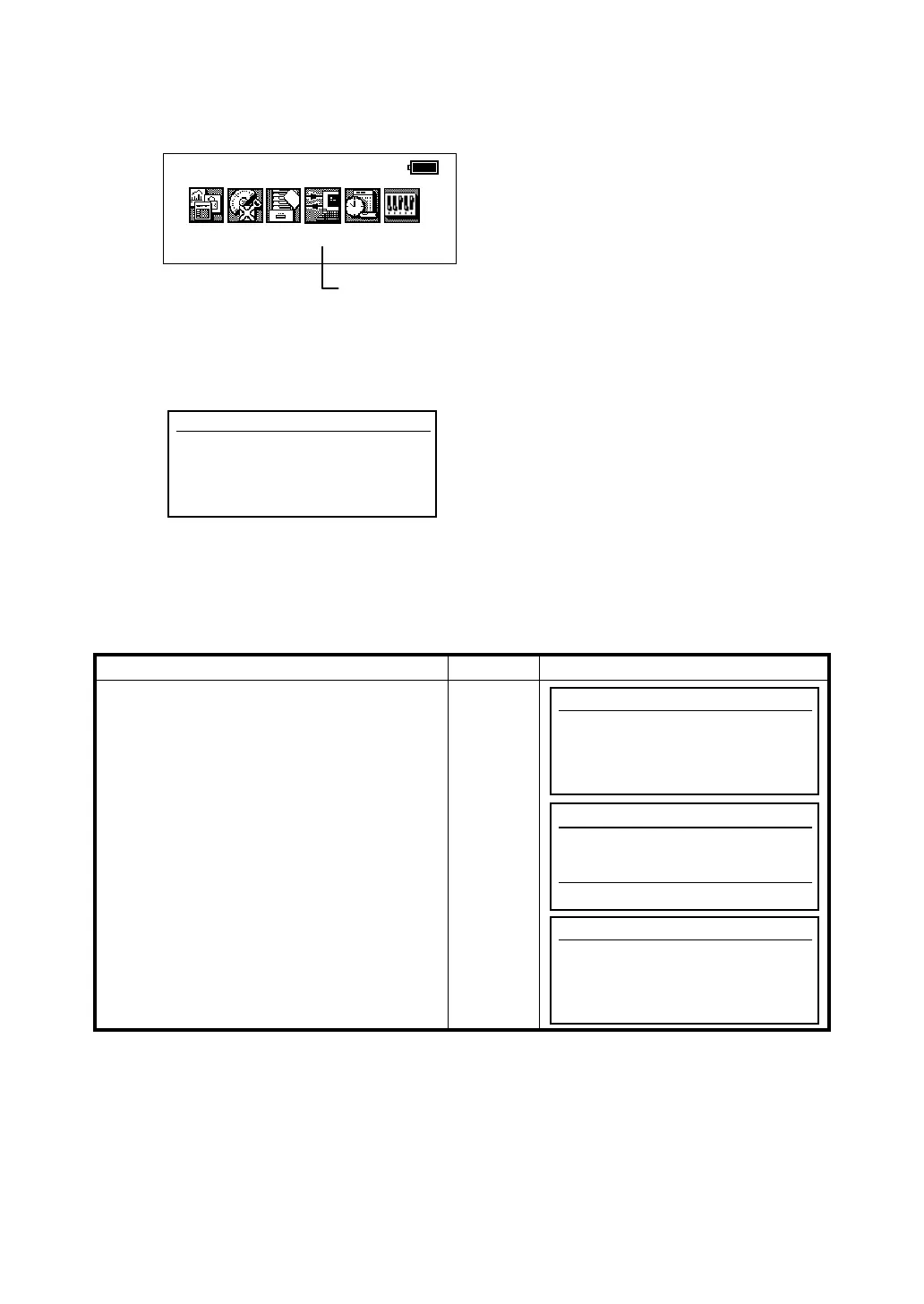
2001-07-10 15:30:40
COMMUNICATION MODES
[Press [F4] key.]
Communication
F1 Protocol
F2 Data file in
F3 Data file out
Communication
F1 Protocol
F2 Data file in
F3 Data file out
Communication
Speed 600 1200 2400
4800 9600 19200
<- -> ↑ ↓
Communication
F1 Protocol
F2 Data file in
F3 Data file out








 To Next Page