6-3
6 COMMUNICATION MODE
6.3 Data file out
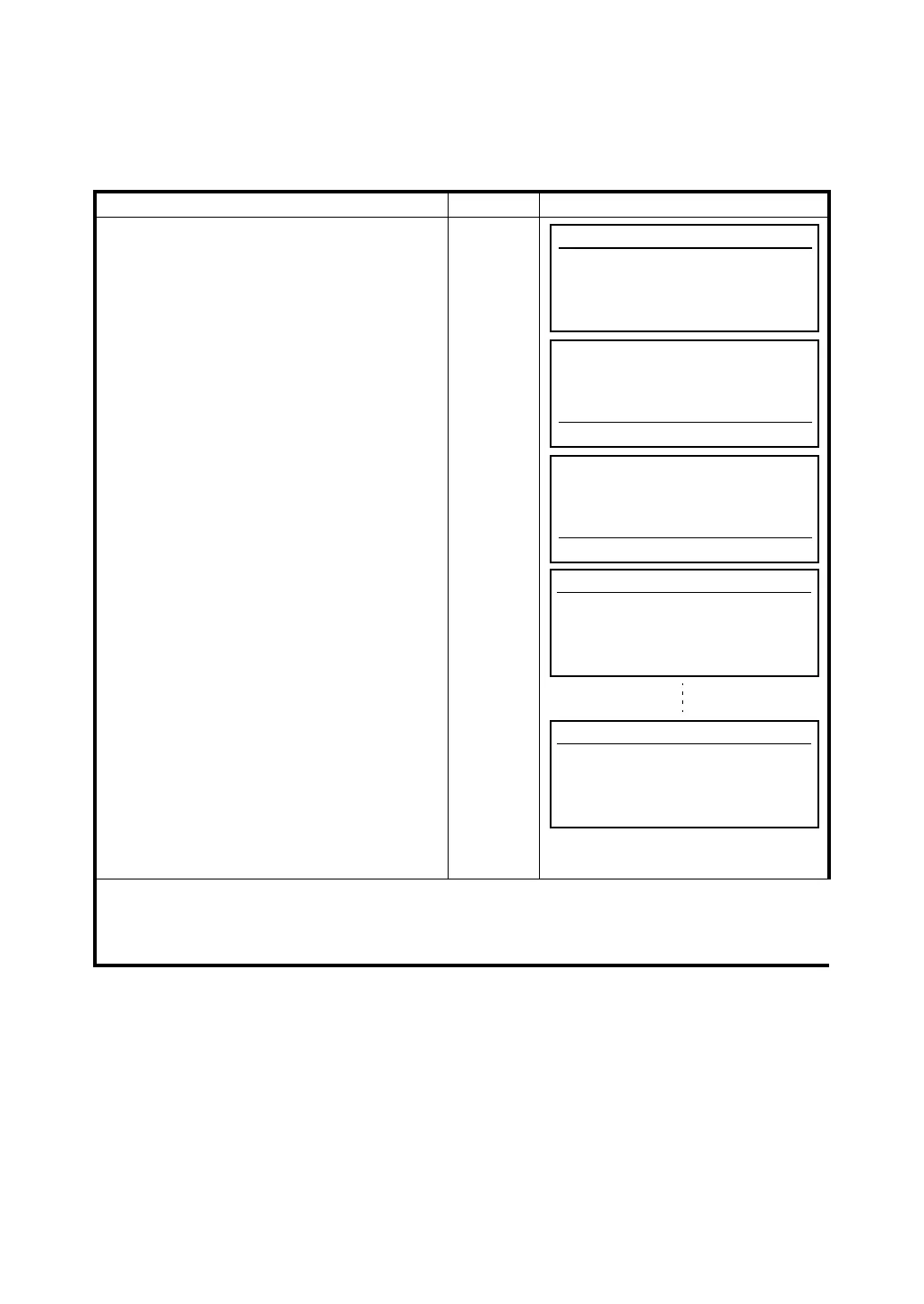
Transferring a file from the GTS-600 internal memory to a PC is also possible.
You can select two or more files in internal memory and send them to a PC at the same time.
[Example] Sending two files (JIS.DAT and TOPCON. DAT)
Operating procedure Operation Display
Make sure the PC is ready and waiting before
the GTS-600 sends the file.
1 Press [F3](Data file out) key.
[F3]
2 Select a file by pressing [F5](↑) or [F6](↓) key
and press the [F4](SEL) key.
The mark “>” will appear on the left of the
selected file. *1),2)
[F5]or [F6]
[F4]
3 Press the [ENT] key to start transferring. *3)
File name, amount of sent data(Byte) /
Capacity of the file (Byte) and percentage of
proceeding will be displayed.
Each file selected will be transferred in order.
When the transfer is complete, the display will
returns to the file menu.
[ENT]
*1) To release the selection, press the [F4](SEL) key again.
*2) To select all files, press the [F3](ALL) key. To release the selection, press the [F3](ALL) key again.
*3) Press the [ENT] key when no file is selected, hilight file will be transferred.
Communication
F1 Protocol
F2 Data file in
F3 Data file out
JIS .DAT 1597 12-25
TOPCON .DAT 1089 10-05
FC7 .TXT 2450 09-11
HILL .DAT 31777 08-19
ALL SEL ↑ ↓
>JIS .DAT 1597 12-25
>TOPCON .DAT 1089 10-05
FC7 .TXT 2450 09-11
HILL .DAT 31777 08-19
ALL SEL ↑ ↓
Data file out
[JIS .DAT]
0/ 1557 (0%)
Data file out
[TOPCON .DAT]
0/ 1089 (0%)








 To Next Page