3-9
3 STANDARD MEASUREMENT MODE
3.3 COORDINATE MEASUREMENT
3.3.1 Setting Coordinate Values of Occupied Point
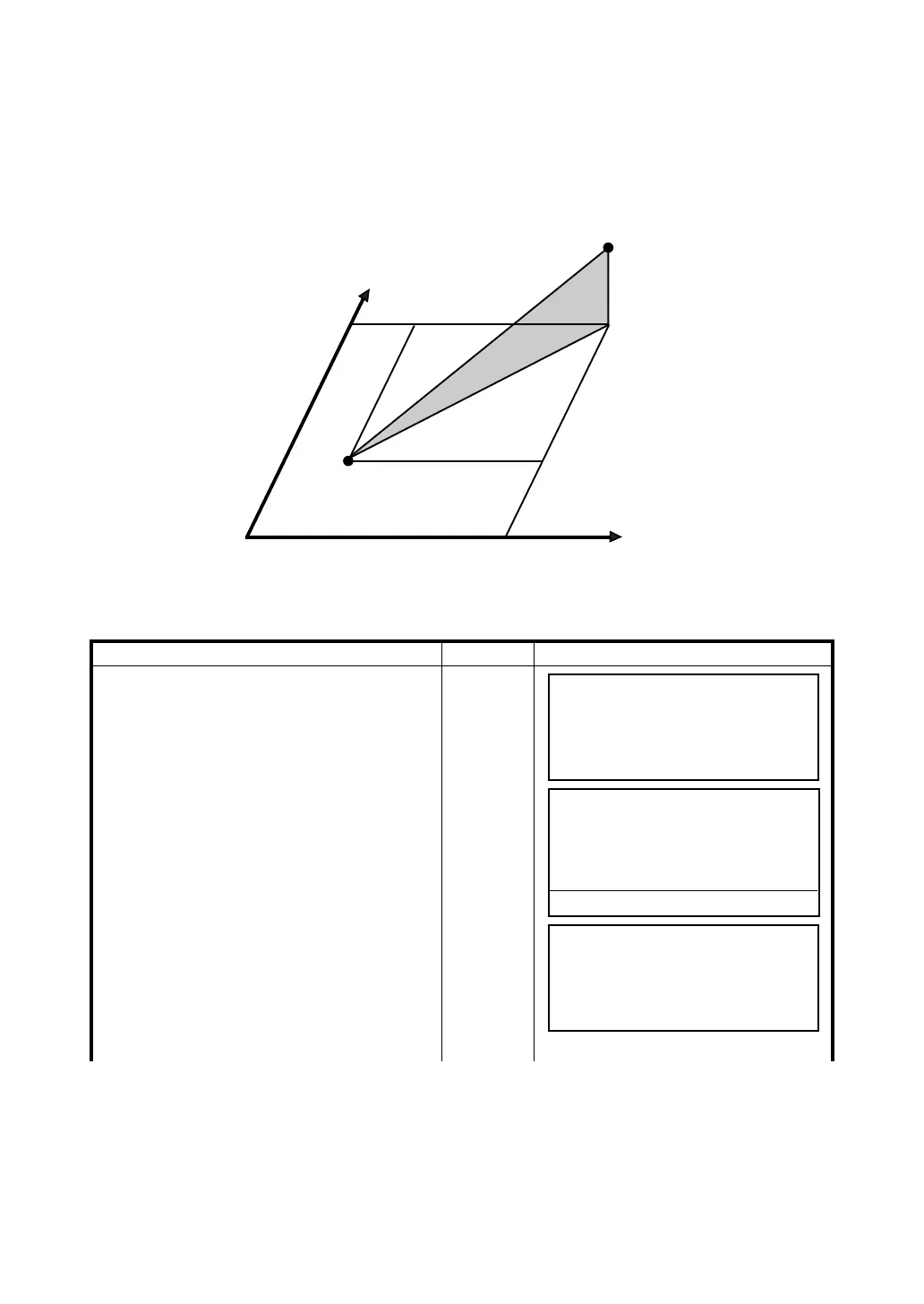
Set the coordinates of instrument (occupied point) according to coordinate origin, and the instrument
automatically converts and displays the unknown point (prism point) coordinates following the origine.
It is possible to retain the coordinates of the occupied point after turning the power off (Resume mode
:OFF). Refer to Chapter 7 “PARAMETERS SETTING MODE” .
Confirm the angle measurement mode.
Operating procedure Operation Display
1 Press [F3](NEZ) key.
2 press [F6](
↓
) key to get the function as on
page 2.
[F3]
[F6]
3 Press [F5](SET) key.
The previous data will be shown.
[F5]
N
E
z
n
e
Prism (n,e,z)
Inst.PointC
Origin(0,0,0)
V : 90°10'20"
HR: 120°30'40"
SD HD NEZ 0SET HOLD P1
↓
N : <
E : PSM 0.0
Z : PPM 0.0
(m) *F.R
MEAS MODE VH SD HD P1
↓
REC HT MEAN m/ft SET P2
↓
Setting occ. point
N : 12345.6700
E : 12.3400
Z : 10.2300
EXIT BS








 To Next Page