4-31
4 PROGRAM MODE
4.6.5 Grid Factor
A grid factor can be set when doing Layout, Resection or Side Shot. The formula below shows how the
grid factor is calculated for the distance.
Calculation Formula
1) Elevation Factor
2) Scale Factor
Scale Factor : Scale Factor at the surveying station
3) Grid Factor
Grid Factor = Elevation Factor
×
Scale Factor
Distance Calculation
1) Grid Distance
2) Ground Distance
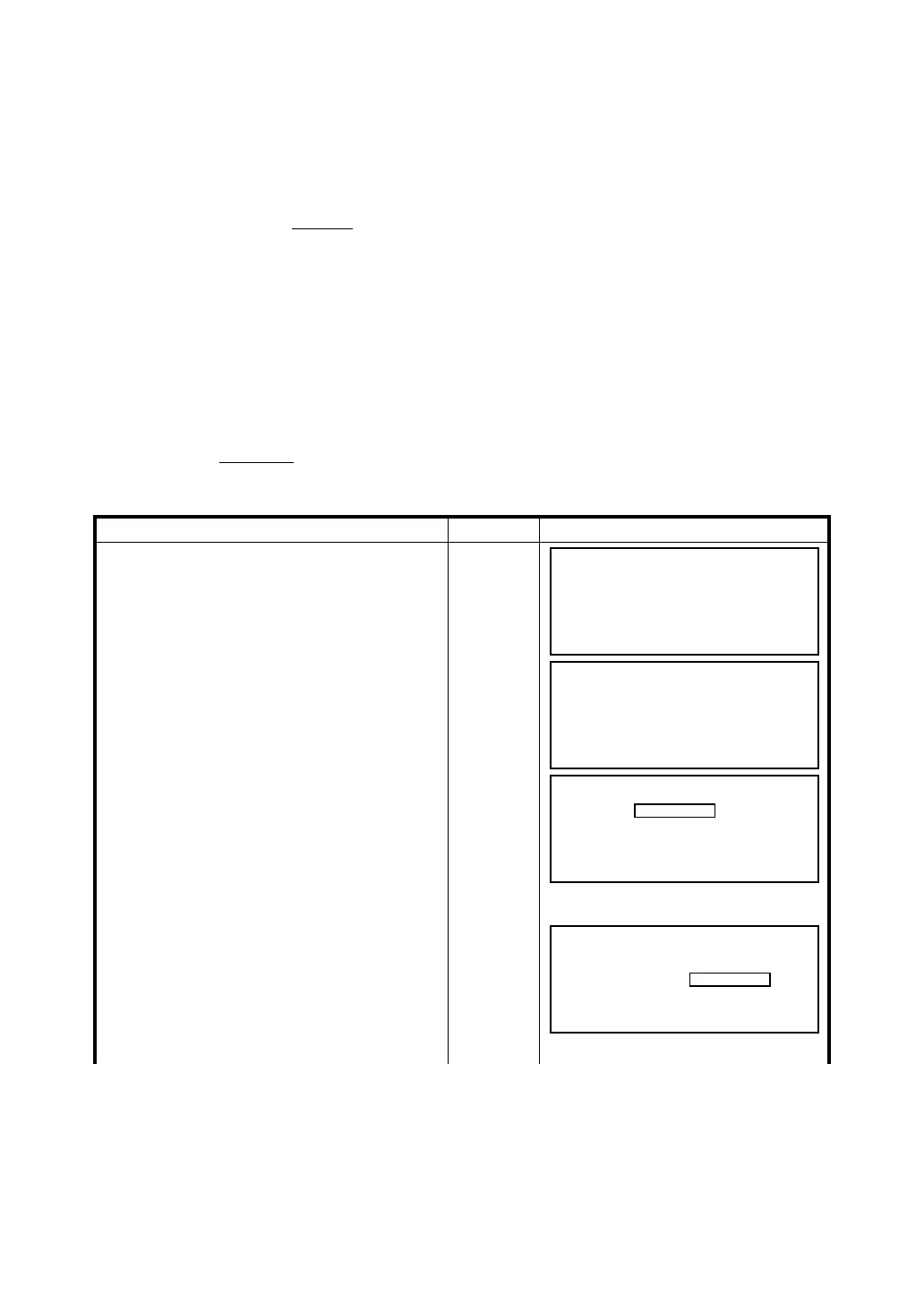
Operating procedure Operation Display
1 Press [F4] for Grid Factor.
[F4]
2 To modify the grid factor, press [F5]. If you
select [F6] NO, the program returns to the
Coordinate data menu.
[F5]
Type
Elevation
3 Type in the elevation and press (ENT).
(ENT)
4 Next type in the scale factor and press (ENT).
Type
Scale
Factor
R R
: The average radius of the earth
R+ELEV. ELEV.
: The elevation above mean sea level
Elevation Factor =
HDg = HD
HDg : Grid distance
HD : Ground distance
× Grid Factor
HDg
Grid Factor
HD =
Coordinate Data
F1 Input Coordinate data
F2 Search Data & View Jobs
F3 New Point
F4 Grid Factor
Grid Factor
1.000000
>Modify
YES NO
Grid Factor
ELEV. :
SCALE : 1.000000
EXIT BS
+0000
Grid Factor
ELEV. : +0000
SCALE :
EXIT BS
1.00000








 To Next Page