6-2
6 COMMUNICATION MODE
6.2 Data file in
You can transfer data files from a PC to the GTS-600 Series.
The file can be received into a sub-directory.
[Example] Transferring a file into [XYZ] sub-directory
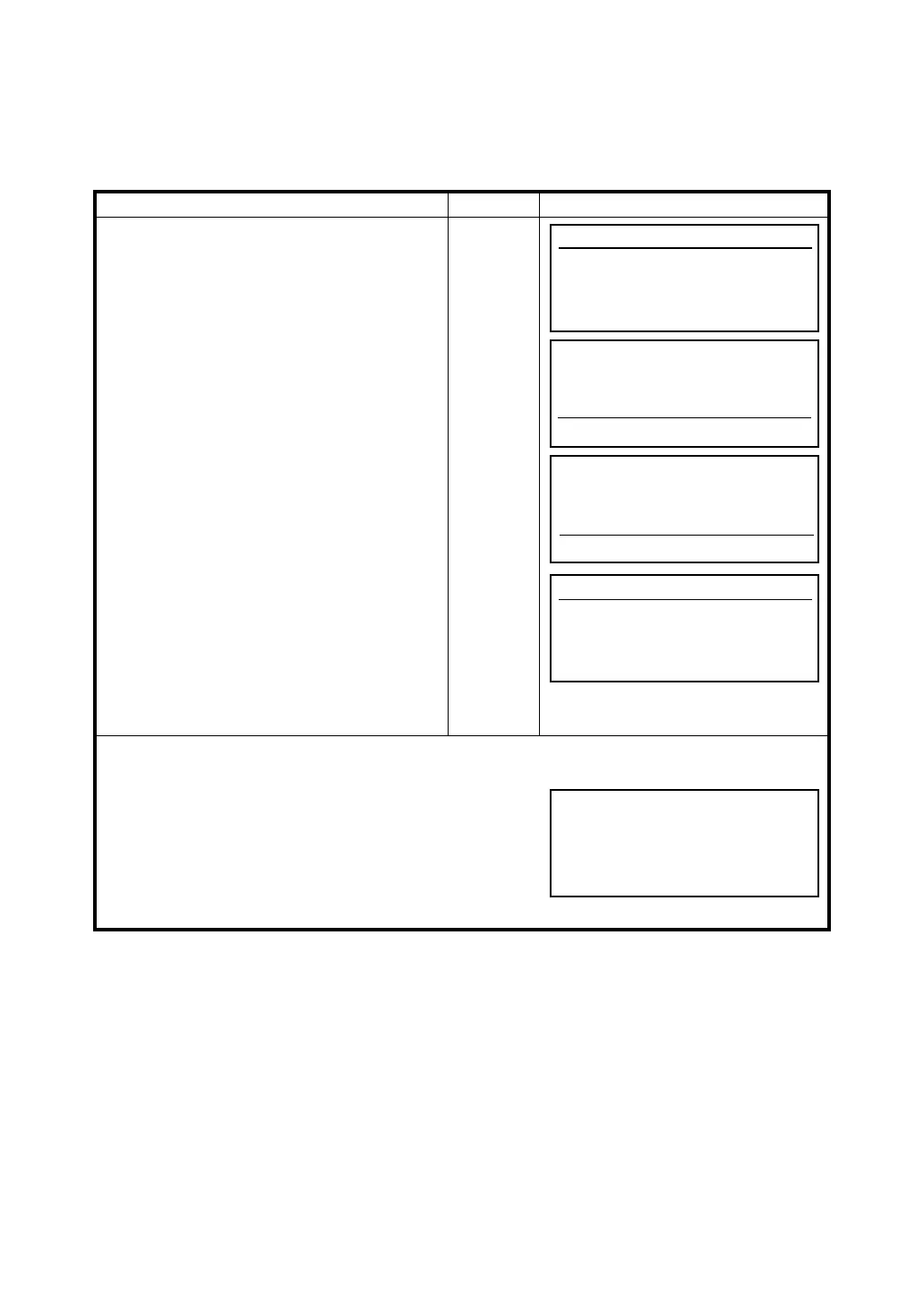
Operating procedure Operation Display
Make sure the instrument is ready and
waiting for the data file before you command
the PC to send the file.
1 Press [F2](Data file in) key.
[F2]
2 Select a sub-directory by pressing the [F6](↓)
or [F5](
↑ ) key.
Hilight will move up or down to select a sub-
directory then press the [ENT] key. *1)
Example : Selecting [XYZ] sub-directory
[F5]or [F6]
[ENT]
3 Command the PC to send the file at this time.
Press the [F1](START) key to start
transferring.
File name, amount of received data (Byte) /
Capacity of the file (Byte) and percentage of
proceeding will be displayed.
When the transfer is complete, the display will
return to the main menu icons.
[F1]
*1) To return to the main directory, select the “. .” directory and
press the [ENT] key.
● To make a sub-directory, press the [F4] (MkDir) key and
enter new sub-directory name. Maximum eight letters can
be input.
See Section 2.9“How to Enter Numerals and Alphabet
Letters”.
● Maximum 128 sub-directories can be generated.
Communication
F1 Protocol
F2 Data file in
F3 Data file out
ABC <dir>01-04
XYZ <dir>01-04
START MkDir ↑ ↓
. <dir>01-04
.. <dir>01-04
START MkDir ↑ ↓
Data file in
[TOPCON .DAT]
0/ 8676 (0%)
Make directory
[ ]
Alpha SPC ← →








 To Next Page