1-5
1 NOMENCLATURE AND FUNCTIONS
1.3 Operating Key
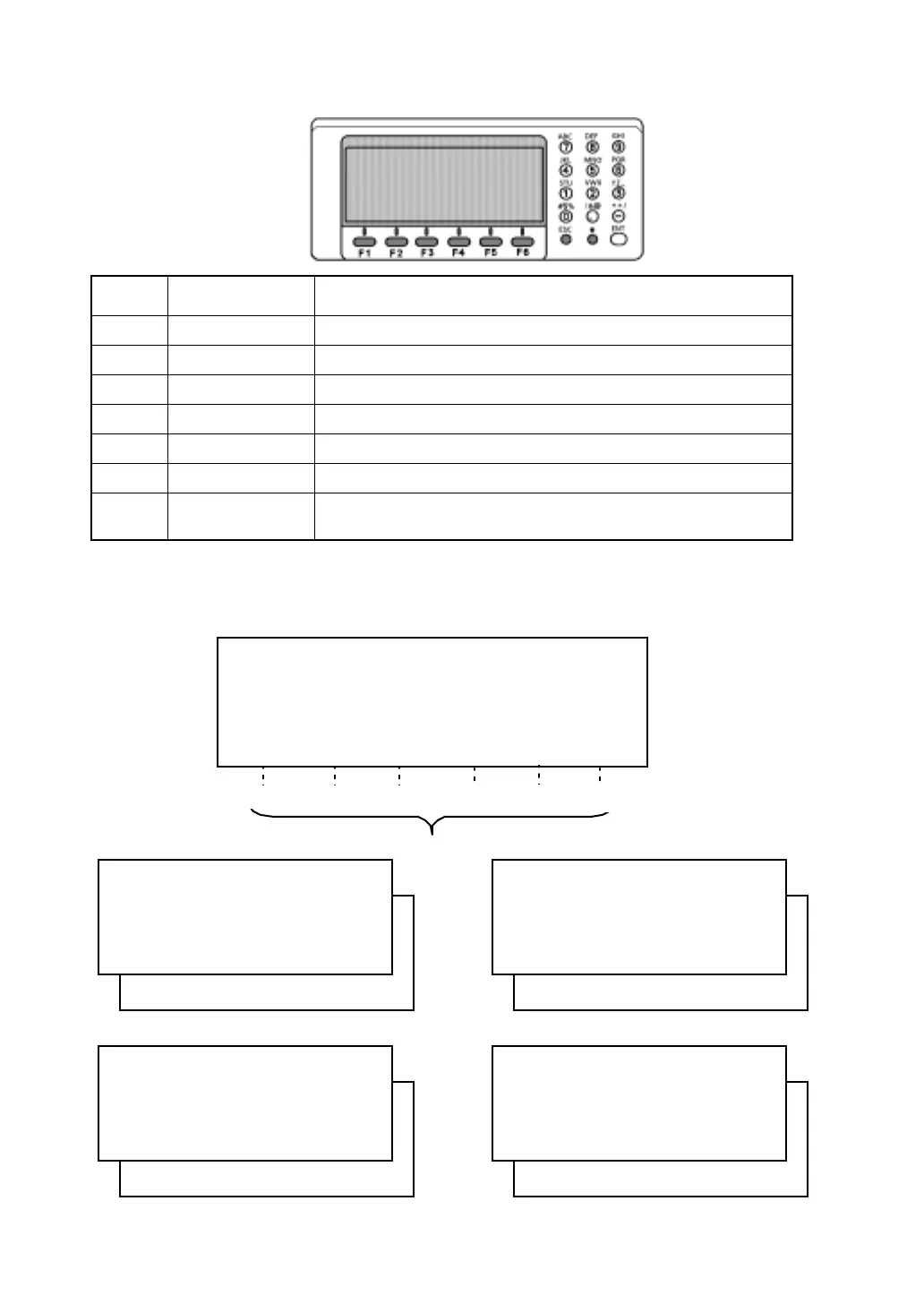
1.4 Function Key (Soft Key)
The Soft Key message is displayed at the bottom line of display. The functions are according to the
displayed message.
Keys Name of Key Function
F1~F6 Soft key Functions are according to the displayed message.
0~9 Numeric key Entering numerals.
A ~/ Alpha key Entering Alphabets.
ESC Escape key Returning to the previous mode or display.
★ Star key Star key mode is used for each presetting or displaying.
ENT Enter key Press at the end of inputting values.
POWER Power key
ON/OFF of power source.
(Power key is located on the side of the instrument.)
Horizontal distance measuring
Coordinate measuring
Angle measuring
Slope distance measuring
R EC HT MEAN m/ft SET P2
↓
REC SO MEAN m/ft P2
↓
REC SO MEAN m/ft P2
↓
REC HSET R/L V/% TILT P2
↓
Soft keys
V : 87°55'45"5
HR: 180°44'12"5
SD HD NEZ 0SET HOLD
P1 ↓
[F1] [F2] [F3] [F4]
[F5]
[F6]
V : 87°55'45"5
HR: 180°44'12"5
SD HD NEZ 0SET HOLD P1
↓
V : 90 10'20"5
HR: 120 30'40"5 PSM 0.0
HD: PPM 0.0
VD: (m) F.R
M EA S M O D E VH S D N E Z P1
↓
V : 90°10'20"5
HR: 120°30'40"5 PSM 0.0
SD: PPM 0.0
(m) F.R
M EA S M O D E VH H D N E Z P1
↓
N : 12345.6789
E : -12345.6789 PSM 0.0
Z : 10.1234 PPM 0.0
(m) F.R
MEAS MODE VH SD HD P1
↓








 To Next Page