7-1
7 PARAMETERS SETTING MODE
7PARAMETERS SETTING MODE
7.1 Parameter Setting Options
7.1.1 Parameters for Measurement and Display
Menu Selecting Item Contents
1.Ang. Unit deg / gon / mil
Select degree(360°), gon(400G) or mil (6400M) for the
measuring angle unit to be shown on the display .
2.Min.Angle OFF / ON
Select the minimum display angle reading ON or OFF.
GTS-601/601AF[ OFF:1"/ ON:0.5"](0.5mgon/0.1mgon)
GTS-602/602AF[ OFF:5"/ ON:1"] (1mgon/0.2mgon)
GTS-603/603AF[ OFF:5"/ ON:1"] (1mgon/0.2mgon)
GTS-605/605AF[ OFF:5"/ ON:1"] (1mgon/0.2mgon)
3.Tilt OFF / 1axis / 2axis
Select the tilt sensor option for OFF, (1axis) vertical only or
(2axis) vertical and horizontal.
4.Err. corr. OFF / ON
Select the error correction ON or OFF for collimation and error
adjustment.
Note: Perform this item after complete section 8.4 .
For more information, refer to Section 8.4“Adjustment
of Compensation Systematic Error of Instrument” and
Section 8.5“Showing Constant List and Switch ON/
OFF Compensation Systematic Error of Instrument”
5.V -0 Zenith / Level Select the vertical angle reading for Zenith 0 or Horizontal 0.
6.HAmem OFF / MEM.ON
It is able to retain presetting angle after turning power
off.(MEM.ON )
Note: After changing this parameter, turn the power switch
off once.
7.Light OFF / ON
Select the option to turn on the backlight when the power is
turned on.
Note: Resume Mode ON/OFF option is given priority to
regardless of the setting of this item.
Prog
Std
Mem
Com
Adj
Para
2001-07-10 15:30:40
PARAMETERS SETTING MODE
[Press [F6] key.]
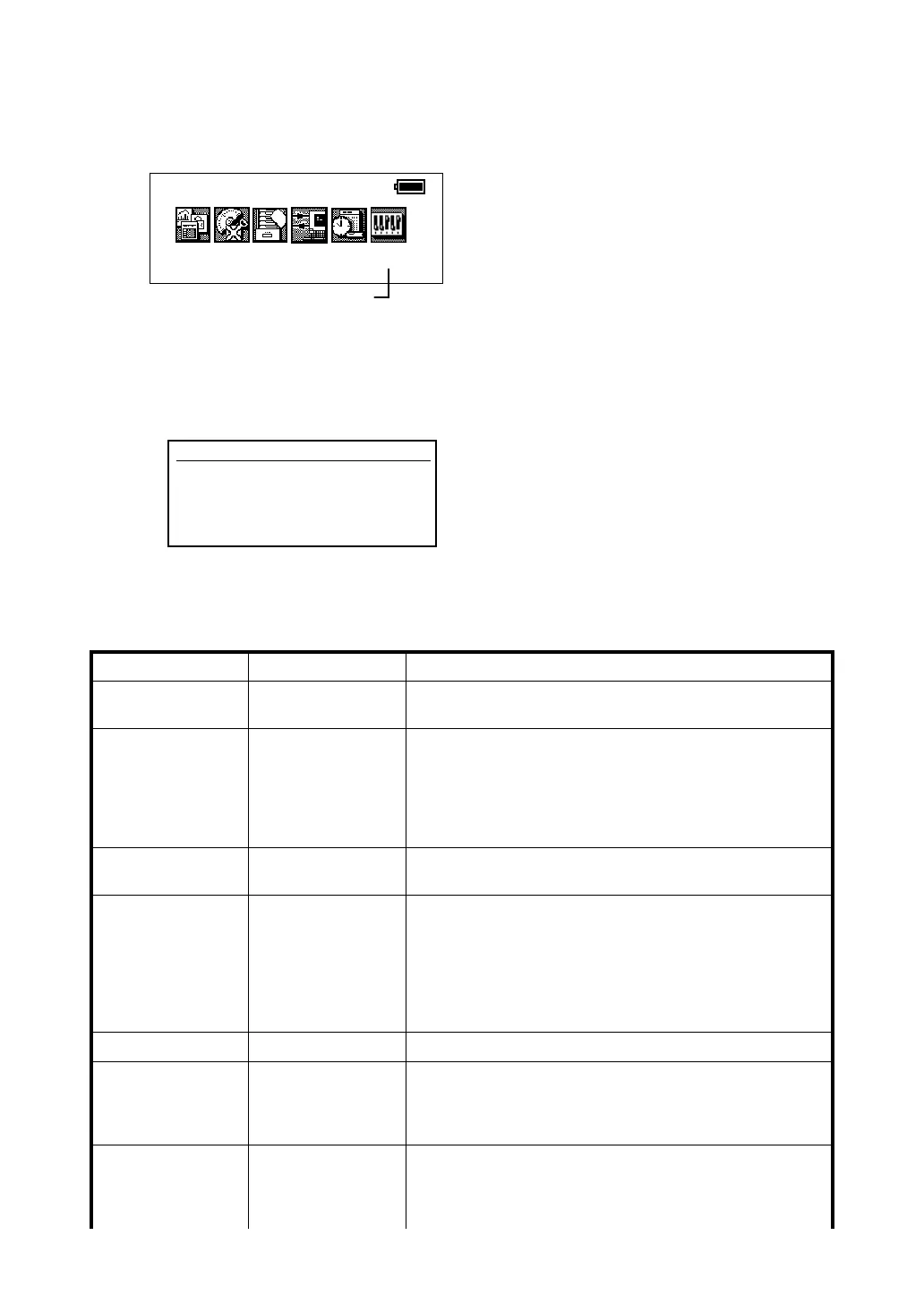
In this mode, setting of parameters regard with measuring, displaying and
communications will be done.
When a parameter is changed and set, the new value is stored into memory.Press [F6]
key from the main menu icons, the following display will be shown.
The parameter modes is classified in Measurement and Communication.
Parameters
F1 Measurement
F2 Communication
F3 Password








 To Next Page