4-33
4 PROGRAM MODE
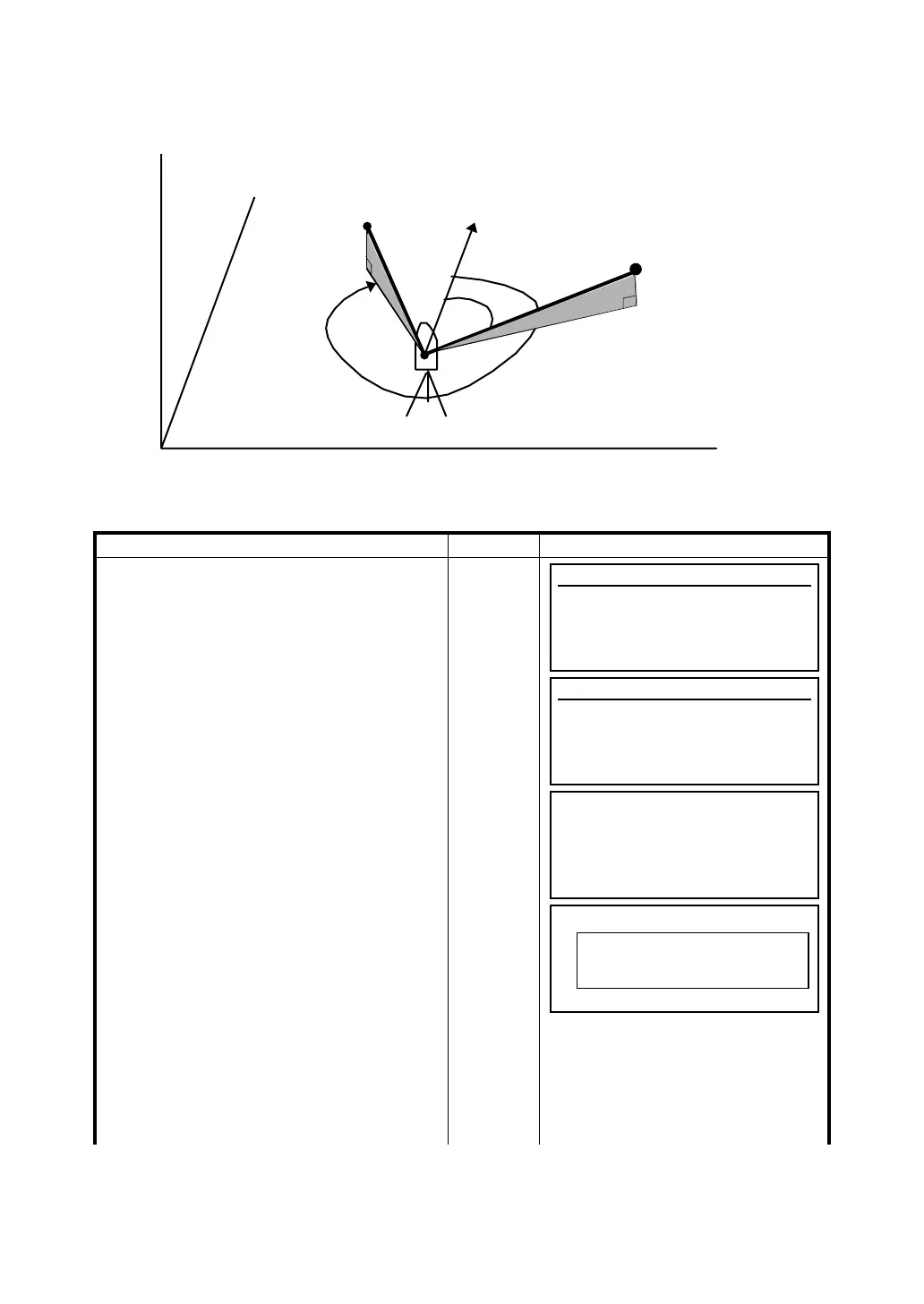
4.6.6 Setting a Direction Angle and Layout a Point
The direction angle option computes the backsight angle orientation using the occupied and backsight
point coordinates. Once the backsight angle is set, you can safely layout points.
Operating procedure Operation Display
1 From the Main Menu Icons, press the [F2]
(Prog) Key.
[F2]
2 Press the [F6] key to advance to the next
screen.
[F6]
3 Press the [F2] (LAYOUT) key.
The version number will appear on this
screen for a few seconds.
If a Job was created, the information screen
about the job will appear.
[F2]
Na
HR
HD
Origin point (0,0,0)
N
E
Z
Layout point P1
[N,E,Z]
Inst.point C
Known point A
Horizontal plane
Programs
F1 BS
p 4/8
F2 STORE p
F3 REM p
F4 MLM p MORE
Programs
F1 REP p 8/8
F2 LAYOUT p
F3 LINE p
F4 LOADER p MORE
LAYOUT
Version x.xx
LAYOUT
F Setting Direction Angle
F Setting Layout Point
F Coordinate data
F4
Job Name TAC2
# of Pts 10
Grid Factor 1.000000








 To Next Page