1-12
1 NOMENCLATURE AND FUNCTIONS
Adjustment of automatic focusing
If the automatic focusing is incorrect though the diopter adjustment is complete, adjust the
automatic focusing.
The automatic focus position adjustment can be easily set up by software as follows.
Operating procedure Option Display
1
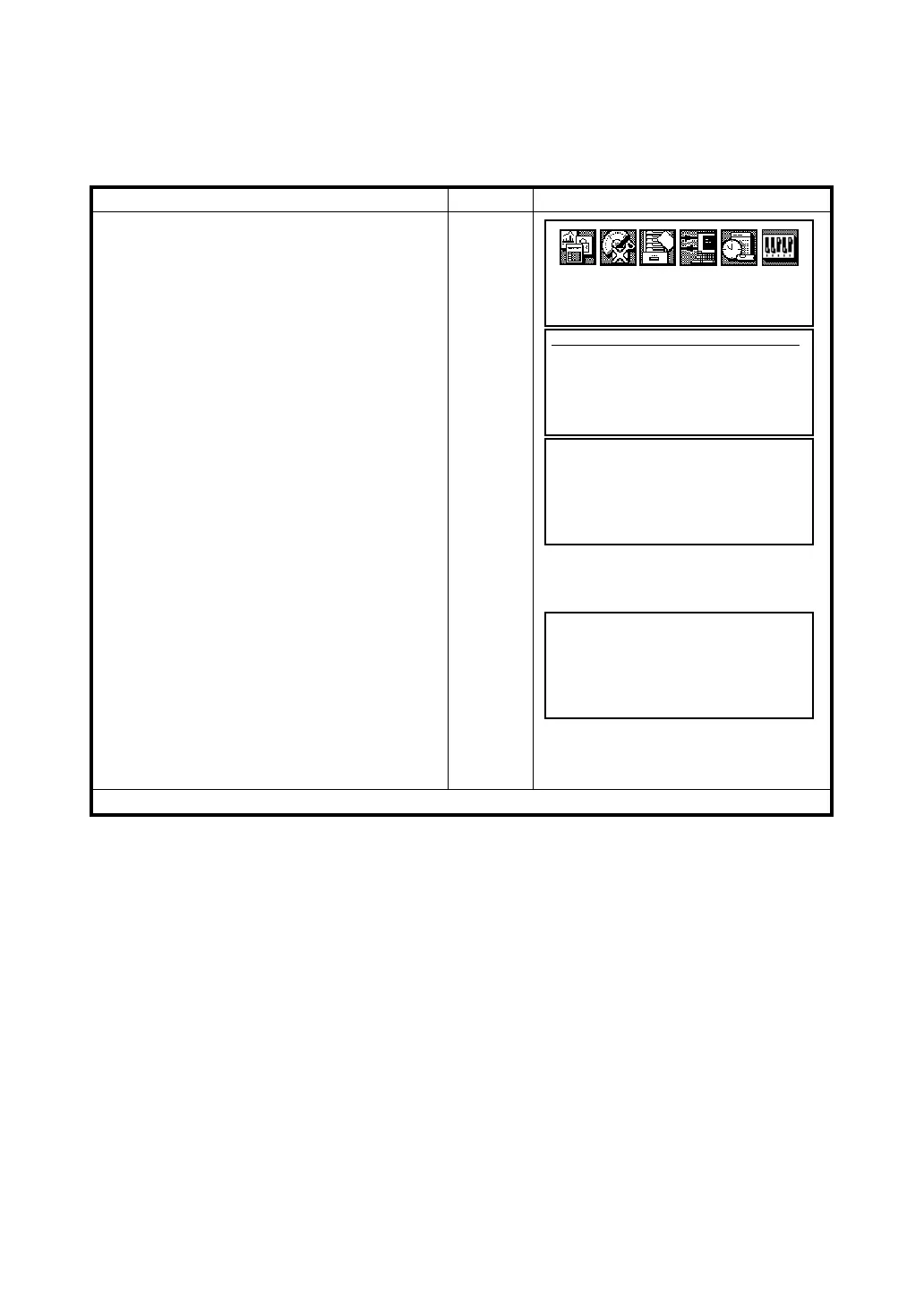
Press the [F5](Adj) key from the main menu
icons.
[F5]
2
Press the [F4](Auto Focus) key.
[F4]
3
Adjustment the diopter by turning the diopter
ring so that the cross hairs are clearly
observed.
Adjust
diopter
4
Press the [F6](AF) key.
Auto focusing will start.
5
Look into the telescope and confirm whether
the focusing is completely done or not. If not,
focus the target with the focusing knob
manually.
6
Press the [F6](SET) key to finish the
adjustment.
The screen will return to the main menu icons.
[F6]
Focus
manually
[F6]
●
Press the [F2](BACK) key to return to previous screen (Step three).
Prog
Std
Mem
Com
Adj
Para
Adjustment
F1 V0/Axis (Measurement)
F2 V0/Axis (Constant list)
F3 Date Time
F4 Auto Focus
↓
Adj. Auto Focus (1/2)
Adjust diopter
And press [AF] key
EXIT AF
Adj. Auto Focus (2/2)
Focus with the manual knob
if out of focus.
Then press [SET] key
EXIT BACK SET



 To Next Page