4-40
4 PROGRAM MODE
4 Input the prism height and press [ENT] key.
Input P.h
[ENT]
5 Collimate prism A and press [F1](MEAS) key.
The distance measurement will start.
Horizontal distance is displayed.
Collimate
A
[F1]
6 Press [F6] (SET) key, and horizontal distance
will be recorded.
[F6]
7 Collimate prism B and press [F1](MEAS) key.
The distance measurement will start.
Horizontal distance is displayed.
Collimate
B
[F1]
8 Press [F6] (SET) key, and horizontal distance
will be recorded.
[F6]
9 Sight line point L .
Measured data to the line point L is displayed.
VD:Vertical distance.
HD:Horizontal distance from the instrument to
L.
Off :Horizontal distance from A to L.
Sight L
LINE
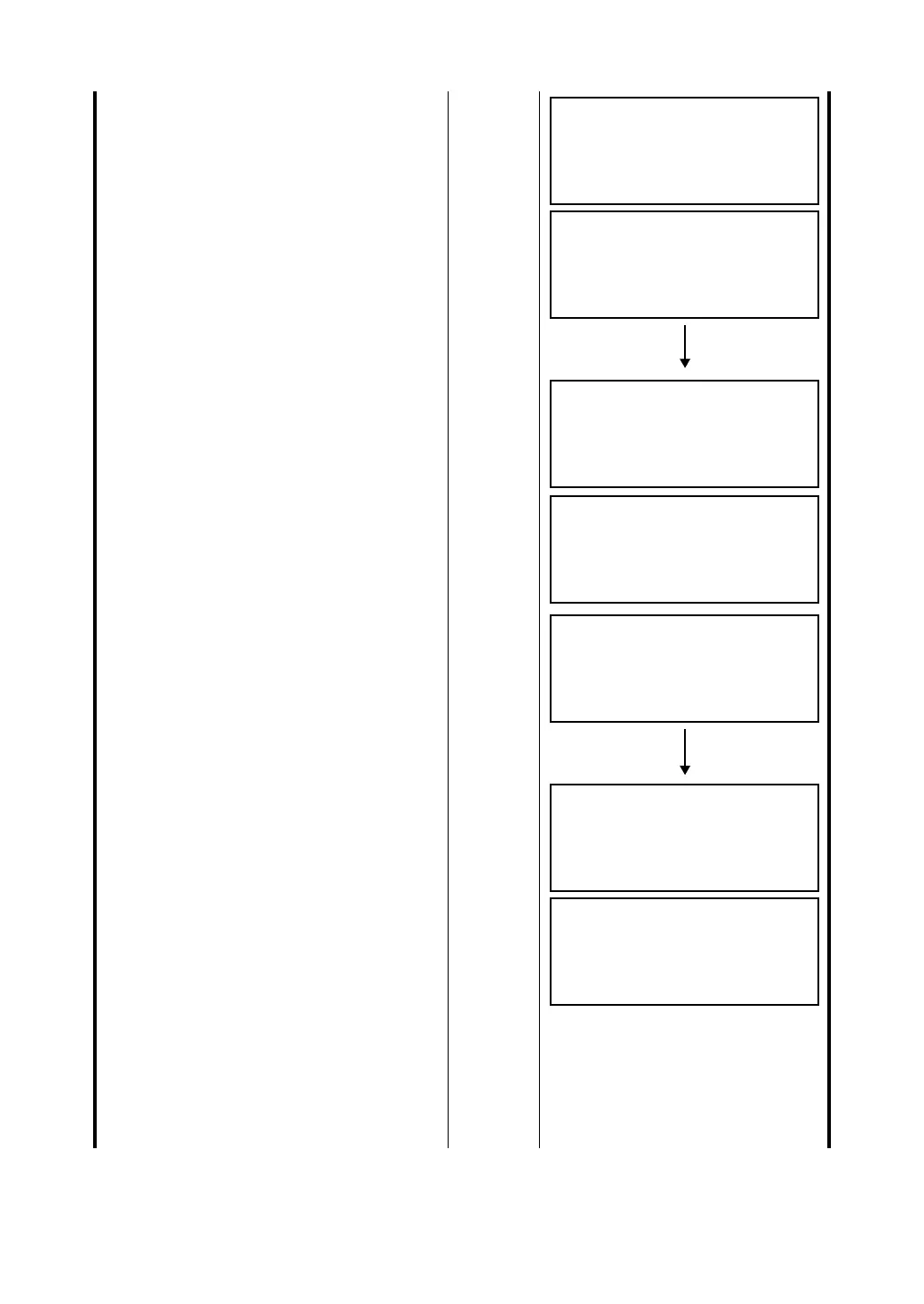
<STEP-1>PT A
HD: m
MEAS SET
LINE
<STEP-1>PT A
HD* < m
MEAS SET
LINE
<STEP-1>PT A
HD* 50.234 m
MEAS SET
LINE
<STEP-1>PT B
HD: m
MEAS SET
LINE
<STEP-1>PT B
HD* < m
MEAS SET
LINE
<STEP-1>PT B
HD* 67.543 m
MEAS SET
LINE
VD: 20.123 m
HD: 38.987 m
Off: 74.123 m
EXIT LH








 To Next Page