Configuring the Radio Modem
P/N 7010-0526
3-5
%%set,cur/term/echo,/dev/null
%%set,cur/term/imode,echo
%%set,cur/term/echo,/dev/ser/c
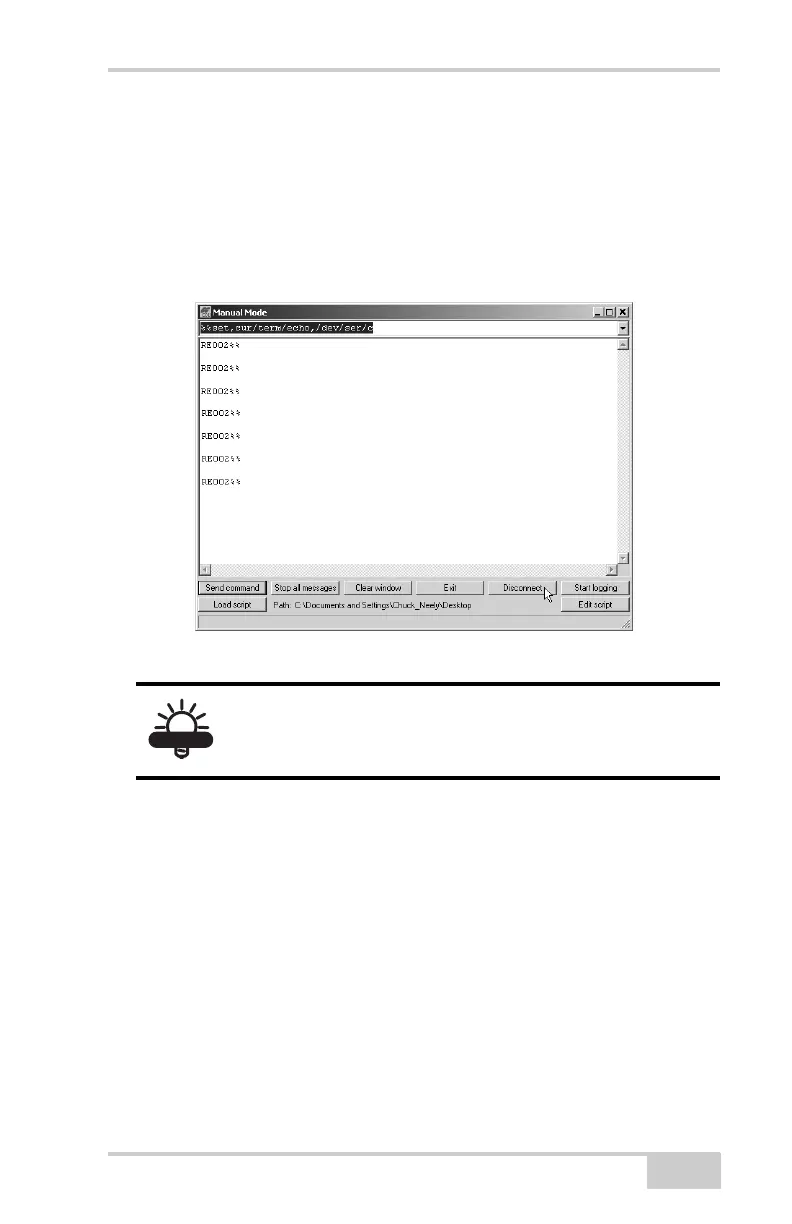
The Manual Mode dialog box displays “RE002%%” in response
to each of these commands. When finished, you should have
seven responses (Figure 3-1).
Figure 3-1. Manual Mode – Command Responses
5. Click Disconnect (Figure 3-1).
6. Run the PDL Radio Configuration Program from Pacific Crest
(Figure 3-2 on page 3-6).
Make sure you have the latest version. Upgrades for this software
are available on the Pacific Crest website (www.paccrst.com and
navigate to the Downloads > Upgrades page).
TIP
Save this set of commands to a script file and load
this file later to the receiver with a single operation.
To create a script file, see Appendix B.



 To Next Page