Configuring the Receiver
P/N 7010-0526
3-17
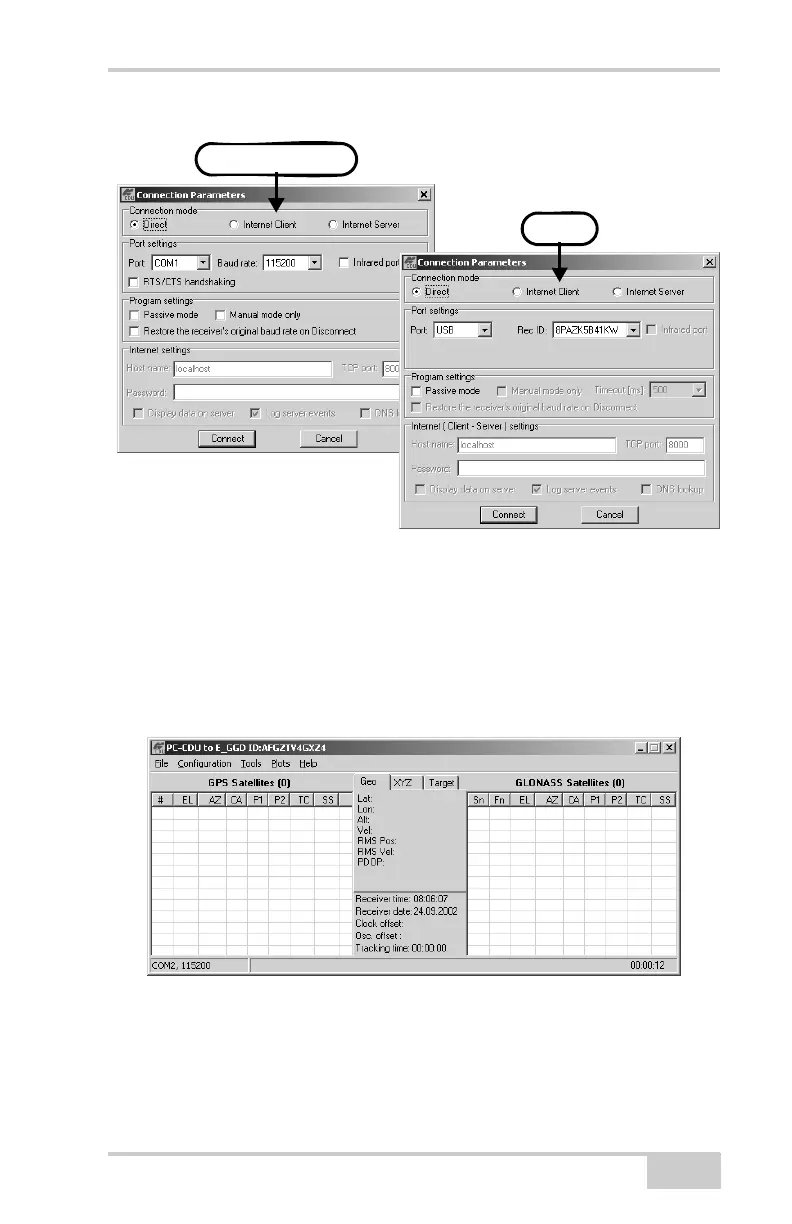
Figure 3-15. Connection Parameters
Once a PC-CDU connection with the receiver has been
established, the current communications settings—such as, port
name, baud rate (if applicable), and flow control (if applicable)—
display in the lower-left corner of the main window of PC-CDU.
A timer begins to count up in the lower-right corner as well
(Figure 3-16).
Figure 3-16. PC-CDU Connection Established
USB
RS232 or Bluetooth



 To Next Page