HiPer+ Configuration
HiPer+ Operator’s Manual
3-18
5. Click ConfigurationReceiver.
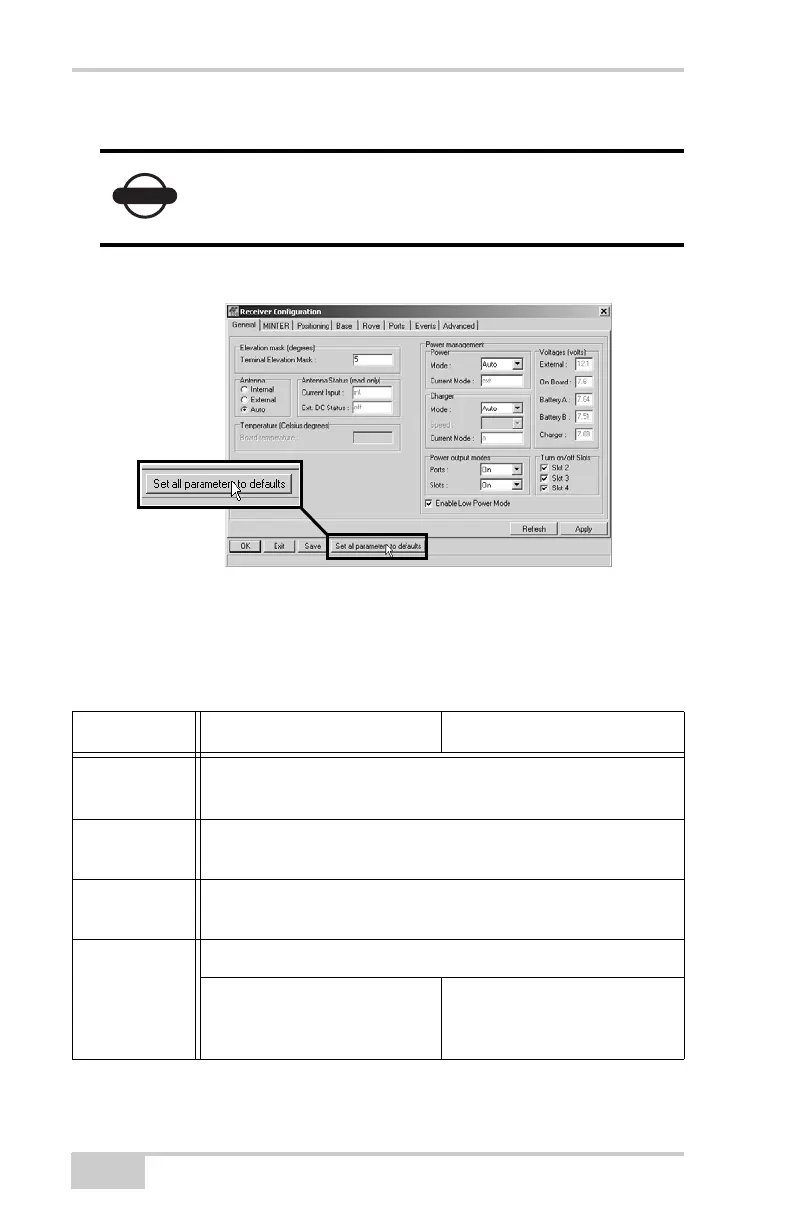
6. Click Set all parameters to defaults (Figure 3-17).
Figure 3-17. Set All Parameters to Defaults
7. Click the MINTER tab and configure the following settings
(Table 3-3), then click Apply (Figure 3-18 on page 3-19).
NOTICE
Click Apply after making any configuration
change; otherwise, the receiver will not register the
change.
Table 3-3. Receiver Parameters for the MINTER Tab
Parameter Base Receiver Rover Receiver
Recording
interval
For an RTK or Stop-n-Go survey, enter 1 second
For a static survey, enter 15 or 30 seconds.
Elevation
mask angle
Enter 15 degrees.
File name
prefix
Enter the last 3 digits of receiver’s serial number.
FN key mode (starts/stops data recording using the FN key)
For Static data recording,
select LED blink mode switch.
For RTK data recording,
select Occupation mode
switch.



 To Next Page