MINTER Operation
P/N 7010-0526
4-9
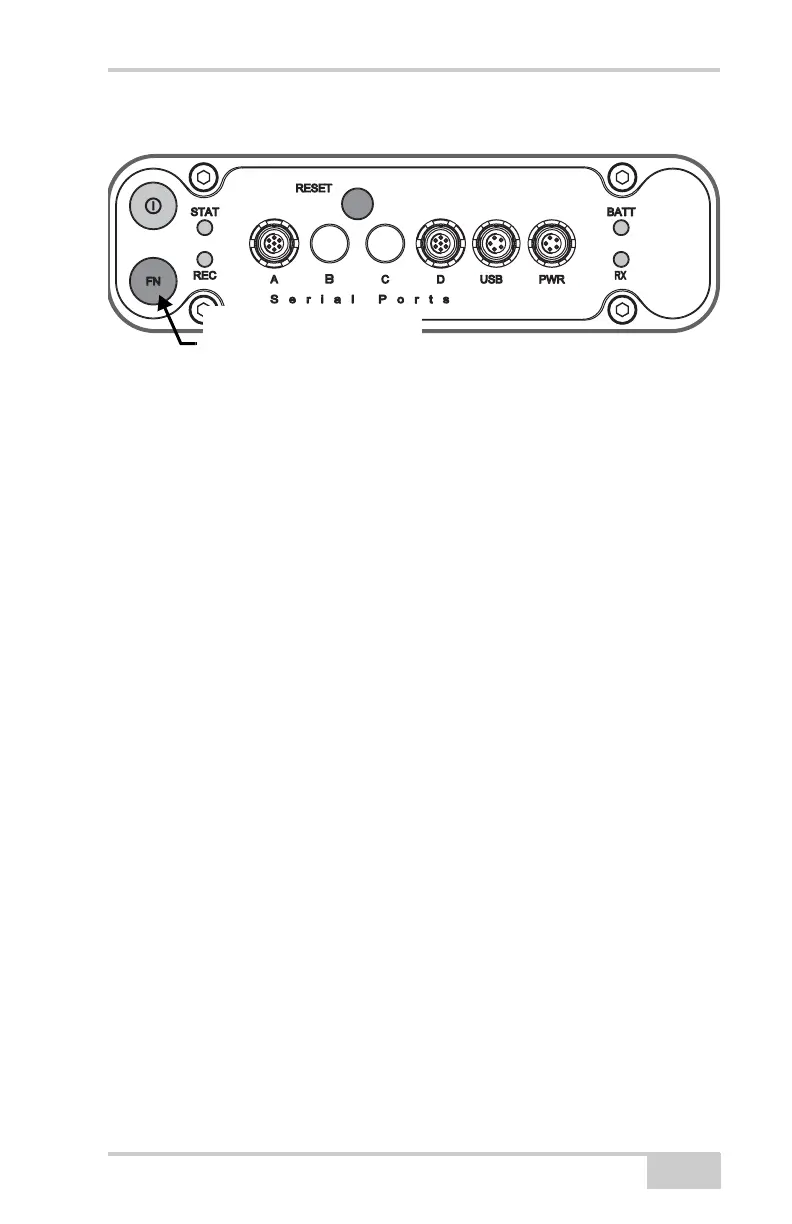
Figure 4-7. FN Button Functions
To toggle between post-processing modes, press the FN button
for less than 1 second when “Occupation mode switch” has been
enabled using PC-CDU.
To change the information mode of the receiver, press the FN
button for less than 1 second when “LED blink mode switch” has
been enabled using PC-CDU.
To change the baud rate of the receiver’s serial port, press the
FN button for 5–8 seconds. This is useful if the data collector does
not support the rate that the receiver port is set to.
After about five seconds, the REC LED becomes red. Release the FN
button during the next three seconds.
Press the FN button for 1–5
seconds to start/stop data
logging.



 To Next Page